Satellite Maps, Smarter Exports & Undo on Web

Happy New Year! 🎊 We’re hitting the ground running with new features to make your back-to-work a little easier 👇

Satellite map view
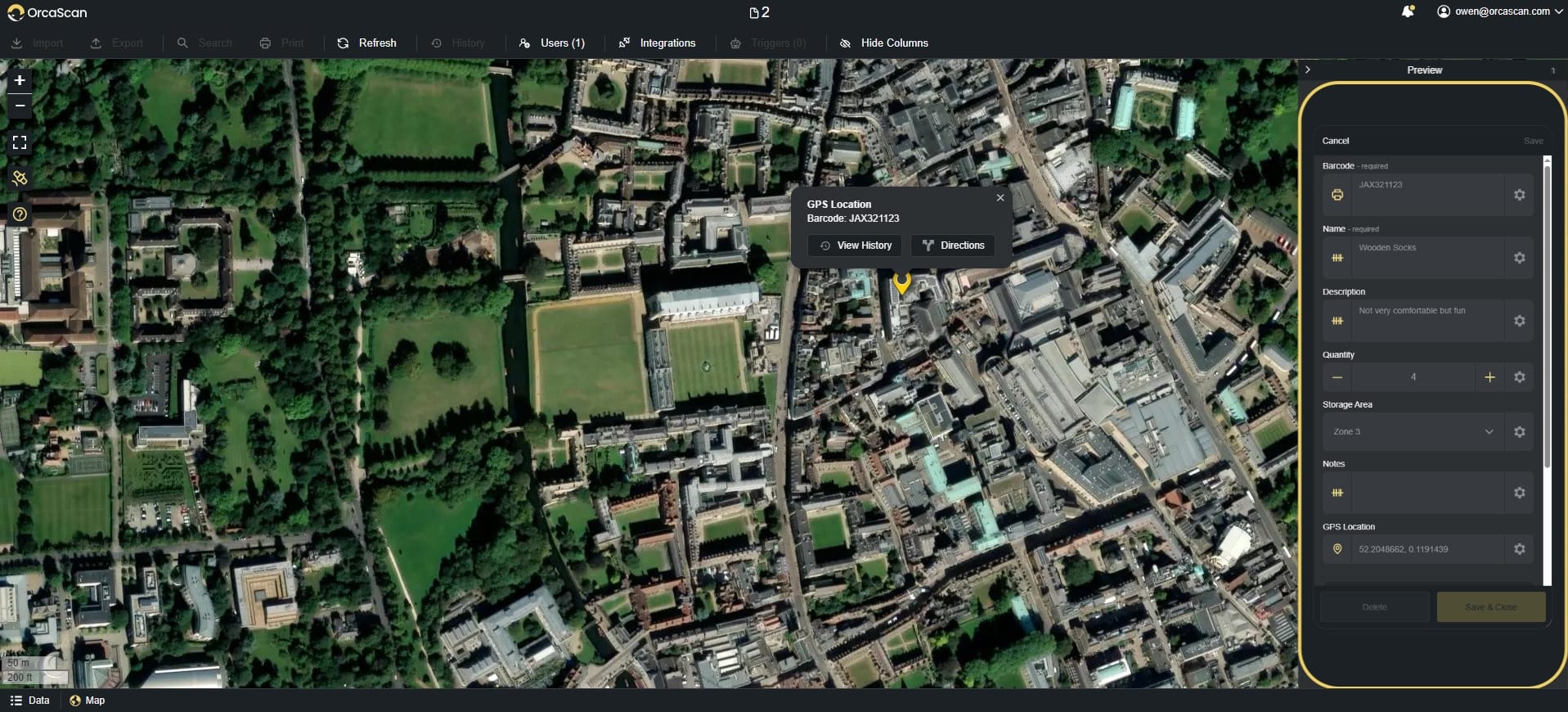
Use the satellite tag in the ‘map’ menu to view your assets

View your assets in the real world with the new satellite map toggle

Export Signatures
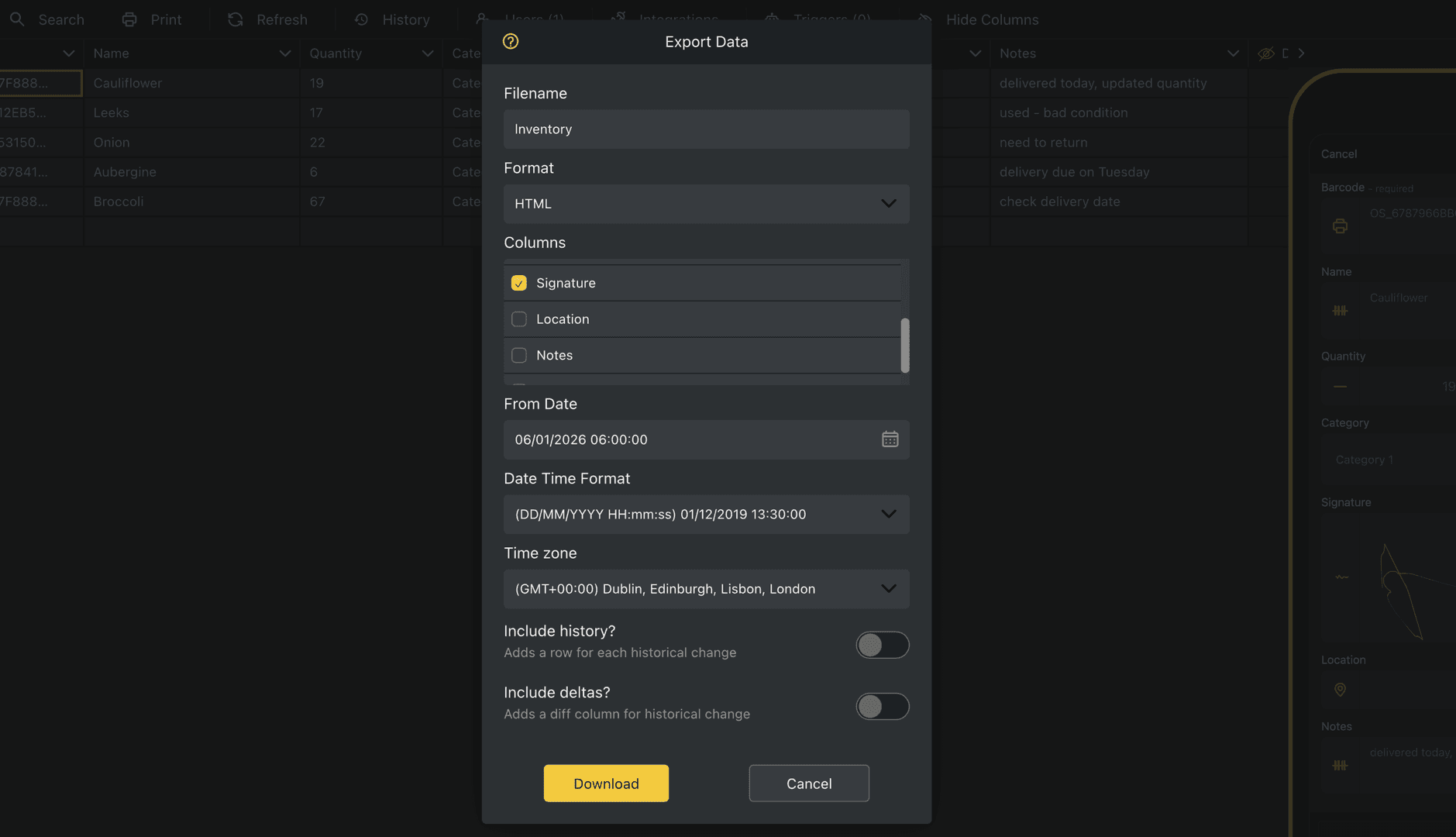
Export Data dialog showing the ability to export signatures

Export signatures as image URLs for quick viewing and sharing

Export from a date and time
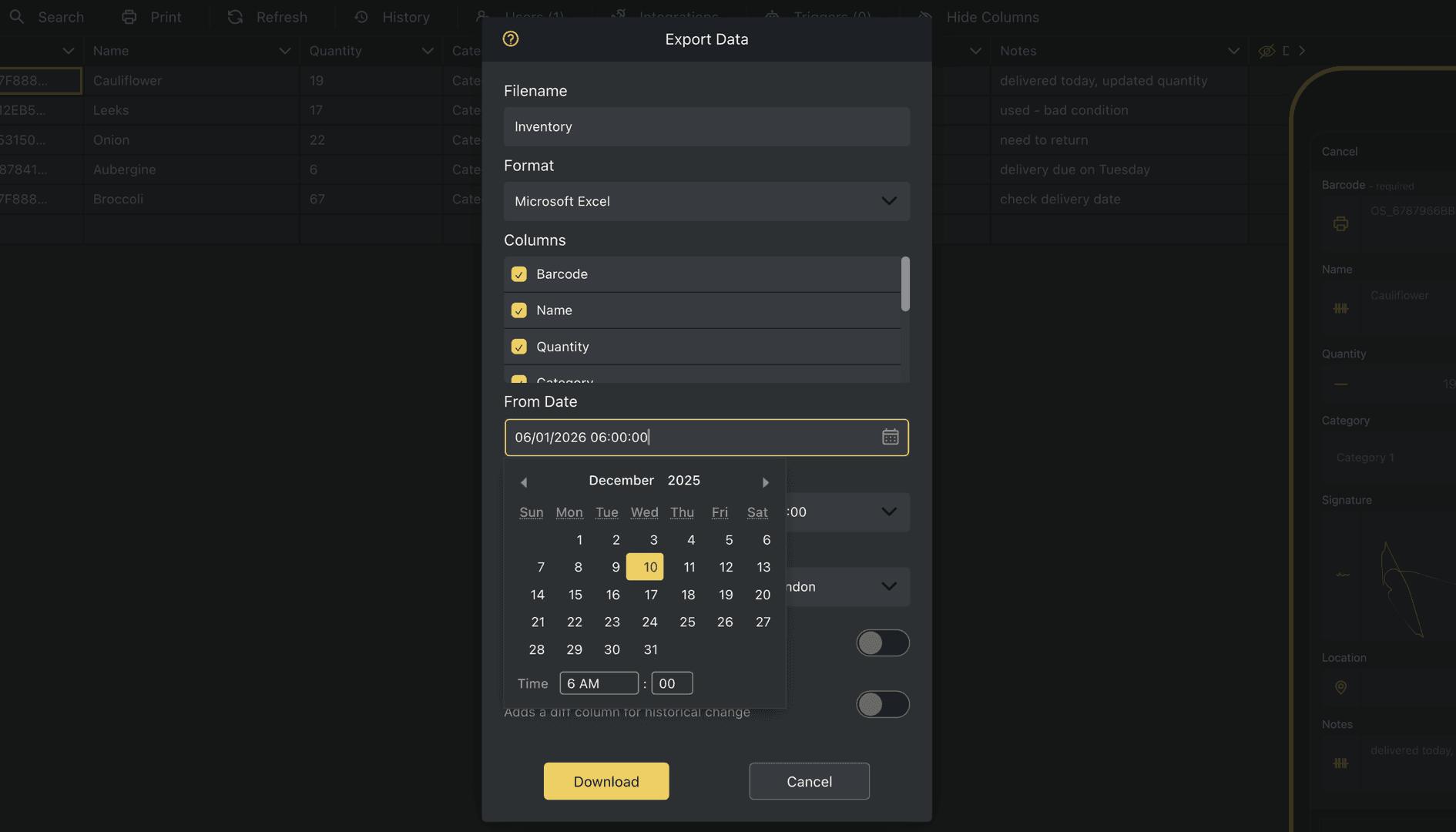
Choose the date and time you want to export data from

Export data from a specific date and time so you only get the data you need

Undo + restore (Web app)
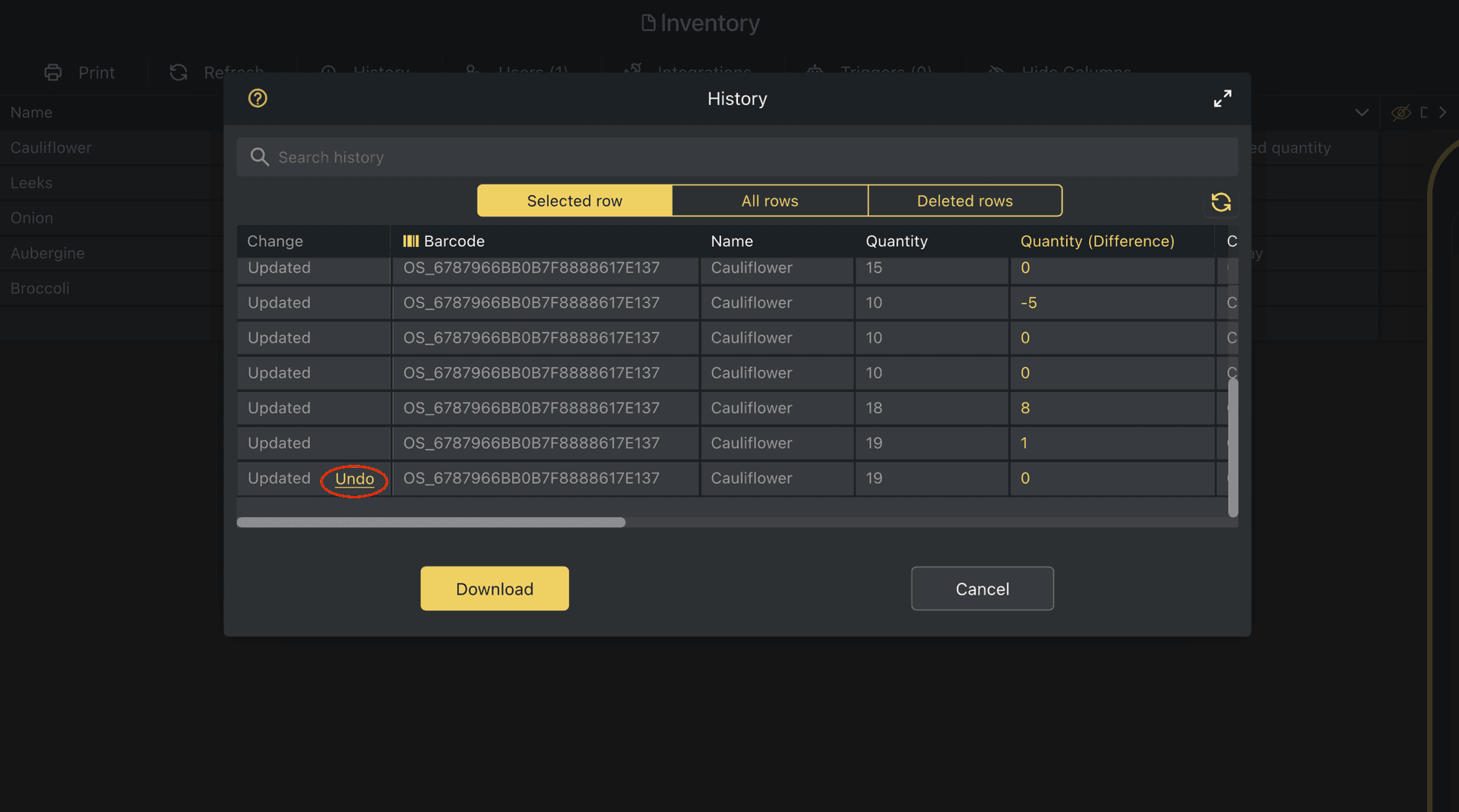
You can now undo changes and restore a row from the History log

Fix mistakes in the web app instantly with Ctrl+Z, or restore any row to a previous point using the History log.

That’s it for now. Special thanks to Jim, Bernadette, Christy and everyone else for your suggestions 💛


Suggest an Improvement

Ready to start scanning?

Close Icon
Get the Orca scan app QR code

Scan the QR code to download the mobile app

Scan the QR code to open this changelog on your mobile device