Maintenance Software with Barcode Tracking
Orca Scan is maintenance management software that uses barcode scanning to track equipment maintenance, inspections, repairs and asset history from a smartphone. Scan an asset’s barcode to open its record, log completed work, capture photos or signatures, and update its maintenance status in real time. Instead of recording maintenance on paper or manually updating spreadsheets, teams scan equipment at the point of maintenance and record the work completed. Updates are stored in a shared maintenance history and can be viewed in Orca Scan or synced with tools such as Excel and Google Sheets for reporting.
 Use in mobile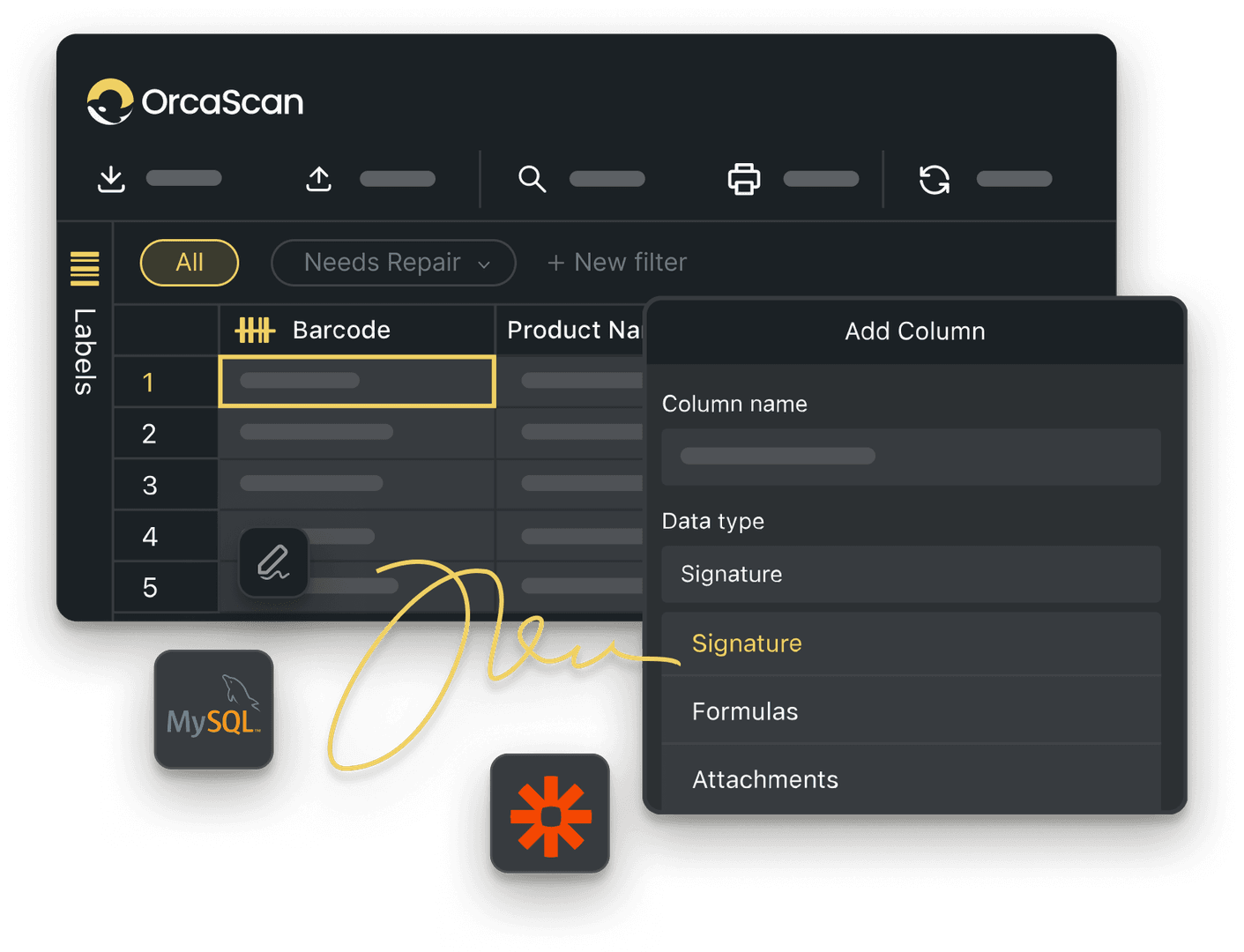
Trusted by over 50,000 organisations in over 165 countries



Track Maintenance with Real-Time Accuracy
Track equipment maintenance, inspections and repairs from one shared system
Simplify maintenance tracking with Orca Scan
-

Design and Print Labels
Choose from a variety of barcode labels or create your own with our drag & drop designer
-

Detailed History Log
The history log lets you view who last maintained which equipment, at what time and from which device
-

Fully Customisable
Orca Scan is fully customisable. You can add fields to capture additional data such as signatures, photos and even GPS locations
Powerful features to improve your workflow
-

Add Users
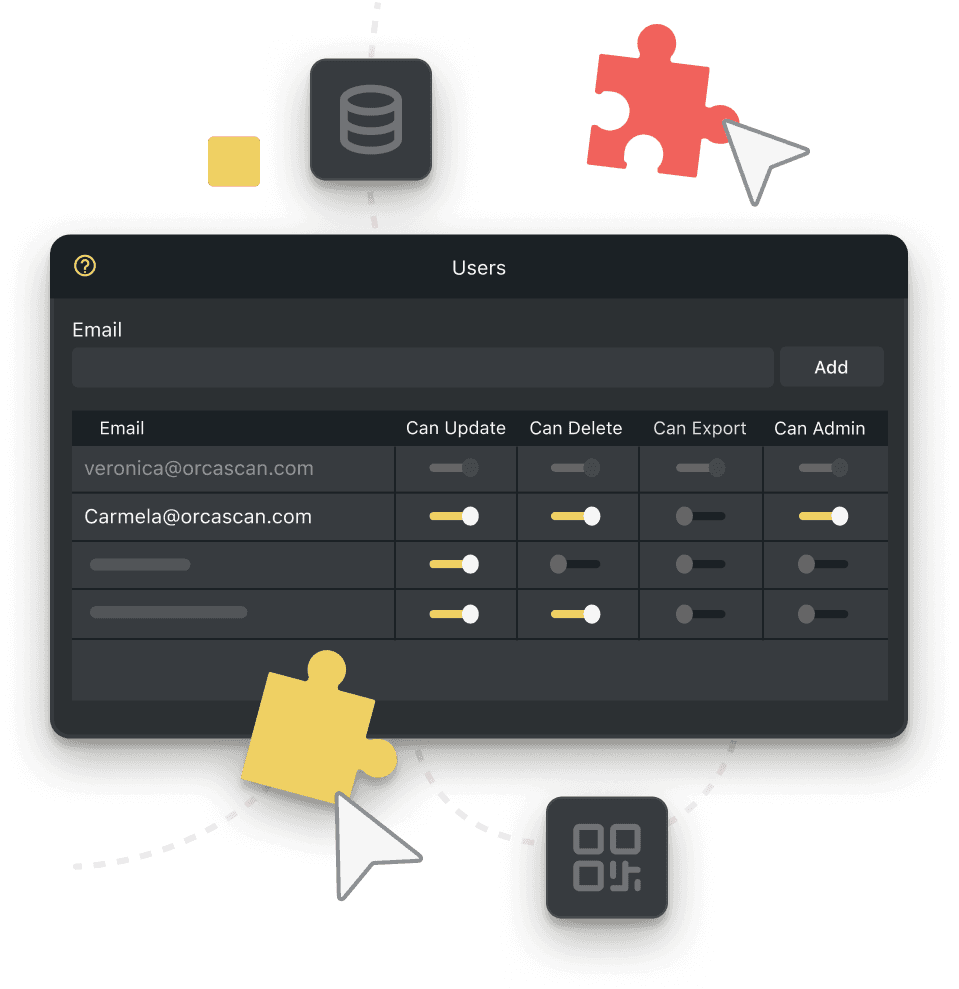
Assign users to sheets so they can scan, update, and track inspections without delays
-

Export Data to Excel
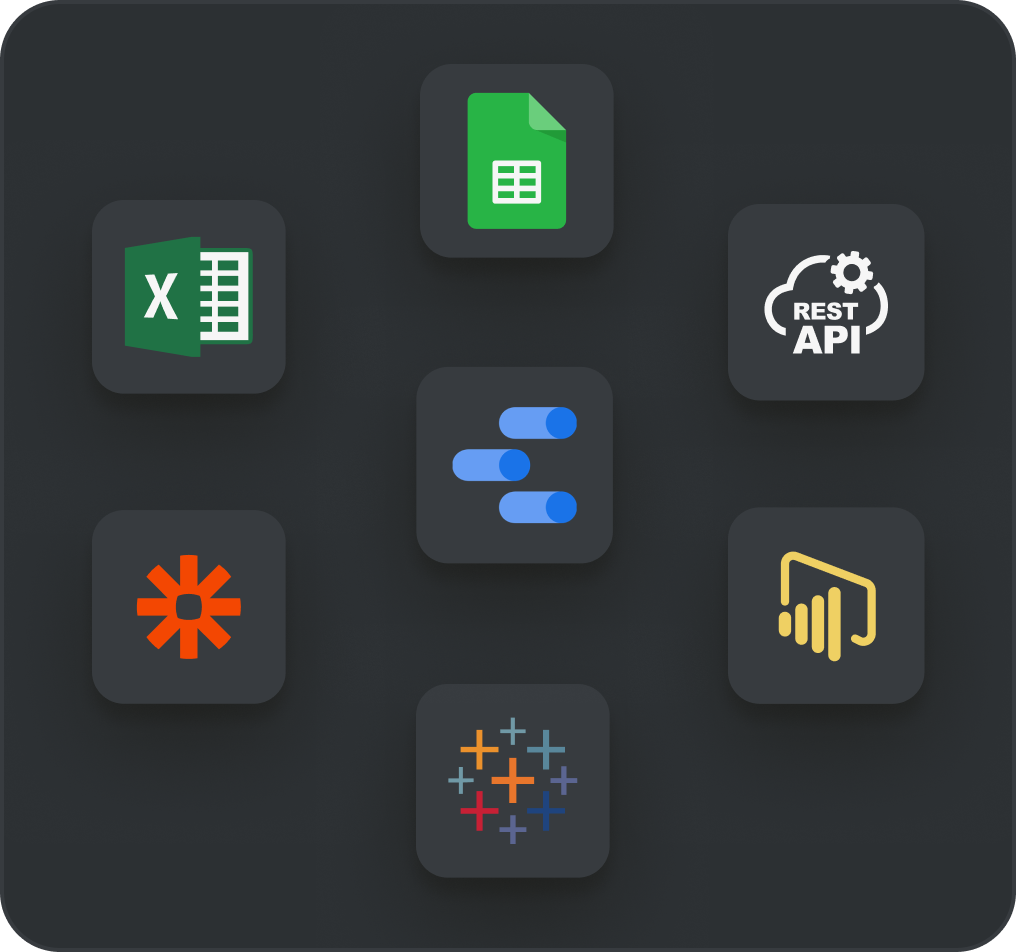
Export data directly to Excel to easily create reports to share with your team
-

Export Data to Google Sheets
Automatically sync maintenance logs to Google Sheets, ensuring your team always has the latest updates
-

Alerts & Notifications
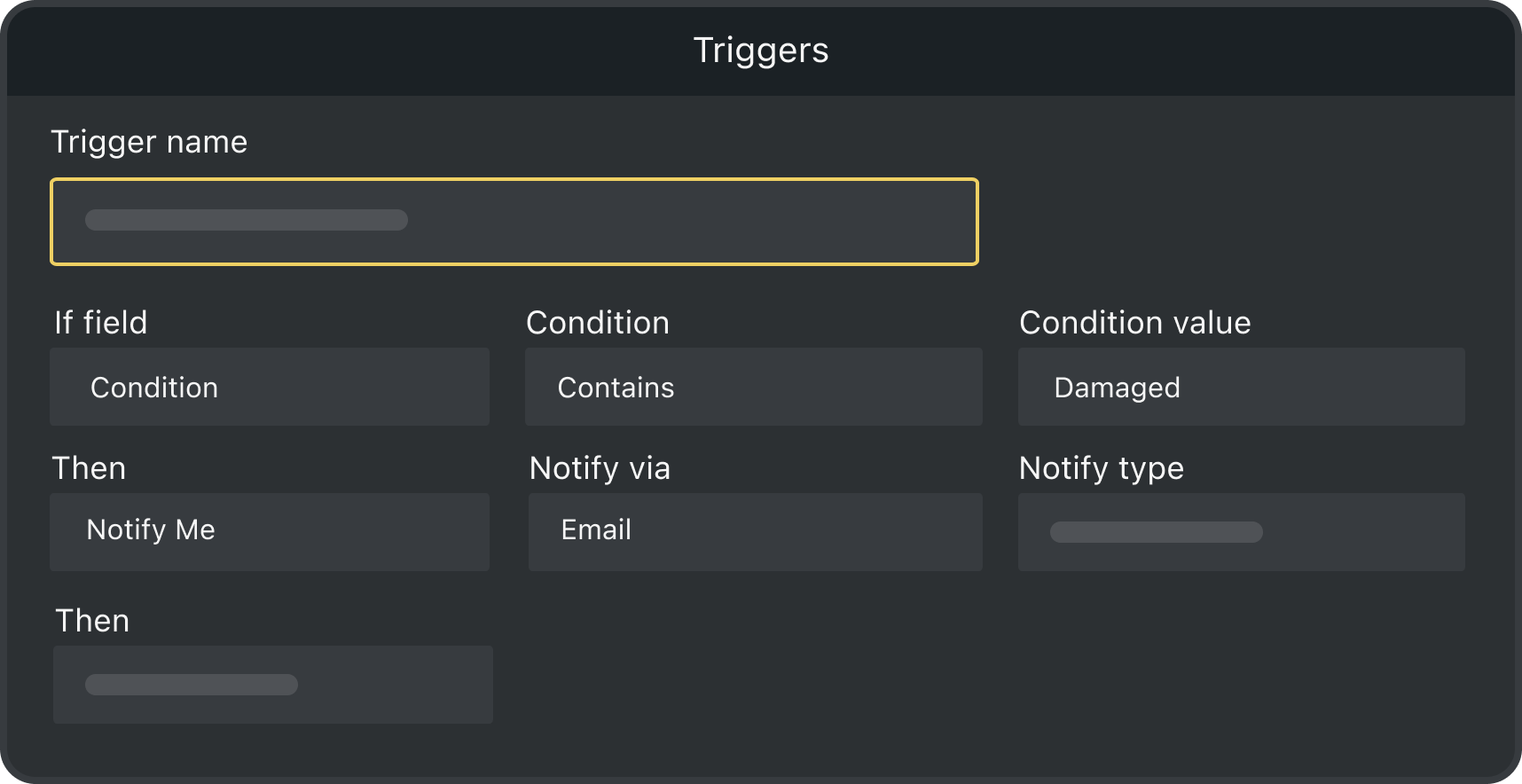
Set up custom triggers to get notified instantly, whether it’s a failed inspection or a flagged safety risk, so you can take action immediately
-

Real Time Tracking
Never lose track of maintenance tasks. Get instant updates on completed inspections, pending work, and critical deadlines
-

Work Offline
Capture data even when offline, syncing automatically to the cloud once reconnected
Maintenance Tracking FAQs
Benefits of barcodes in maintenance tracking software?
Barcodes improve maintenance tracking by simplifying asset management, optimising preventive maintenance and extending asset lifespan. When integrated with a full maintenance tracking solution, you can:
- Quickly identify and update equipment records
- Log inspections, repairs, and replacements
- Access real-time data and reduce manual entry errors
- Prevent equipment failures and minimise unplanned downtime
- Capture accurate, reliable information
- Integrate with Microsoft Excel, Google Sheets and more to speed up reporting
- Share updates across your organisation in real-time
How Orca Scan improves maintenance tracking
Maintenance ensures equipment, machinery, or facilities run efficiently, avoiding breakdowns and costly repairs. Regular inspections, cleaning, lubrication and part replacements reduce failure risk, extend asset life, and minimise downtime, particularly important for use cases like office equipment tracking.
With Orca Scan Maintenance Tracking solution, you can:
- Scan assets easily using a smartphone
- Access maintenance history and warranty details
- Create custom forms and track progress in real time
- Work offline in remote or low-connectivity locations
- Improve maintenance accuracy, reduce downtime and simplify processes
- Track replacement parts without the need for multiple systems
Simple steps to start tracking maintenance with Orca Scan
Getting started with Orca Scan maintenance tracking software is quick and easy. Follow these initial steps to manage your maintenance process:
- Download the Orca Scan barcode app
- Create a new sheet using the Maintenance template
- Scan your asset’s barcode using the app
- Enter the required information
- Save the changes
You can add multiple users to collaborate on maintenance tasks. Use the history log to see who last maintained each asset, when and from which device.
How to generate barcodes with Orca Scan’s maintenance tracking software
Creating barcodes with Orca Scan is quick and simple. You can
- Design and print barcode labels using the Barcode Label Designer in the web app
- View and scan your label directly in the mobile app
Orca Scan also provides a free Barcode Image API for you to generate barcodes instantly through a simple browser link.
Receive alerts for damaged assets
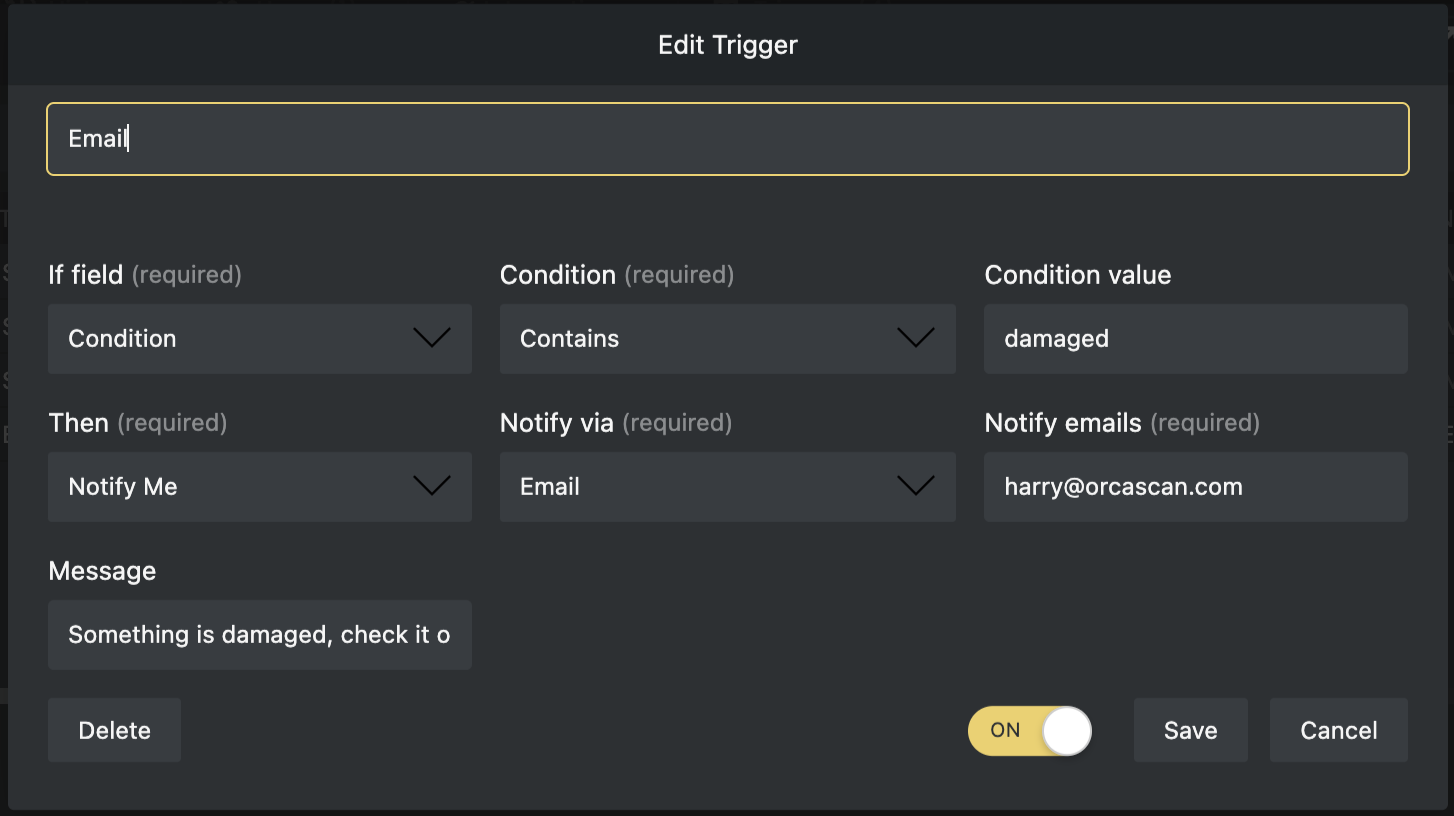
Orca Scan’s maintenance tracking solution keeps you informed about damaged equipment. Using the triggers feature, you can configure notifications via email, in-app alert or dialogue whenever an asset is logged as damaged.
The solution comes pre-configured with a trigger to email a designated address automatically when a damaged asset is recorded, helping you respond quickly and minimise downtime.
Add more details to your maintenance records
Orca Scan’s maintenance tracking solution is fully customisable. You can add fields to capture additional information, including text, signatures, photos and even GPS locations. This solution is designed as a starting point, and you can customise its fields as your tracking needs evolve.
Tracking maintenance across multiple sites
For organisations with assets across several locations, the easiest method for tracking is to set up an Orca Scan sheet for each site. To get started:
- Create a sheet using the Maintenance Template
- Add fields to capture extra information (if needed)
- Duplicate the sheet for each location
- Rename sheets to reflect each site
- Add relevant users to the correct sheets
This setup allows you to:
- Control user access per location
- Inspect assets remotely and view results via the web app
- Track all assets, locations and maintenance status in real time
- Create a consolidated view of multiple sites in a single read-only sheet
Here's why thousands of teams count on Orca Scan
Trusted by businesses worldwide
-


Makes logging my solar installs simpler when on a roof. Then I can export to excel later.
-


playing with possible setup and integration with Notion mainly for managing inventory etc. for a small HVAC company.
- Inventory Analyst at CKC Good Food

A good thing about Orca is that it’s always moving in the right direction
Explore related solutions


Certified and Trusted: Quality You Can Rely On
Backed by Industry-Leading Certifications

Maintenance Tracking related questions?
If you need help brainstorming how best to track your inventory, get in touch; we’d be happy to help.