Production Tracking Software for Fabrication
Orca Scan is production tracking software for fabrication teams that uses barcode scanning to track components and work-in-progress through each stage of production. Scan existing barcodes or create and print new labels, then use any smartphone to record status updates, photos, signatures and quality checks in real time. It replaces paper-based tracking and disconnected spreadsheets with a shared digital workflow. Each scan updates a central record, giving teams live visibility of where components are, what production stage they have reached and what has happened at every step of the fabrication process.
 Use in mobile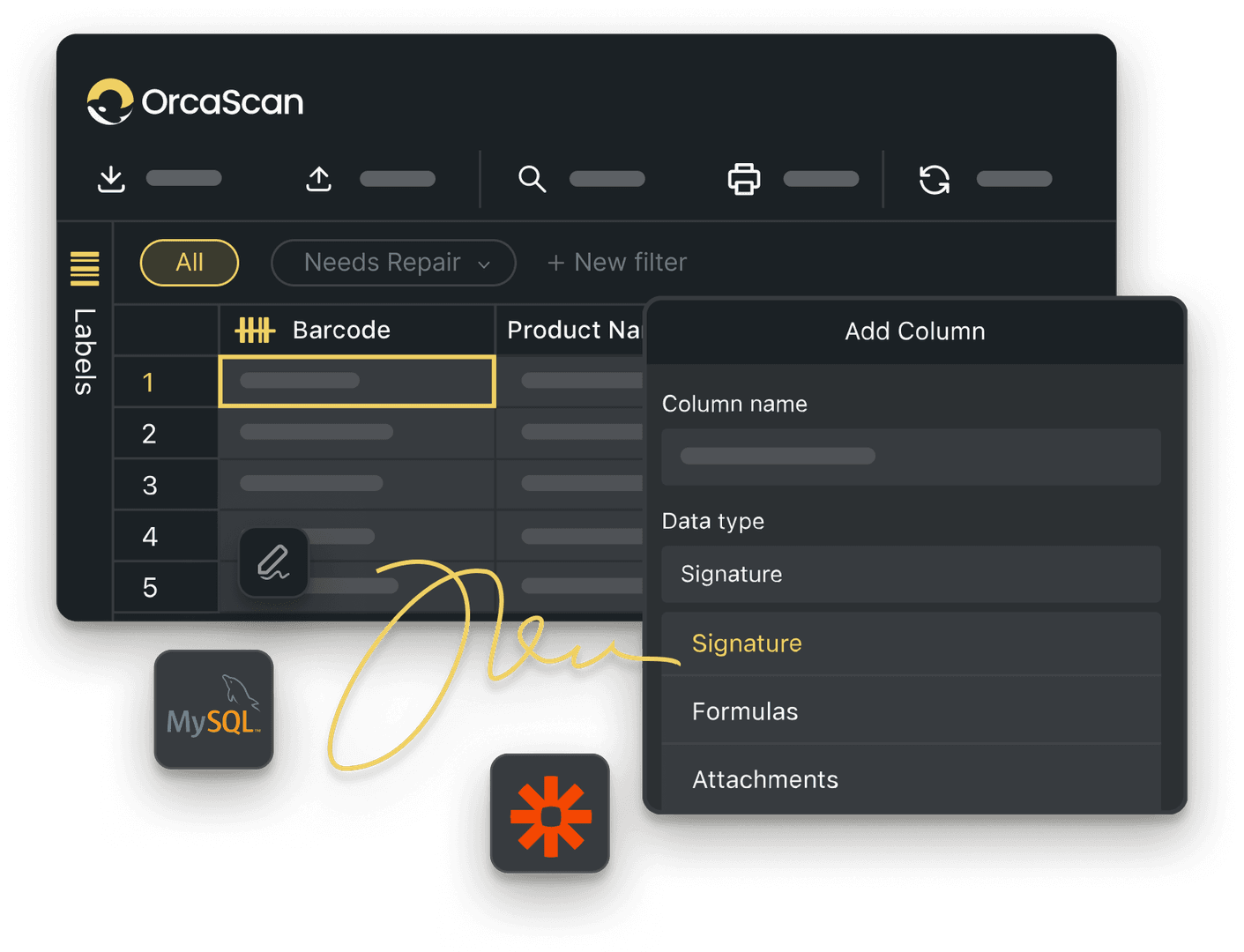
Trusted by over 50,000 organisations in over 165 countries



Smarter Component Tracking for a More Efficient Fabrication Process
Boost productivity, cut costs, and improve your bottom line.
Fabrication with Orca Scan, keeping every component in check
-

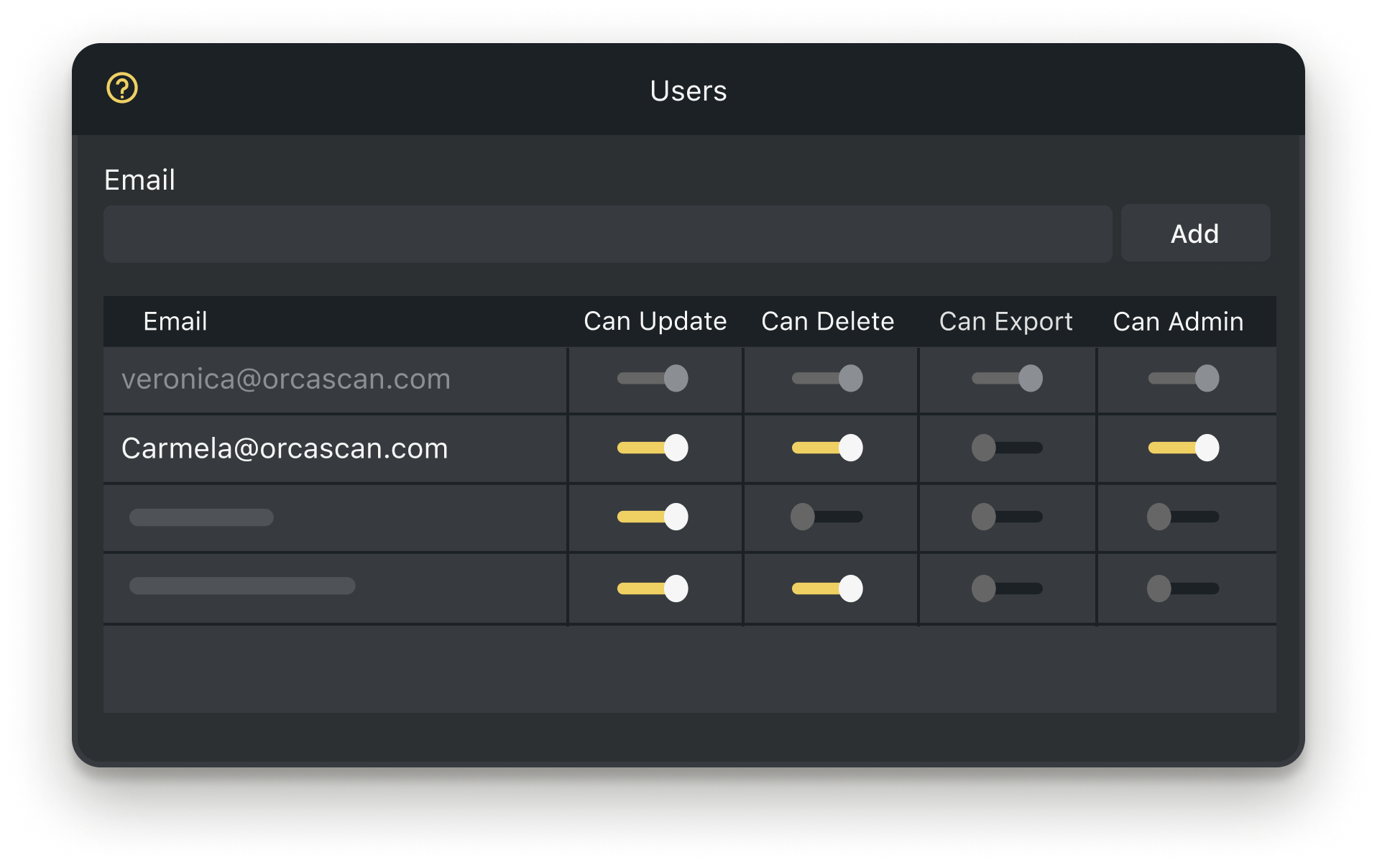
Fully Customisable
Create custom workflows to gather the right data at the right time
-

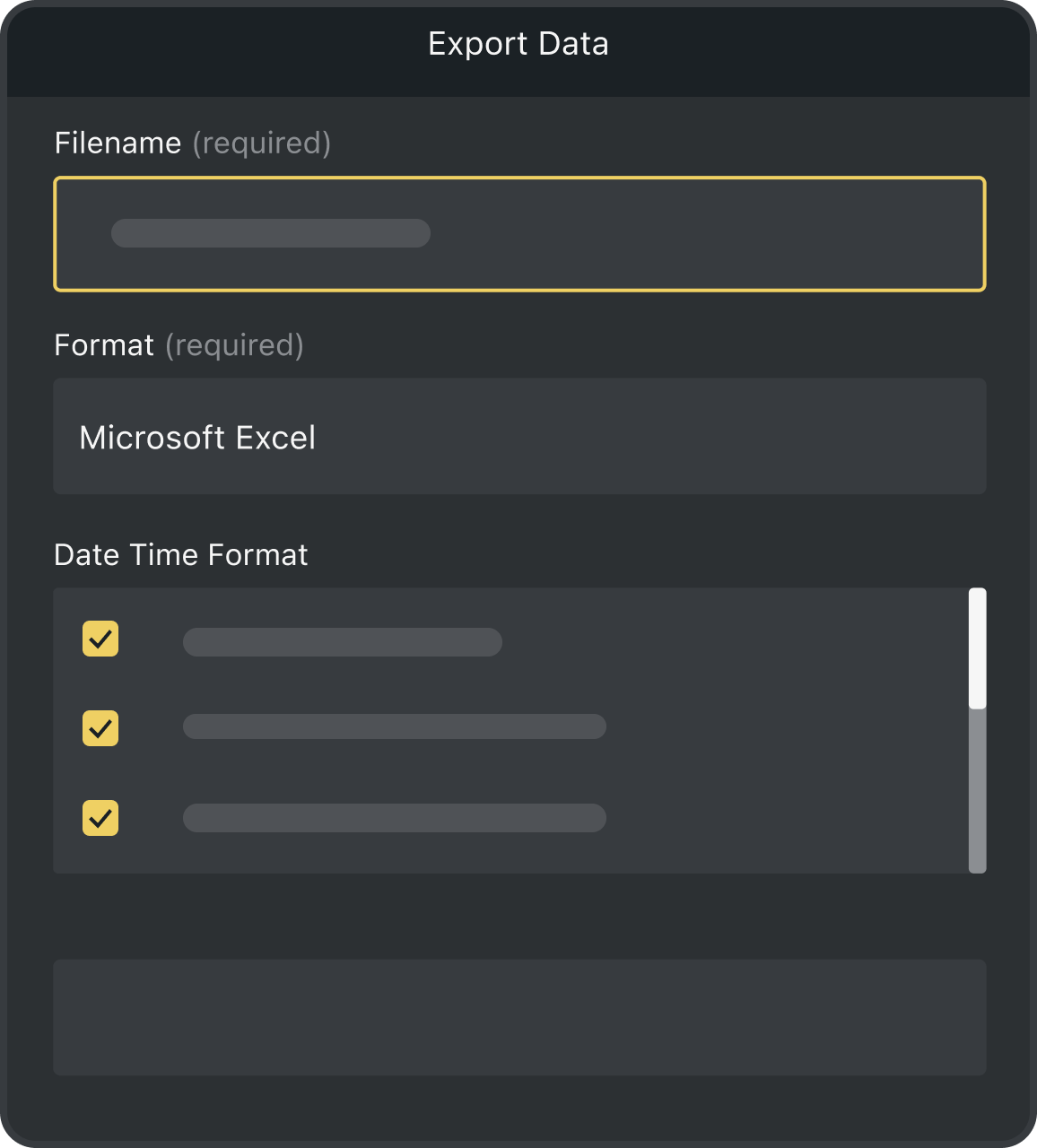
Scan with Mobile
Orca Scan makes it easy to track all your components using only your smartphone
-

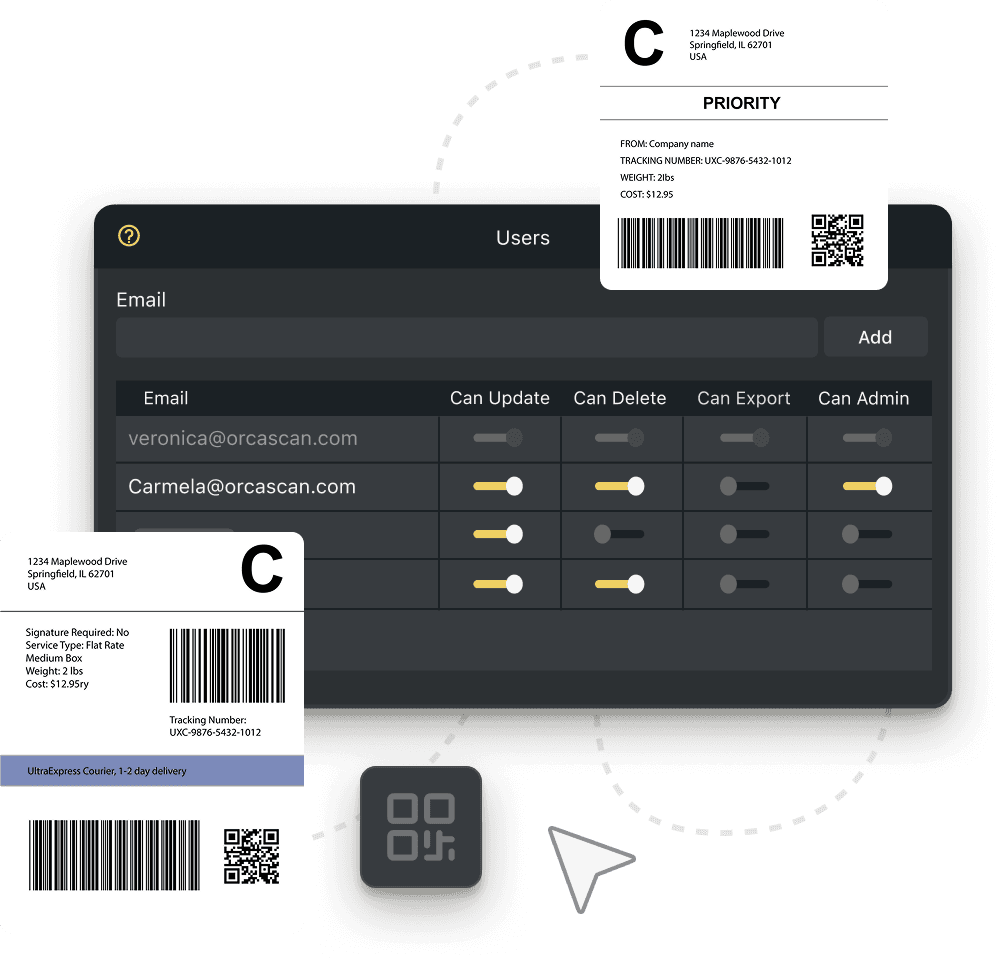
Print Barcodes
If your assets don’t have a barcode, you can design, generate and print them with Orca Scan
Powerful features to improve your workflow


Production Tracking FAQs
What is fabrication tracking?
Fabrication tracking is the process of monitoring and managing all components used in constructing products from multiple parts and materials. Effective tracking ensures parts are available when needed, reduces downtime, prevents loss and improves product quality.
How Orca Scan’s fabrication tracking software helps
Orca Scan’s fabrication tracking software integrates into your existing workflow, making it easy to monitor every part of the production process. Whether you’re tracking raw materials or finished products, Orca Scan gives you complete visibility from start to finish. You can also:
- Track a wide range of parts using existing barcodes, or generate and print your own
- Automate quality assurance processes and get instant alerts for inspection results with signature and photo options available
- Access real-time production data from any smartphone or browser
- Have secure, cloud-based storage for all fabrication data
- Share live updates across multiple sites and teams
- Fully customise the solution to meet your needs
- Integrate last mile tracking to give full supply chain visibility
How to set up Orca Scan for fabrication tracking
Getting started with Orca Scan’s Fabrication Tracking Solution takes just a few minutes:
- Download the Orca Scan mobile app
- Create a new sheet using the Fabrication Tracking Template
- Scan existing barcodes or generate and print new ones
- Add custom fields to capture any extra fabrication data
- Save your changes and start tracking every part of your fabrication process instantly
How to customise Orca Scan for your fabrication process
Orca Scan’s fabrication tracking software is fully customisable, allowing you to track the exact date your process requires - from material type and dimensions to supplier details, tracking numbers and more.
To customise your sheet:
- Add a new field
- Choose the relevant data type
- Save your changes
Repeat these steps to capture every data point for each scan.
You can also use triggers to automate your fabrication workflow, for example, sending instant alerts when your quality assurance test passes or fails.
What if fabrication components don’t have barcodes?
If your fabrication components don’t have barcodes, you can easily design, generate and print barcode labels directly from the Orca Scan web app.
For cases where barcodes aren’t needed for every component, reach out to our team to explore alternatives.
Does Orca Scan support multi-site fabrication tracking?
Yes, Orca Scan makes it easy to track and manage components across multiple fabrication sites while maintaining complete, centralised visibility of your production data.
To set up multi-site fabrication tracking:
- Create a new sheet using the Fabrication Tracking Template
- Add any extra fields you need to capture additional data
- Duplicate the sheet for each location
- Add users to the relevant sheets
- Create a view to merge data and see all fabrication activity in one place
Does Orca Scan provide a complete fabrication audit trail?
Yes. Orca Scan’s fabrication tracking software provides a full audit trail, giving complete visibility of every change in your process, including what was updated, when and by whom.
Here's why thousands of teams count on Orca Scan
Trusted by businesses worldwide
- Account Manager at Whirlpool Canada


It’s really simple. If it’s got a barcode, then all you need is Orca Scan; it’s as simple as that
-
 Managing Director at Masteroast
The traceability that Orca Scan has given us has enabled us to manage inventory far more effectively
- Group IT and Digital Transformation Director at Lawrence David Ltd
Orca Scan has changed the way we view technology
Explore related solutions


Certified and Trusted: Quality You Can Rely On
Backed by Industry-Leading Certifications

Production Tracking related questions?
If you need help brainstorming how best to track your inventory, get in touch; we’d be happy to help.