Last Mile Delivery Tracking Software
Last mile delivery tracking software gives logistics teams visibility over parcels from dispatch to doorstep. Orca Scan uses barcode scanning to record each delivery step, including location, status, timestamps, photos and signatures, providing real-time tracking and proof of delivery in one system. Replace paper delivery records, spreadsheets and manual status updates with a shared mobile workflow. Drivers scan parcels as they move through delivery, customers receive delivery updates, and your team gets a complete time-stamped record of every package from warehouse to doorstep.
 Use in mobile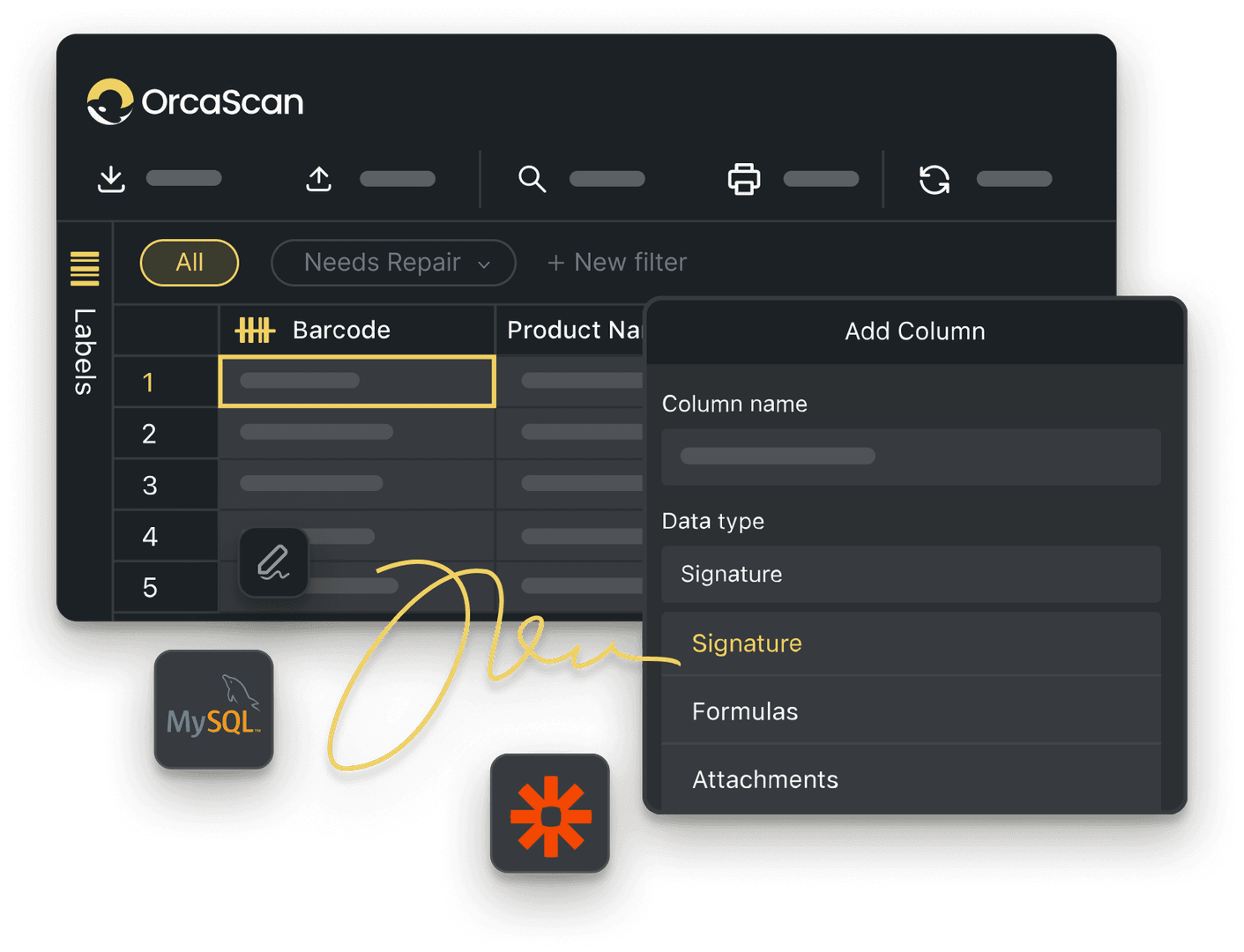
Trusted by over 50,000 organisations in over 165 countries



Last Mile Tracking from Dispatch to Doorstep
Boost productivity, cut costs, and improve your bottom line.
Build a Last Mile Solution that Works
-

Cut Costs & Reduce Failed Deliveries
Minimise wasted fuel, lost packages, and delivery inefficiencies with real-time tracking and proof of delivery
-

Easy Barcode Scanning
Designed to grow with you, start with smartphones and tablets and add Enterprise scanners when needed
-

Full Delivery Audit Trail
Track every package from warehouse to doorstep with time-stamped logs, signatures, and photos for complete accountability
Powerful features to improve your workflow
-

Track Parcels on Maps
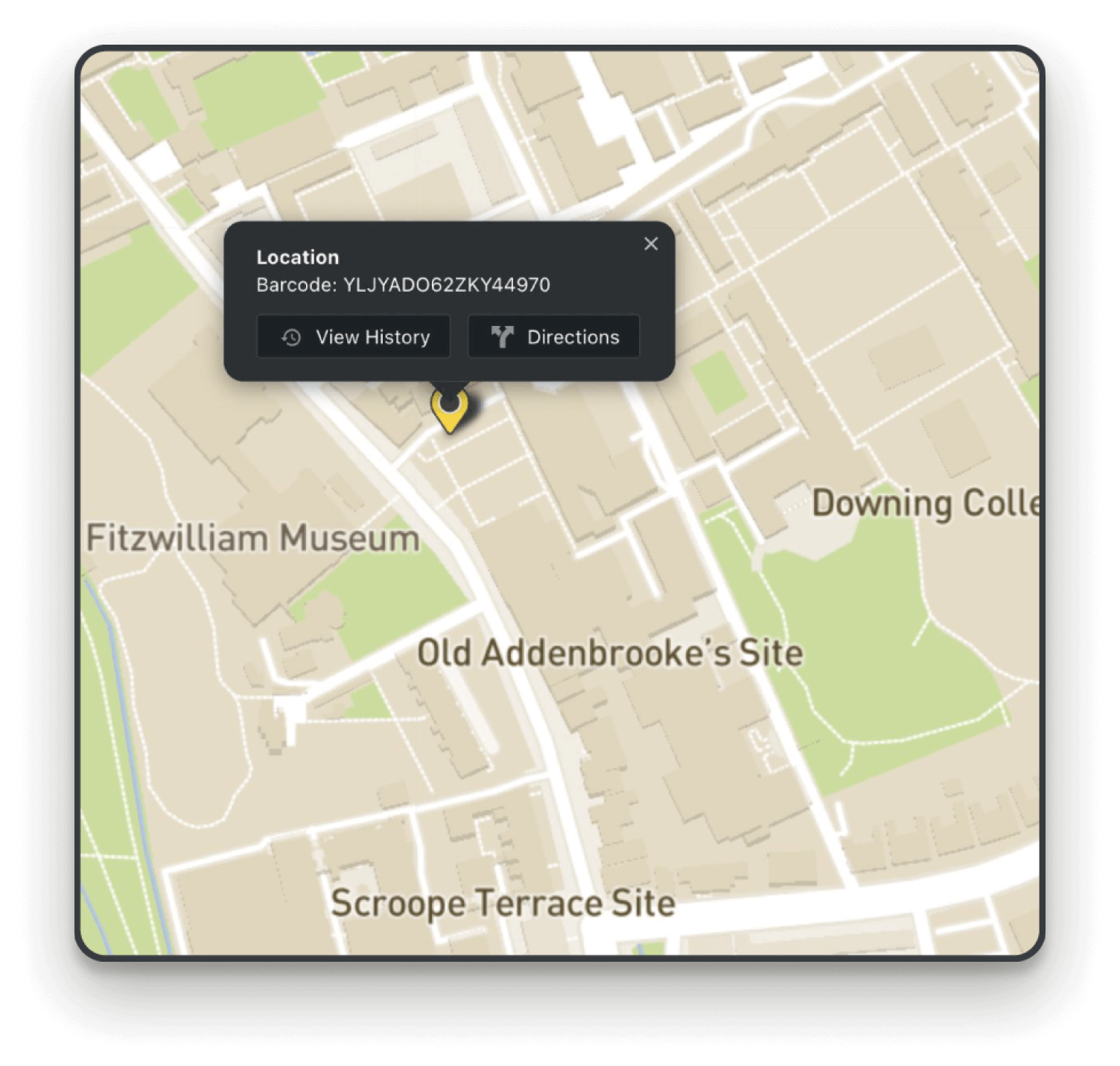
Asset Maps makes it easy for you to see the journey of each of your packages, where they were last scanned and by whom
-

Automations
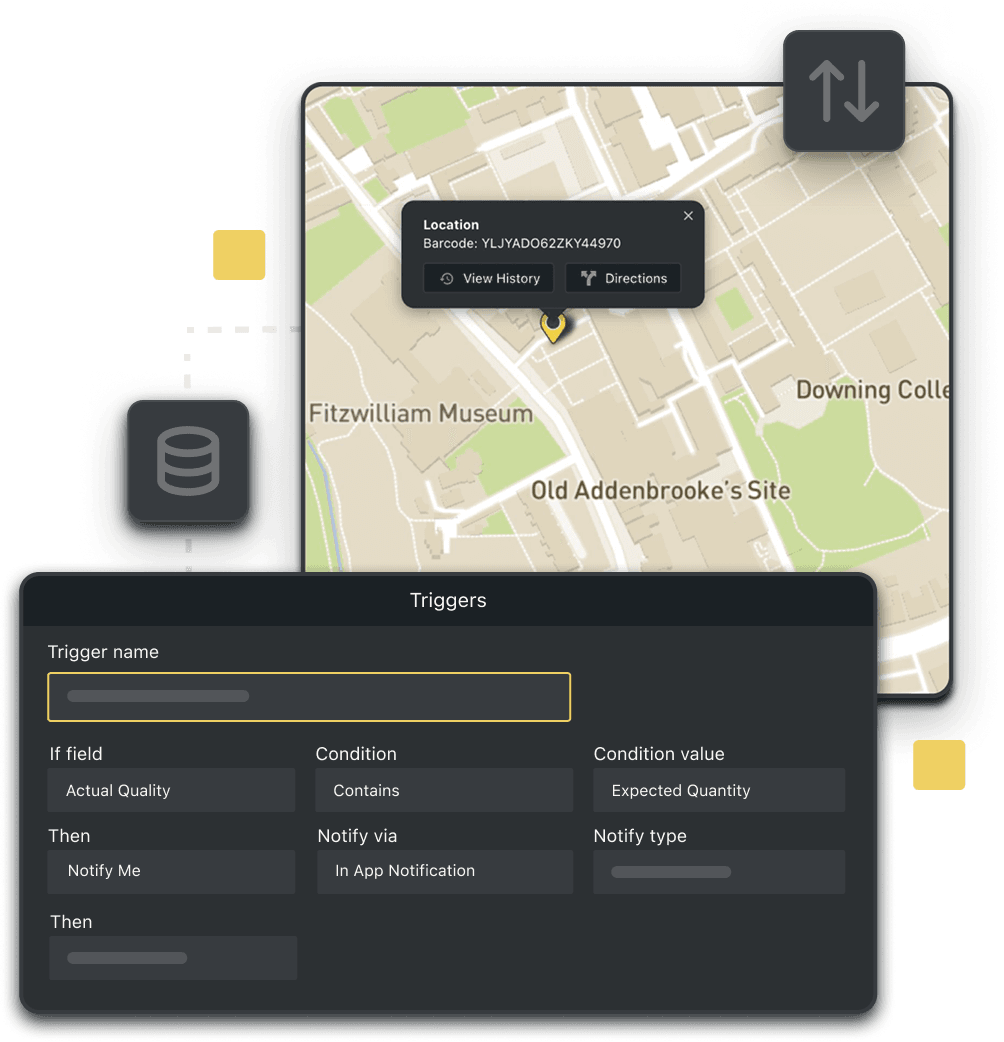
Set up a trigger to notify you when packages have been delivered using simple if-this-then-that logic
-

Work Offline
Orca Scan lets you scan packages anywhere, even without coverage. Scans sync automatically once reconnected
-

Live Data URL
A Live Data URL allows you to pull data from an Orca Scan sheet into your system, so you can easily share data and reports with your team
-

Photo Fields
Capture proof of delivery and ensure quality assurance by documenting every stage with photos
-

Detailed History Log
Track the status of each delivery, including when it was dispatched, when it was delivered and by whom
Last Mile Delivery Tracking FAQs
Why is last mile tracking so important for my business?
Last mile delivery tracking gives you complete visibility over every delivery. With Orca Scan, logistics teams can see exactly where and when each parcel was scanned, send real-time delivery updates to customers and capture photos or signatures as proof of delivery. This helps reduce failed deliveries, cut re-delivery costs, improve accountability and boost customer satisfaction from dispatch to doorstep.
How do I implement last mile delivery tracking with Orca Scan?
Simply follow the steps below:
- Download the Orca Scan barcode app
- Create a new sheet using the Last Mile Delivery Template
- Add any extra fields you need by right-clicking an existing one and selecting ‘Add Column’
- Scan the product barcodes
- Update the package status and save
How can Orca Scan optimise my last mile delivery operations?
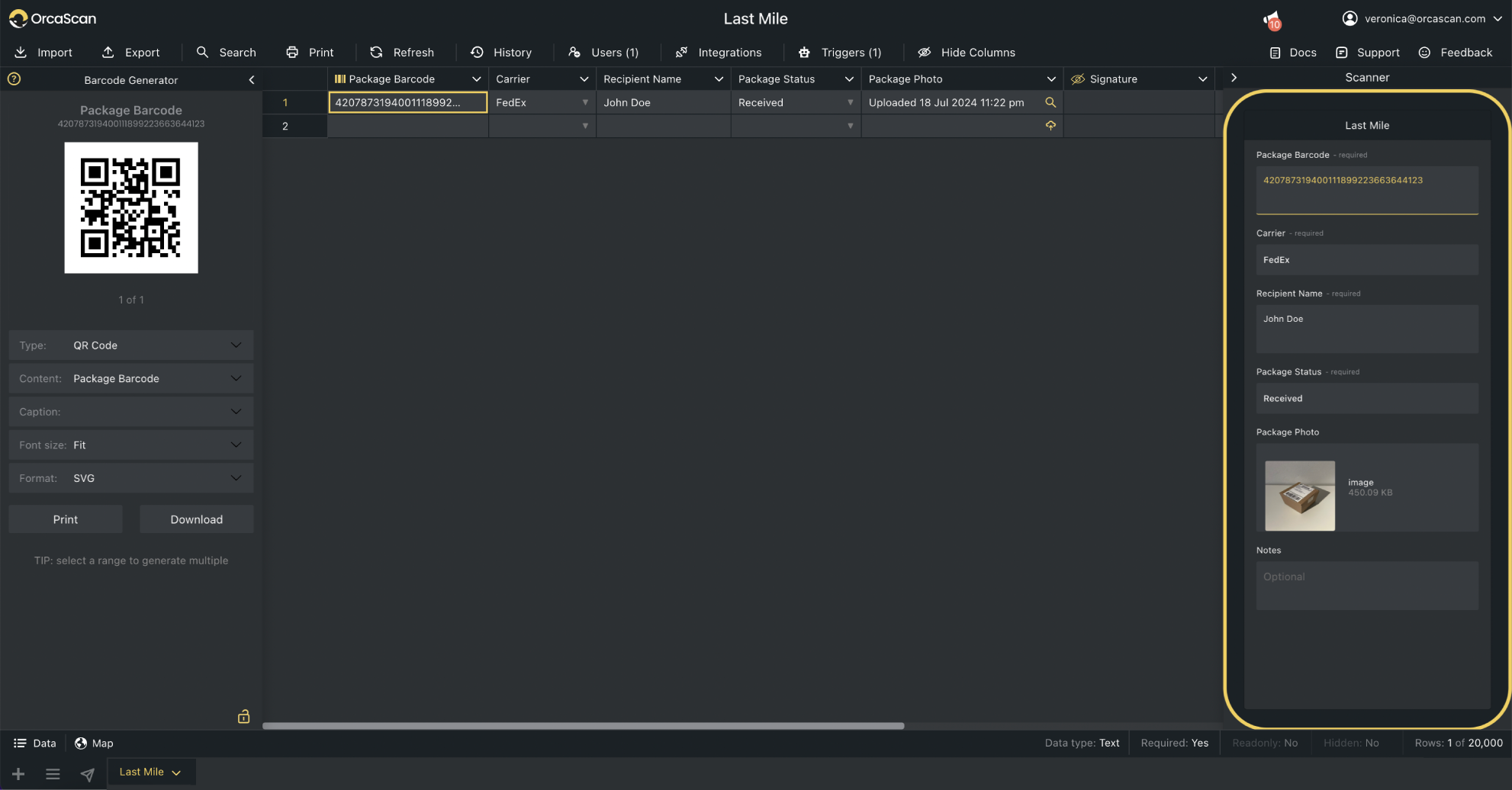
Orca Scan is the Last Mile Delivery software that helps you track and optimise every step of your delivery process. Your team has access to real-time package tracking, photo and signature proof of delivery, and time-stamped updates. You can even manage multiple delivery locations, assign couriers to specific routes and monitor performance across your entire operation.
The solution works hand-in-hand with our barcode-based order fulfilment solution to ensure you have full end-to-end visibility from order picking to the doorstep.
How can I use Orca Scan’s Asset Maps to track deliveries?
Easily track every delivery with Orca Scan’s Asset Maps. See where each package was last scanned, who scanned it, and view its entire journey. Access GPS coordinates, get directions to its last known location and review every delivery step using the History Log.
All you need to do is:
- Create a sheet using the Last Mile Delivery Template
- Add fields to capture extra information (if needed)
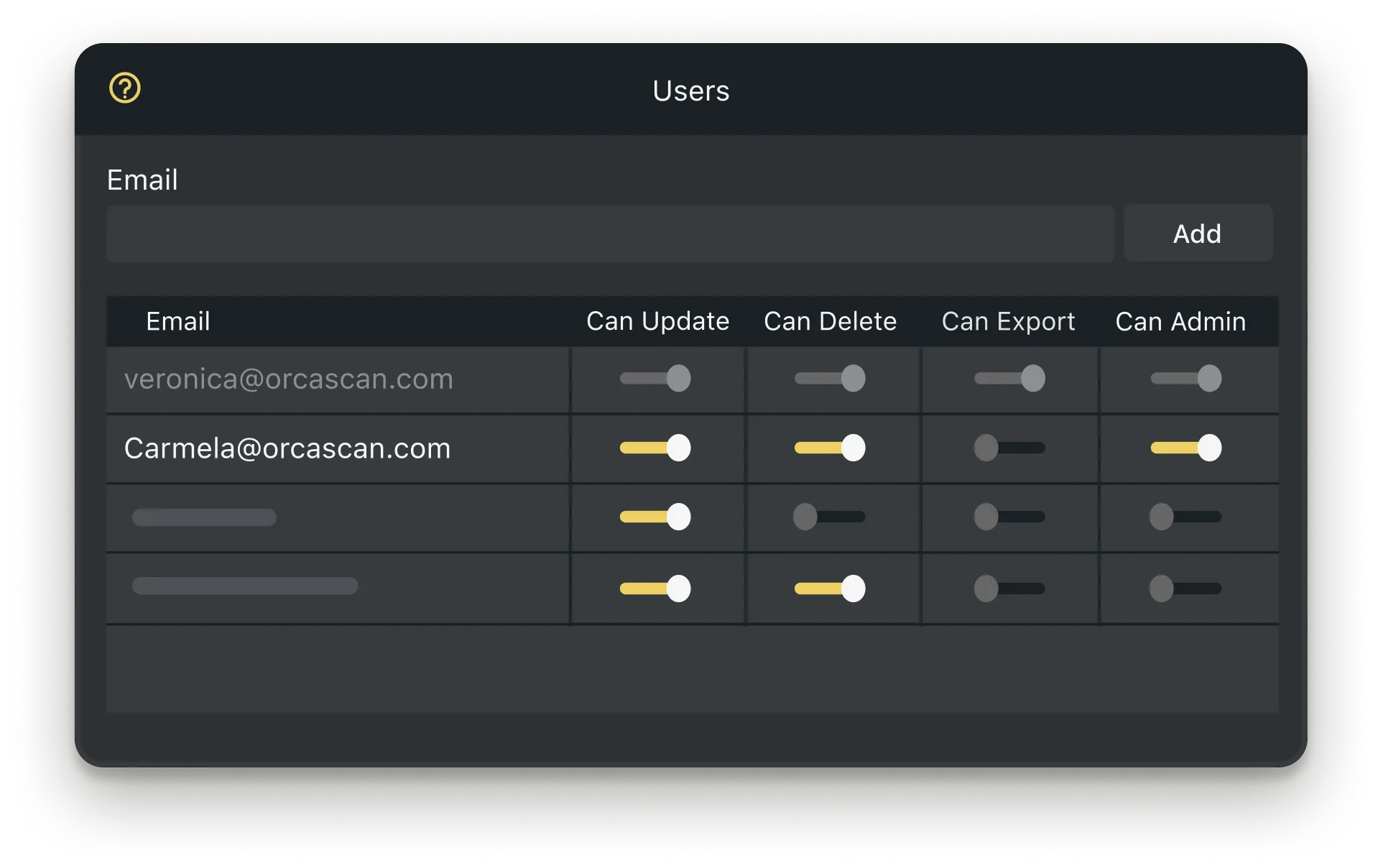
- Add the relevant users to your sheet
- Scan your packages and deliveries
- Click the Map button in the bottom left corner and select a pin to view it’s location data
How can I use Orca Scan to track multiple delivery routes?
You can view all deliveries across multiple locations in a shareable read-only sheet.
All you need to do is:
- Create a sheet using the Last Mile Delivery Template
- Customise the sheet to capture the information you need
- Duplicate the sheet for each location and name them
- Add the relevant users to the correct sheets
- Merge sheets into a single view by clicking the plus icon in the bottom left corner
- Name your view, select the sheets you’d like to include and click Create
Then you’ll see all of your data in a single sheet, so you can keep track of all your deliveries
Can Orca Scan provide proof of delivery with signatures and photos?
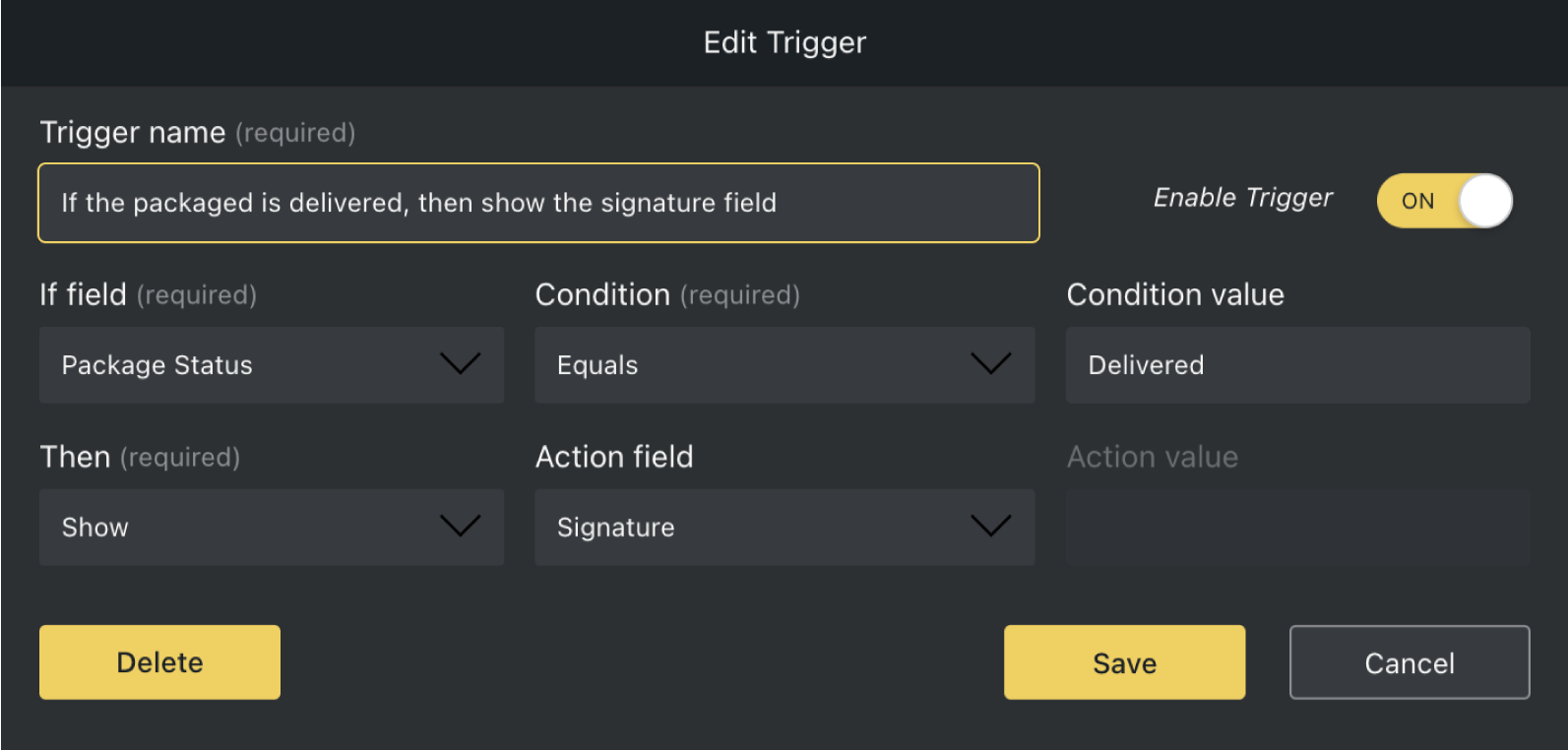
Yes, you can set up delivery notifications with simple if-this-then-that triggers and capture proof of delivery with signatures and photo fields, and show fields conditionally to make data entry easier for drivers.
What if a package is lost or damaged?
With Orca Scan’s if-this-then-that triggers, you can automatically notify your team via email, in-app notification or an in-app dialogue if a package is lost or damaged. Just follow these simple steps to set it up quickly 👏
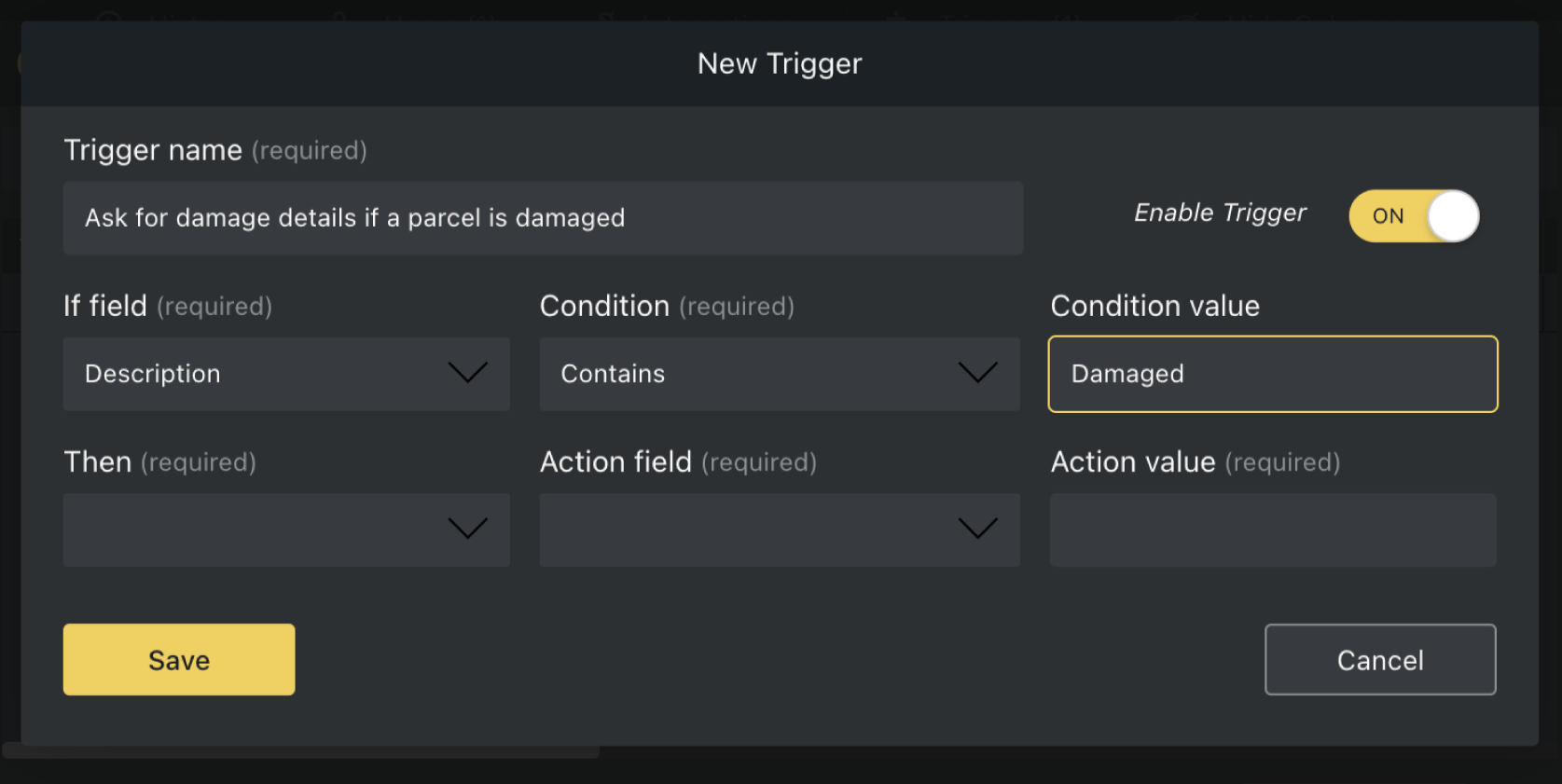
Here's why thousands of teams count on Orca Scan
Trusted by businesses worldwide
- Logistics Analyst at MSN Air Service


We use and depend on Orca Scan 24 hours a day, 7 days a week… everywhere I go I see a new implementation for it
-


Great app
App is very easy to use this very customizable very user-friendly. It makes inputting data so much more efficient.
- Group IT and Digital Transformation Director at Lawrence David Ltd
One of the reasons I got my promotion was the digitalisation that comes with Orca Scan
Explore related solutions


Certified and Trusted: Quality You Can Rely On
Backed by Industry-Leading Certifications

Last Mile Delivery Tracking related questions?
If you need help brainstorming how best to track your inventory, get in touch; we’d be happy to help.