Warehouse Picking Software with Barcode Scanning
Warehouse picking software uses barcode scanning to guide warehouse teams through each order, showing which items to pick, where to find them and the quantities required. Orca Scan lets workers scan items with a smartphone to verify each pick, reduce errors and track order progress in real time. Replace paper picklists and manually updated spreadsheets with a digital picking workflow. Import or create an order, assign the picklist to your team, scan each item as it is picked, and automatically update quantities and completion status for everyone working on the order.
 Use in mobile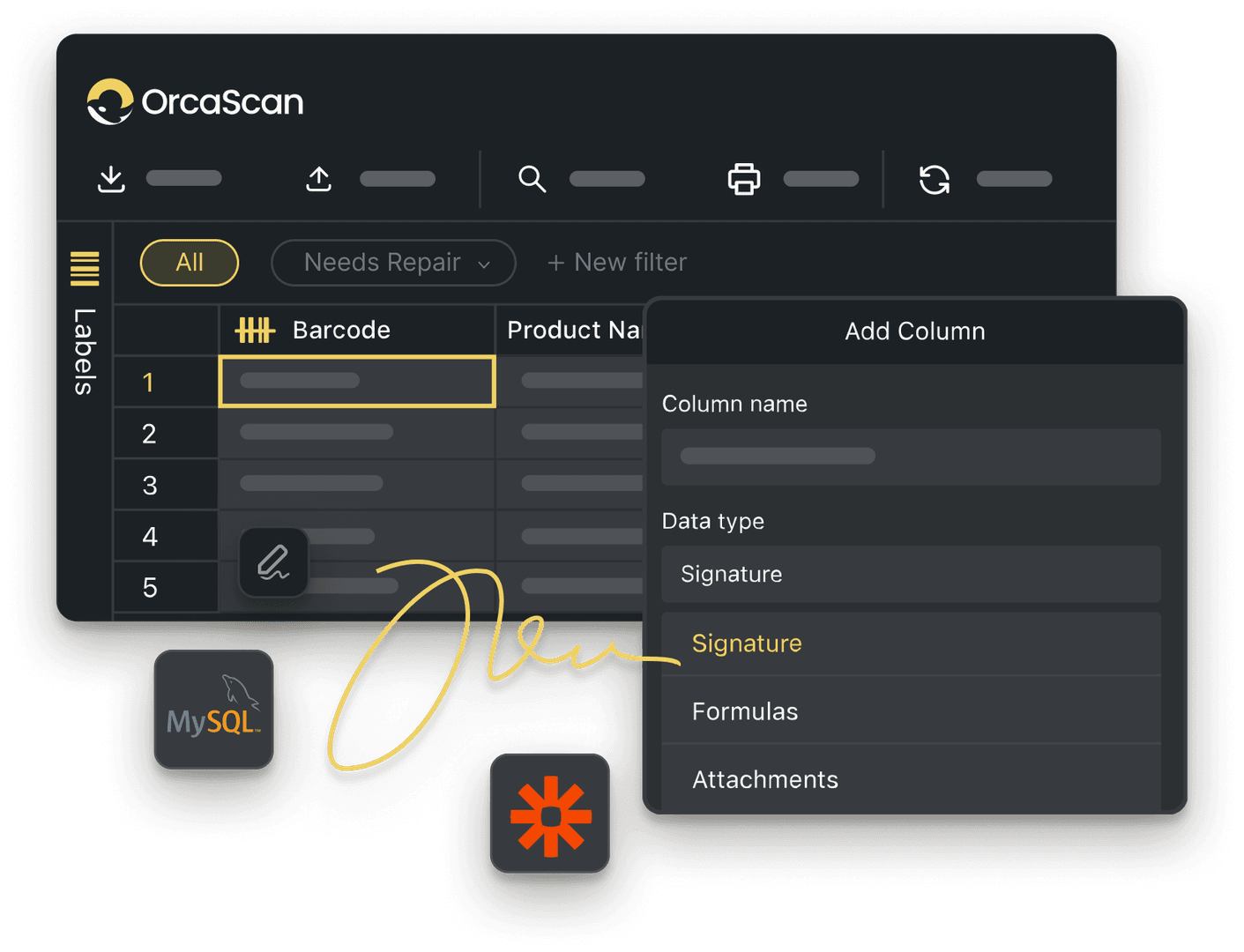
Trusted by over 50,000 organisations in over 165 countries



Simplify Your Picking Process
Boost productivity, cut costs, and improve your bottom line.
Smarter Picklists, Smoother Operations
-

Scan with Mobile
Orca Scan is designed for fast and efficient scanning, using nothing more than your smartphone
-

Detailed History Log
A full history log gives you visibility over the status of each order, including who did the pick, how many items there were and when it was carried out

Powerful features to improve your workflow
-

Triggers
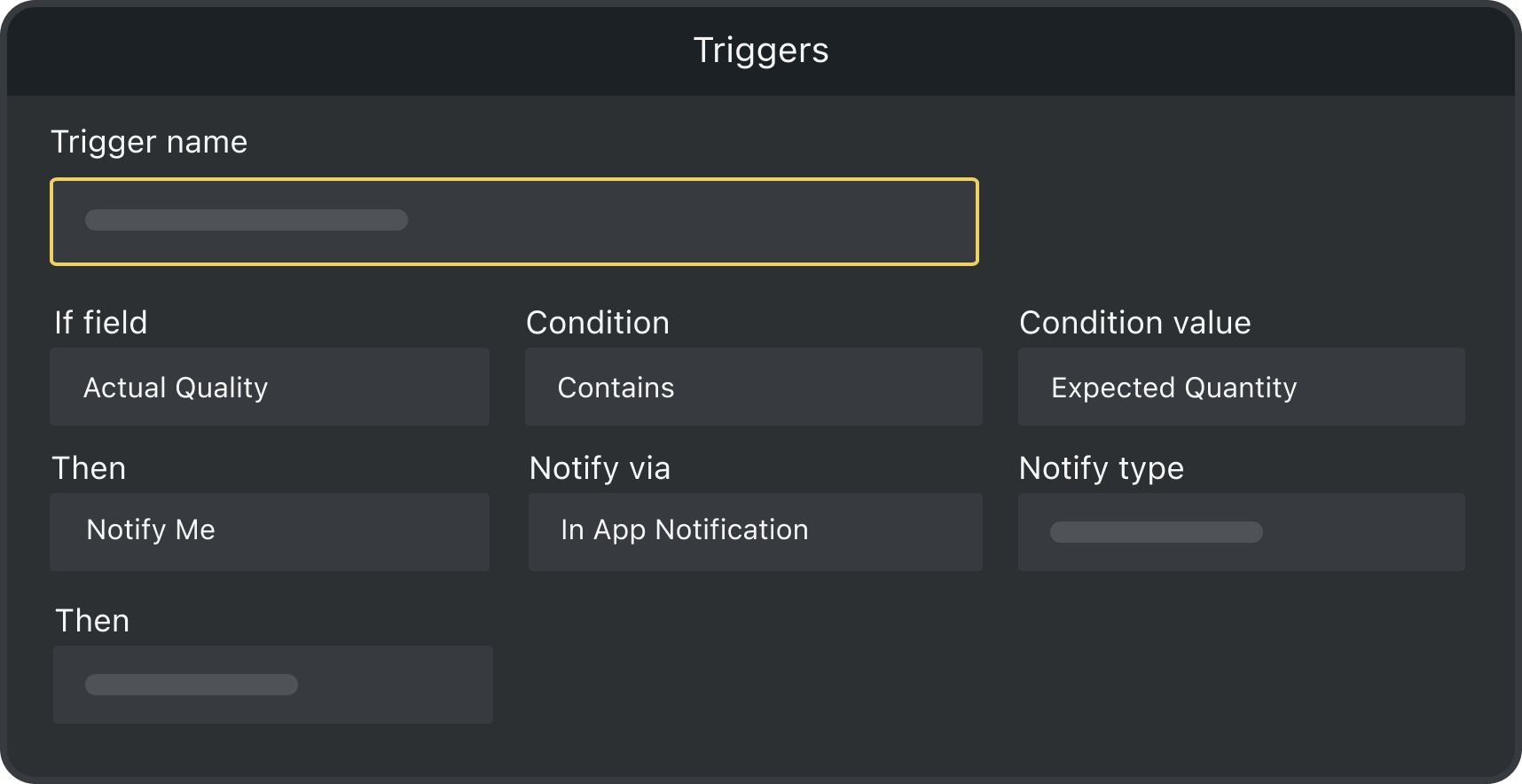
Get notified when a picklist is complete with if-this-then-that logic
-

Track Items on Maps
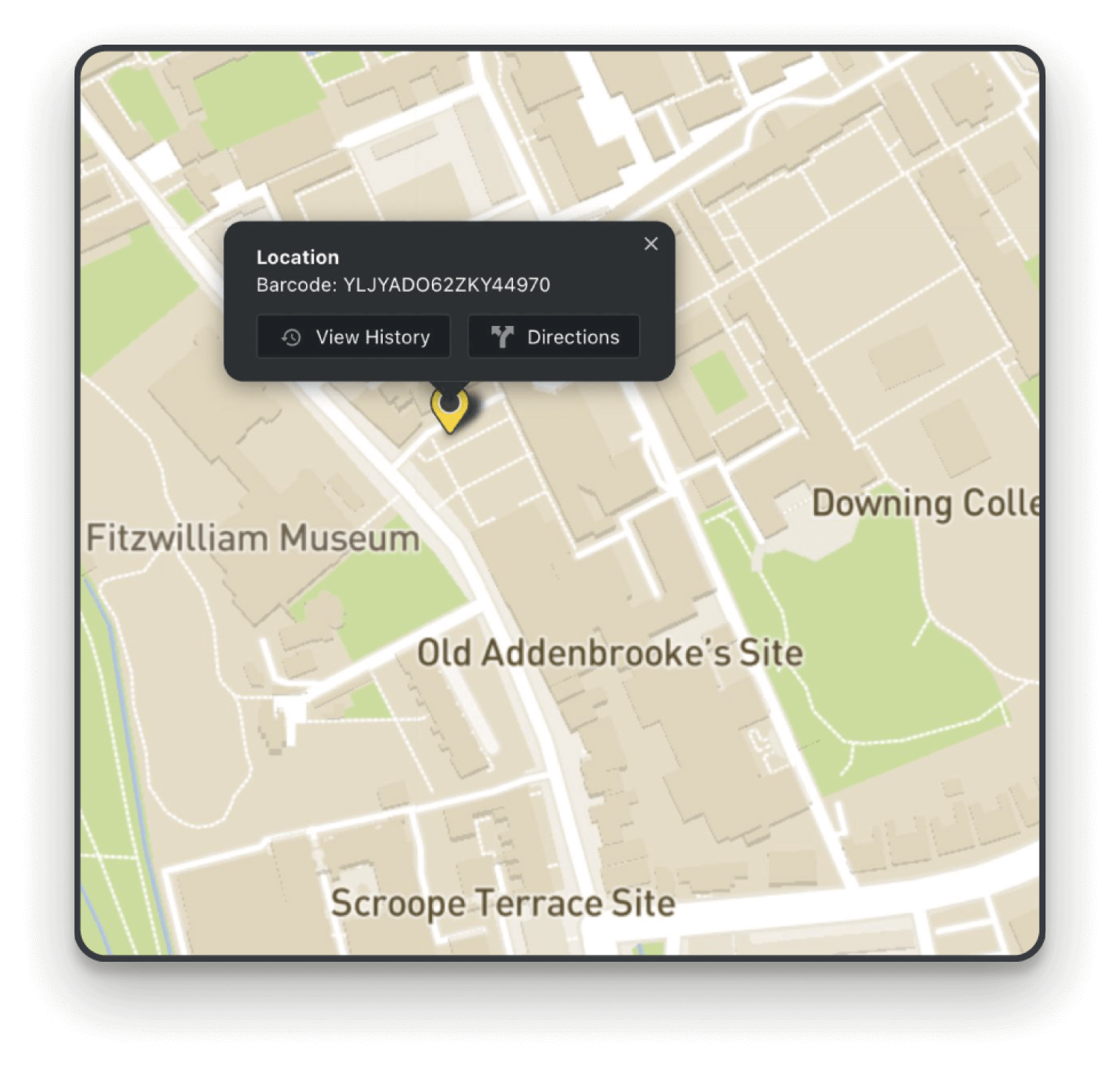
Track your assets’ entire journey with GPS mapping and location history
-

Sync to Google Sheets
Create a two-way link between a sheet in Orca Scan and Google Sheets
-

Design & Print Labels
Choose from a range of industry-compliant labels or design your own
-

Add Users
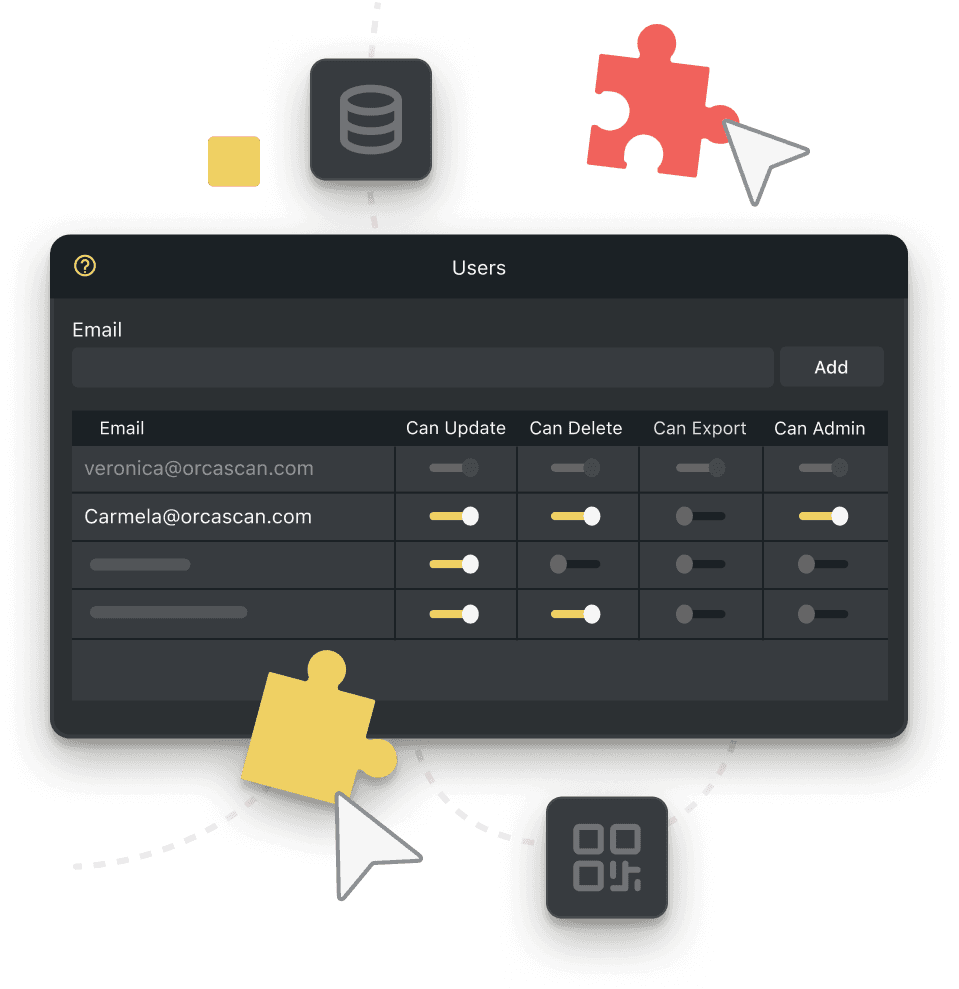
Invite teammates to speed up picking and order completion
-

Connect your storefront
Automatically create a picklist when an order is placed in your system
Picklist Tracking FAQs
What is a barcode Picklist?
A barcode picklist is a document used in warehouses that guides pickers to the items and quantities needed to fulfil an order. By scanning barcodes, pickers can quickly confirm each item, reducing errors and speeding up order processing.
How to use Orca Scan for your barcode Picklist
To get started:
- Sign in to Orca Scan
- Make a new sheet using the Picklist template
- Import or enter your order details
- Scan items as you pick using the Orca Scan mobile app
Orca Scan tracks quantities in real time and notifies you when each item is complete. You can also view pending items in the Cloud view in the app.
Tip: We recommend setting the sheet name to the order number or customer’s name for future tracking.
What if my items don’t have barcodes?
You can easily design, generate and print barcodes using our web or mobile app. You can also use QR codes on warehouse bins, shelves or containers to track items without pre-existing barcodes.
Automating Picklists with Orca Scan
Orca Scan’s API and Webhook integrations make automating your picklists easy. Sync your inbound and outbound systems and keep your inventory up-to-date in real time.
- Use the WebHook In guide to push updates from your system to Orca Scan
- Use the WebHook Out guide to update your systems from Orca Scan
- Leverage the REST API for system synchronisation
Can Orca Scan alert me if I scan an item not on the picklist?
Orca Scan automatically flags mistakes while picking. Scan an item that’s not on the picklist and you’ll get an instant warning and audible alert, helping to reduce picking errors and improve order accuracy.
How does Orca Scan notify users when a picklist is complete?
When the required quantities of all items have been scanned, Orca Scan will display an alert confirming that the picklist is complete.
Can I record the GPS location of each barcode scan in Orca Scan?
Yes, Orca Scan’s barcode picklist solution can automatically record the GPS location of each barcode scan. Simply add a ‘GPS Location Automatic’ field to your sheet, hide it from users and save. You can then view all scan locations on your asset maps.
Creating a daily packing data report with Orca Scan
A daily packing report is generated for you automatically as users scan items. Every change is recorded, including the pickers email, date, time and quantities picked and packed.
You can also export and share your data by integrating with Google Sheets, Microsoft Excel, or other third-party applications, making inventory reporting and analysis easier.
Here's why thousands of teams count on Orca Scan
Trusted by businesses worldwide
-


Perfect app for inventory management.
Easy user interface, very simple to add and record any information you want to add. Easy to export to any other format, and easy to share with my team. I use this every year.
-

Great Inventory/Scanning App
Easy to import easy to export.
- Principal Account Manager & Technical Expert at Transit inc

It’s not very often we come across a system that we use daily in multiple warehouses, and it’s totally reliable
Explore related solutions


Certified and Trusted: Quality You Can Rely On
Backed by Industry-Leading Certifications

Picklist Tracking related questions?
If you need help brainstorming how best to track your inventory, get in touch; we’d be happy to help.