Inventory Cycle Count Software for Warehouses
Orca Scan is a inventory cycle count software that lets warehouse teams scan item barcodes using smartphones, tablets or handheld scanners to count stock, compare quantities with inventory records and identify discrepancies in real time. It replaces paper count sheets, spreadsheets and repetitive manual stock checks with a shared barcode-scanning workflow: staff scan inventory by location, counts sync into one live system, discrepancies are identified immediately, and results can be exported to Excel or Google Sheets.
 Use in mobile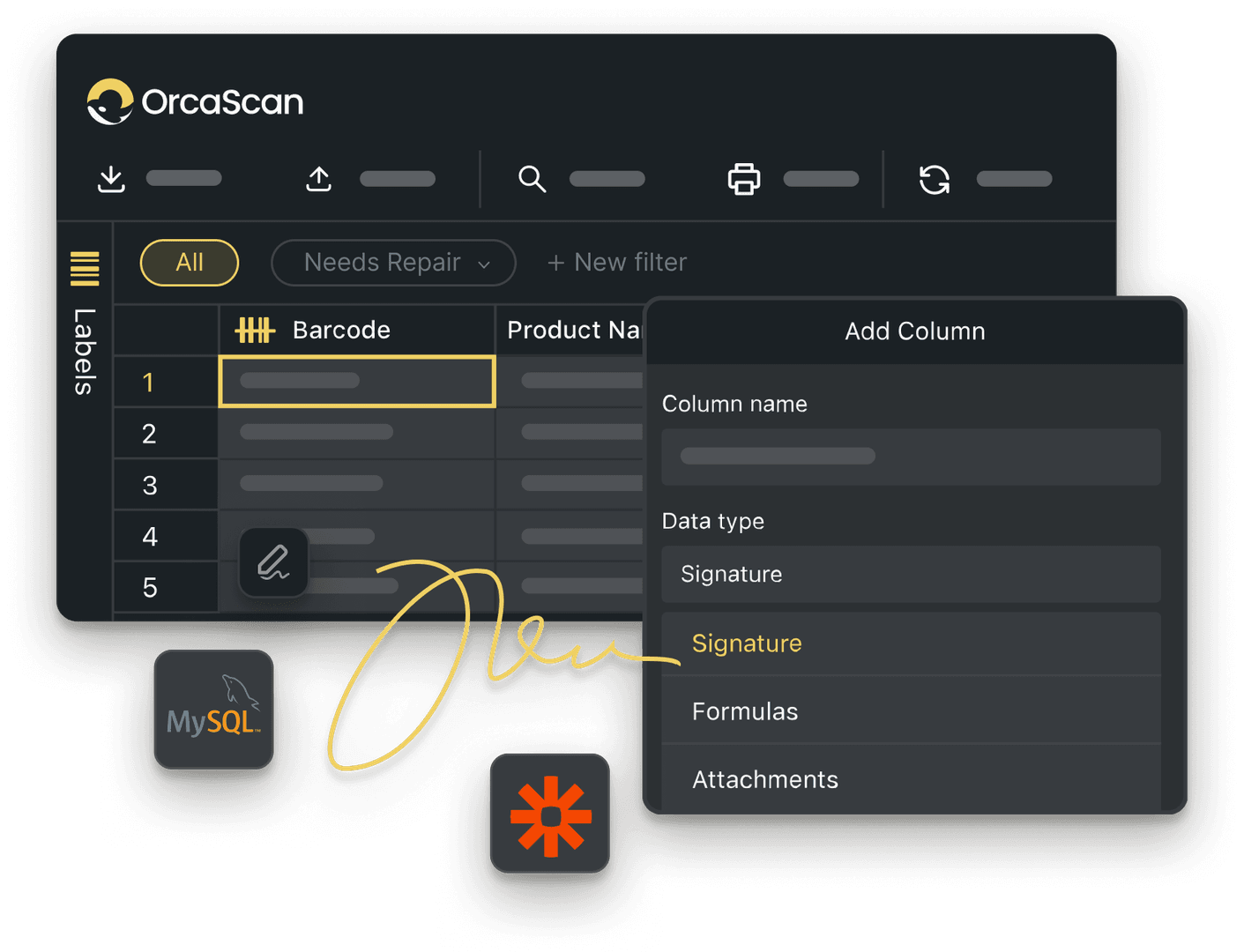
Trusted by over 50,000 organisations in over 165 countries



Eliminate stock discrepancies and keep inventory accurate
Boost productivity, cut costs, and improve your bottom line.
Efficient Inventory Cycle Count software with Orca Scan
-

Easy Barcode Scanning
Designed to grow with you, start with smartphones and tablets and add Enterprise scanners when needed
-

Collaborate with your team
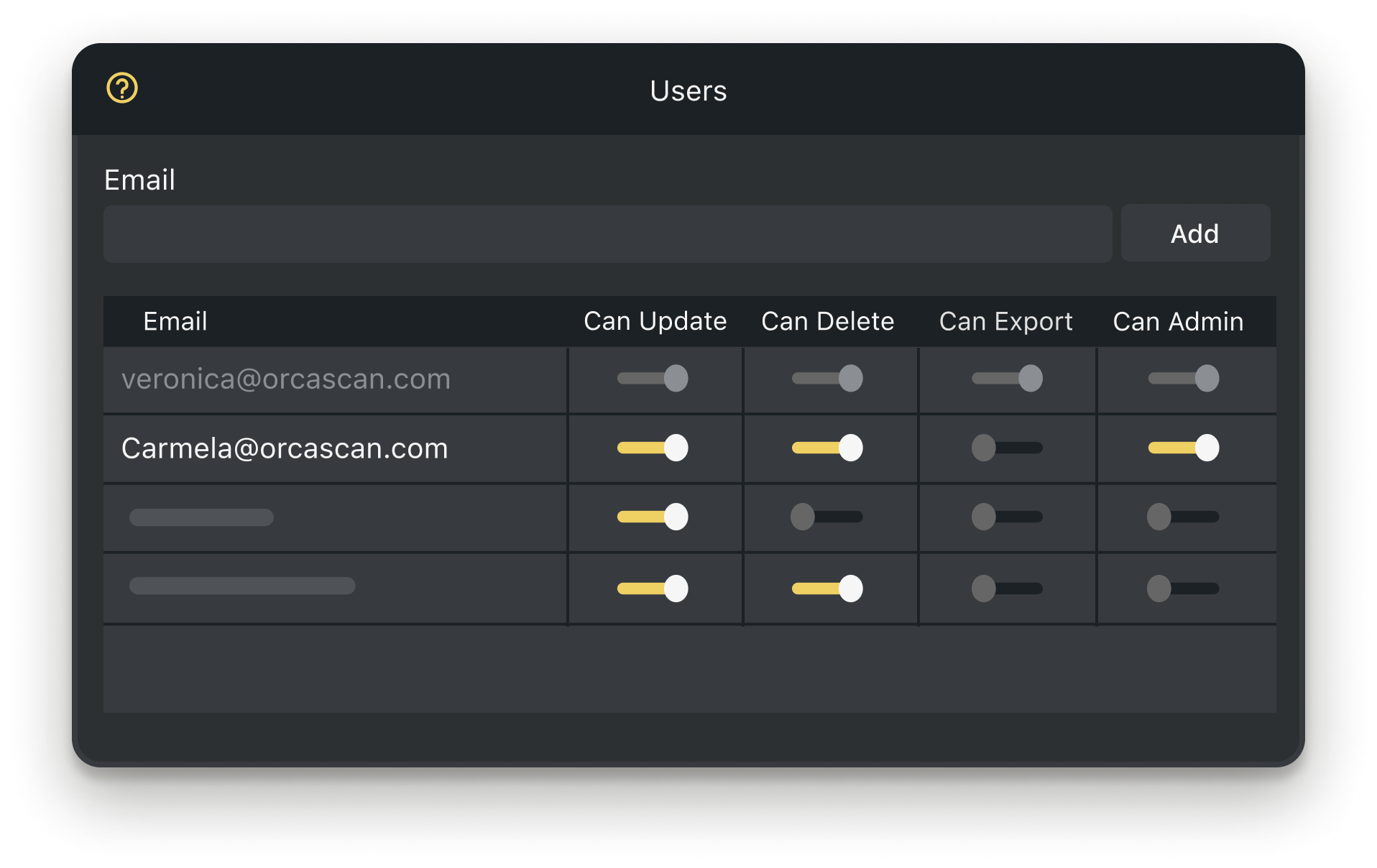
Work together in real-time to manage inventory levels and track assets across locations
-

Design & Print Labels
Scan existing barcodes or generate new ones for items without barcodes, making every asset easy to track
Powerful features to improve your workflow
-

Views
Combine scans from multiple locations into a single, well-organised, view for complete inventory oversight
-

Work Offline
Capture data even when offline, syncing automatically to the cloud once reconnected
-

Triggers
Get notified immediately when excess stock or expired products are detected, so you can take action right away
Cycle Counting FAQs
What is Cycle Counting?
Cycle counting is the process of regularly counting items in your inventory to ensure that your records match the actual stock. Unlike a full stock take, cycle counts let you check smaller sections of inventory more efficiently.
Using the right stock counting software and tools improves accuracy, reduces stockouts, and improves inventory management.
How often should you perform Cycle Counts?
For most businesses, using inventory cycle count software weekly delivers the best results.
Depending on your inventory size, product type, or fragility, cycle counts can be performed daily. Establishing a consistent cycle counting schedule is essential to ensure inventory counts remain accurate and minimise any errors or discrepancies.
Why choose Orca Scan for Cycle Counting?
Build in collaboration with businesses worldwide, Orca Scan’s cycle count software simplifies warehouse management, maximises efficiency and minimises disruption.
With Orca Scan, you can:
- Eliminate duplicate scans and manual errors
- Have complete visibility over your cycle counts
- Instantly identify discrepancies
- Improve inventory accuracy by reducing the risk of human error
- Count assets using a tablet, phone or scanner - no expensive equipment required
- Share data across multiple locations for synchronised inventory counts
- Export your data to Excel or Google Sheets for easy reporting
How to set up Orca Scan for Cycle Counting
Getting started with Orca Scan inventory cycle count software is simple:
- Sign in to Orca Scan
- Create a new sheet using the Cycle Count template
- Import your assets and expected quantities
- Download the Orca Scan barcode app and log in
- In settings ⚙️, turn on ‘continuous scan’
- Disable ‘add detail after scan’
- Start scanning your assets’ barcodes
That’s it - your cycle count process is fully digital. No paper, pen, or miscounting, just accurate inventory counts powered by Orca Scan.
How can I create barcode labels for my inventory items?
If your assets already have barcodes, you can scan them into Orca Scan. For unlabelled items, you can design, generate and print your own barcode labels using our barcode label designer - available on both the web and mobile app.
Can I use a barcode scanner with Orca Scan’s Cycle Count solution?
Yes, Orca Scan can be used with both smartphones and industrial barcode scanners. Our cycle count software integrates with a wide range of compatible scanners, the full list is here.
How to track the location of each stock check with Orca Scan?
To capture the location of every item scanned during your cycle count, you’ll need to add a ‘GPS Location Automatic’ data type to your sheet:
- Add a new column or field
- Select the data-type ‘GPS Location Automatic’
- Set it to hidden (no need for users to see it 👀)
- Save the changes
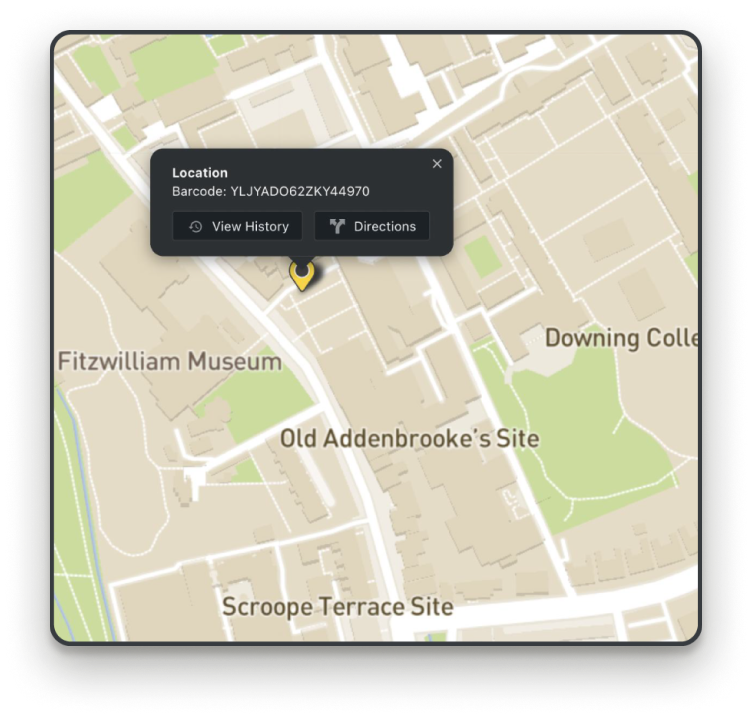
Now, every barcode scan automatically records its GPS location. You can view them all on asset maps.
How Cycle Count software helps you track damaged items
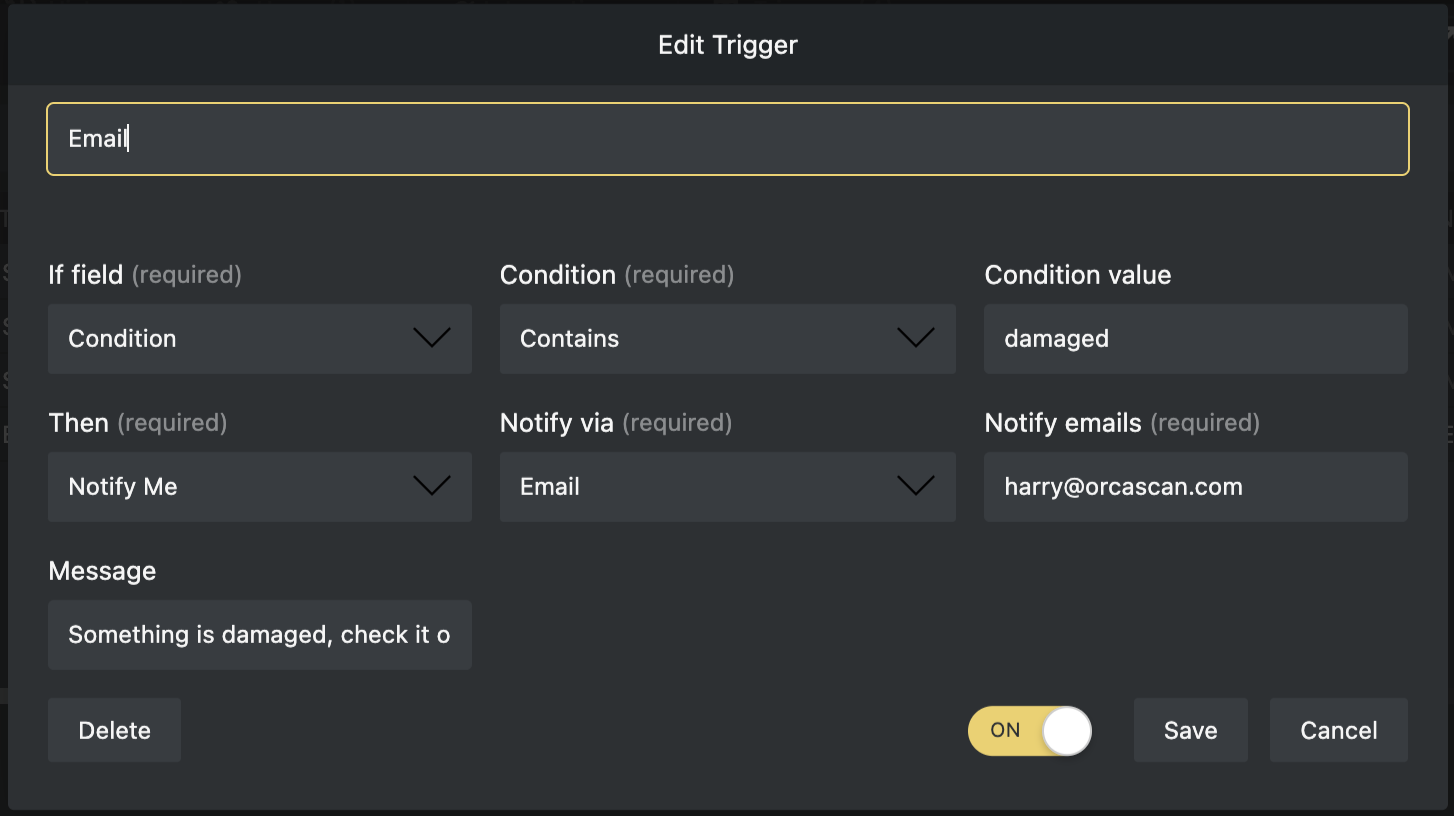
With Orca Scan’s cycle count software, you can setup a trigger to receive instant alerts by email, in-app notification, or pop-up message whenever an item’s condition changes to damaged.
Each alert includes details of the issue, along with photos and notes from the inspector, helping you to take quick action to resolve problems.
Can I perform stocktaking in areas with no Wi-Fi?
Yes, Orca Scan works offline, so you can scan assets in remote locations or areas with low connectivity. All scans automatically sync to the cloud once your device reconnects.
Can inventory Cycle Count software reduce the need for counting?
Traditional Cycle Counts typically achieve 95-98% accuracy, but with Orca Scan you can take your inventory accuracy even further.
Our barcode inventory system enables real-time asset tracking, reducing or even eliminating the need for frequent retrospective cycle counts. With Orca Scan, you can manage stock as it moves, avoid manual counting, and maintain accurate inventory counts.
Here's why thousands of teams count on Orca Scan
Trusted by businesses worldwide
- Associate Manager of Non Production Spend at Enfamil


Orca Scan has drastically improved the efficiency of our cycle counting and can report back with details on all item numbers
- Principal Account Manager & Technical Expert at Transit inc

It’s not very often we come across a system that we use daily in multiple warehouses, and it’s totally reliable
-
 Senior Operations Analyst at Randa apparels
We were searching for something that would automate the process as much as possible. It’s so universally friendly for all devices.
Explore related solutions


Certified and Trusted: Quality You Can Rely On
Backed by Industry-Leading Certifications

Cycle Counting related questions?
If you need help brainstorming how best to track your inventory, get in touch; we’d be happy to help.