Listen to this guide
0:00 / 0:00
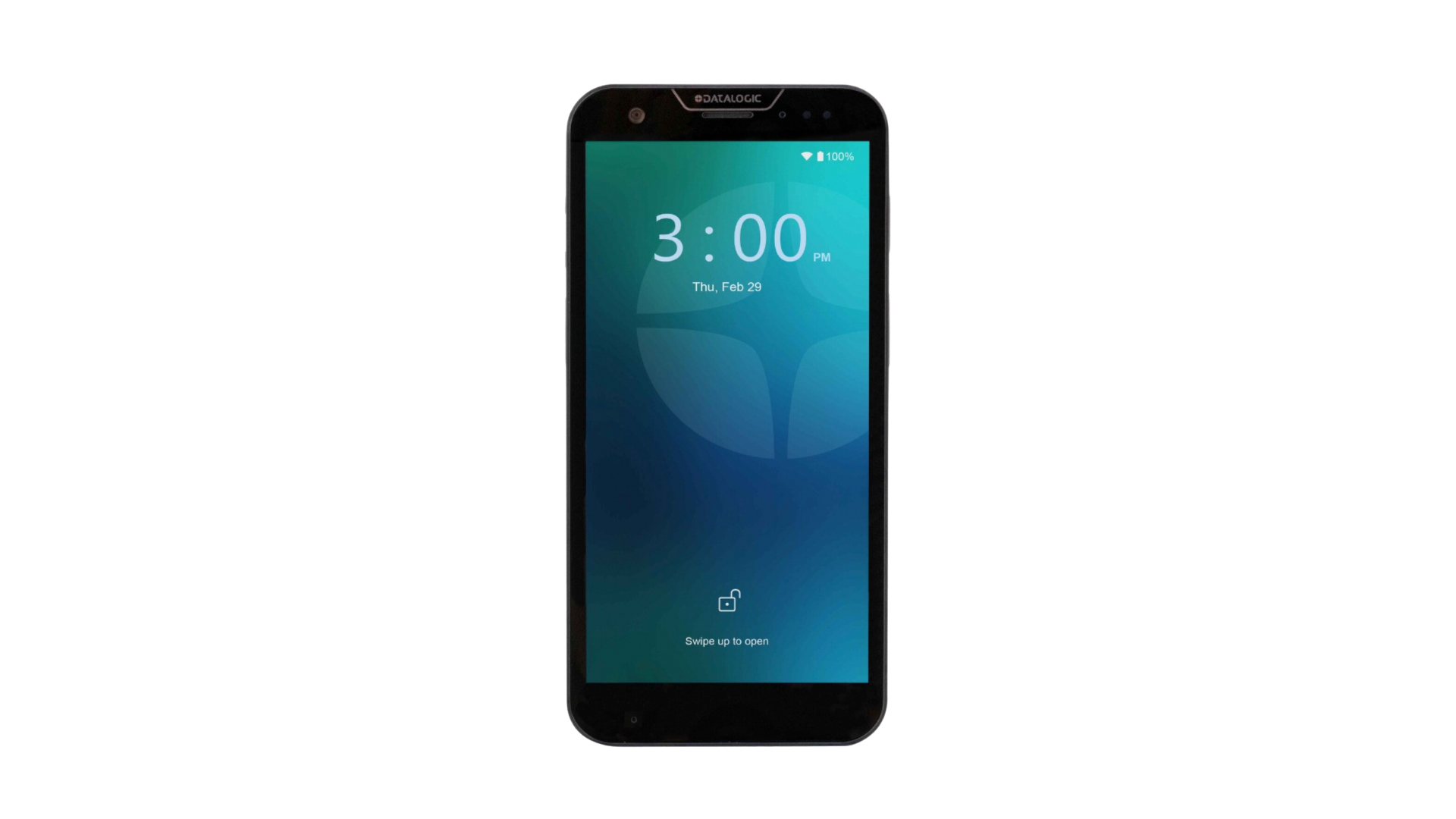
The Datalogic Memor 30 stands out with its large 6-inch FHD+ display and advanced 2D imaging capabilities.
Robust connectivity options and enterprise-grade durability make this device ideal for demanding applications requiring a larger screen.
Datalogic Memor 30 specs
- Built-in 1D/2D barcode scanner
- Android 13 Operating System
- Memory of up to 6GB RAM & 128GB Flash
- Wi-Fi 6/6E & Bluetooth 5.2 connectivity options
- 2.4 GHz octa-core Qualcomm processor
- 6” FHD+ display
- 4680 mAh battery with support for wireless charging
- IP65 and IP68 rated
Datalogic Memor 30 setup guide
To use Orca Scan on the Memor 30:
- Open the Google Play App store
- Download the Orca Scan mobile app
- Launch the Orca Scan mobile app
- Log in or register for an Orca Scan account
Once installed, you can press the physical scan trigger (or use on-screen scan buttons) to capture barcodes directly into Orca Scan.
Scan barcodes into the systems you love
You can now use the Memor 30 to scan barcodes into the following systems:
- Scan barcodes to your Excel spreadsheets
- Scan barcodes to your Google spreadsheets
- Scan barcodes into MySQL
- Build dashboards in Google Data Studio
- Visualise barcode data in Microsoft Power BI
Datalogic Memor 30 related questions?
We’re happy to help troubleshoot any issues using Orca Scan with the Datalogic Memor 30, chat with us live or drop us an email.
Request a device integration
Need help getting Orca Scan working with your hardware? Request a Device Integration