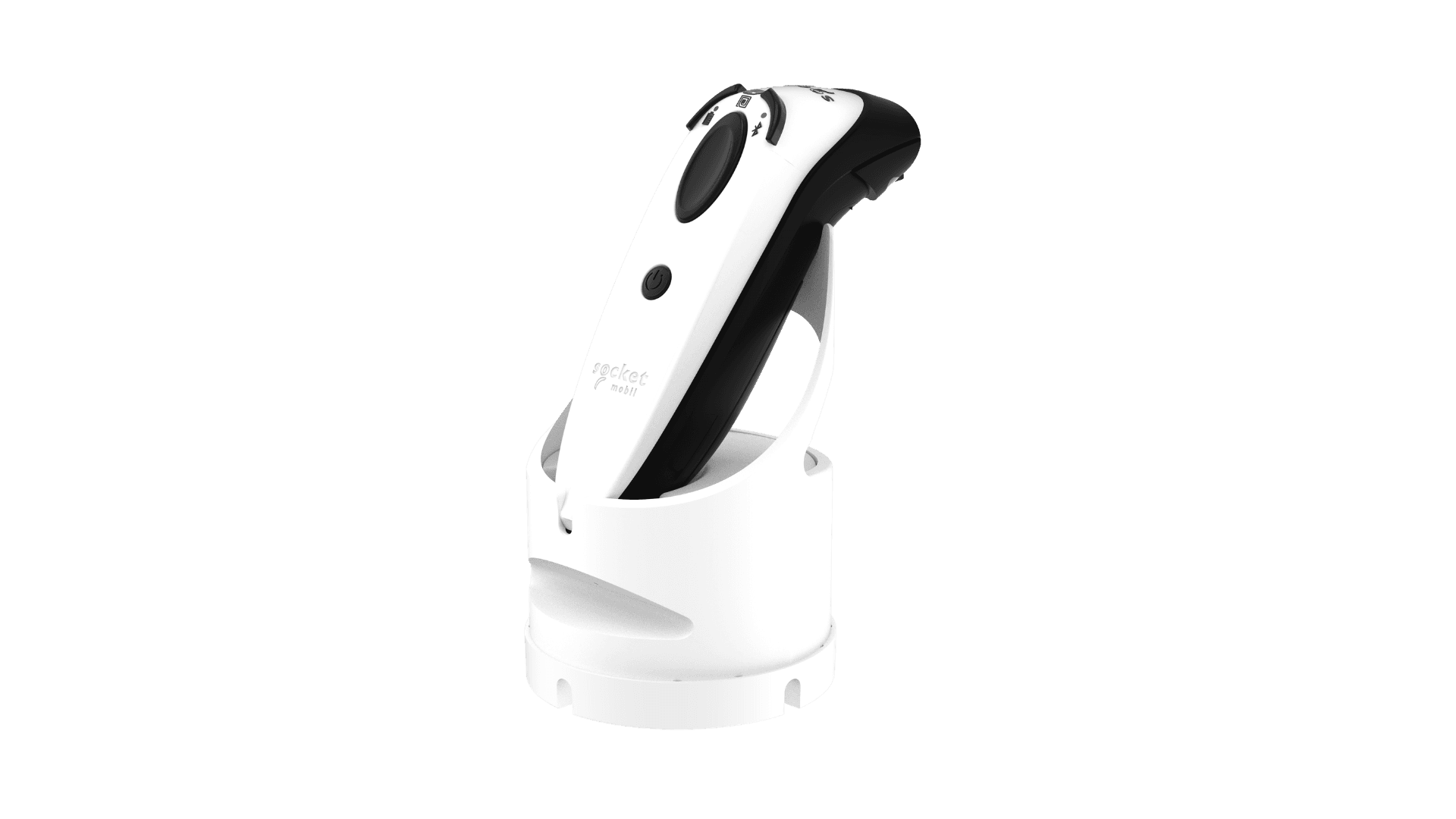
The SocketMobile DuraScan D762 is a rugged cordless Bluetooth barcode scanner built for enterprise use, offering high-performance 1D and 2D barcode scanning in demanding environments.
Advanced scanning capabilities, Bluetooth connectivity, and a durable, drop-resistant design make the D762 suitable for warehousing, manufacturing, healthcare, logistics, field service, and other demanding applications.
DuraScan D762 specs
- Mid-range 1D/2D barcode scanner with extended scanning range up to 14 ft (4.3 m) for printed and on-screen barcodes
- Bluetooth Class 2 wireless connectivity with HID, SPP, and iOS Application modes
- Compatible with iOS, Android, Windows, and macOS devices
- Replaceable 1,400 mAh lithium-polymer battery providing over 20 hours of operation and up to 85,000 scans per charge*
- USB charging with approximately 6-hour recharge time*
- IP54-rated housing with protection against dust and water splashes
- Rugged design tested to withstand multiple drops to concrete from 6.6 ft (2 m)
- LED indicators for battery status, Bluetooth connection, and successful scans
- Supports hands-free Auto (Presentation) Mode when used with an optional charging stand or dock
*Battery life and charging times are manufacturer estimates and may vary depending on usage and operating conditions
DuraScan D762 setup guide
- Fully charge the scanner for 8 hours before first use
- Turn on the scanner by holding the power button
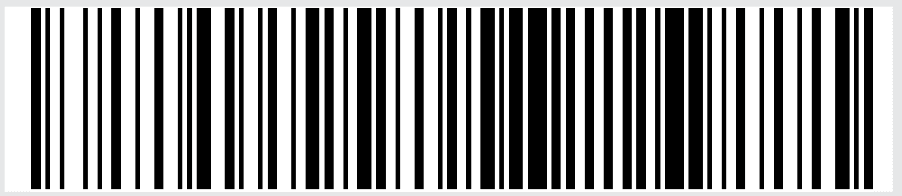
- Configure the scanner for Basic Keyboard Mode (HID) by scanning the barcode below, the scanner will beep three times to confirm the mode change
- Enable Bluetooth on your device and pair with the D762. The scanner appears using the last six characters of its Bluetooth address found on the device.
- Launch the Orca Scan mobile app on the connected device
Now you’re set up! The scan button on the D762 is ready to capture data with Orca Scan.
Scan barcodes into the systems you love
You can now use the D762 to scan barcodes into the following systems:
- Scan barcodes to your Excel spreadsheets
- Scan barcodes to your Google spreadsheets
- Scan barcodes into MySQL
- Build dashboards in Google Data Studio
- Visualise barcode data in Microsoft Power BI
DuraScan D762 related questions?
We’re happy to help troubleshoot any issues you have using DuraScan D762 with Orca scan, feel free to chat with us live or drop us an email.
DuraScan D762 related files
- DuraScan D762 Datasheet.pdf
- DuraScan D762 Get Started Guide.pdf
- DuraScan D762 Programming Guide.pdf
- DuraScan D762 User Guide.pdf
Request a device integration
Need help getting Orca Scan working with your hardware? Request a Device Integration