Listen to this guide
0:00 / 0:00
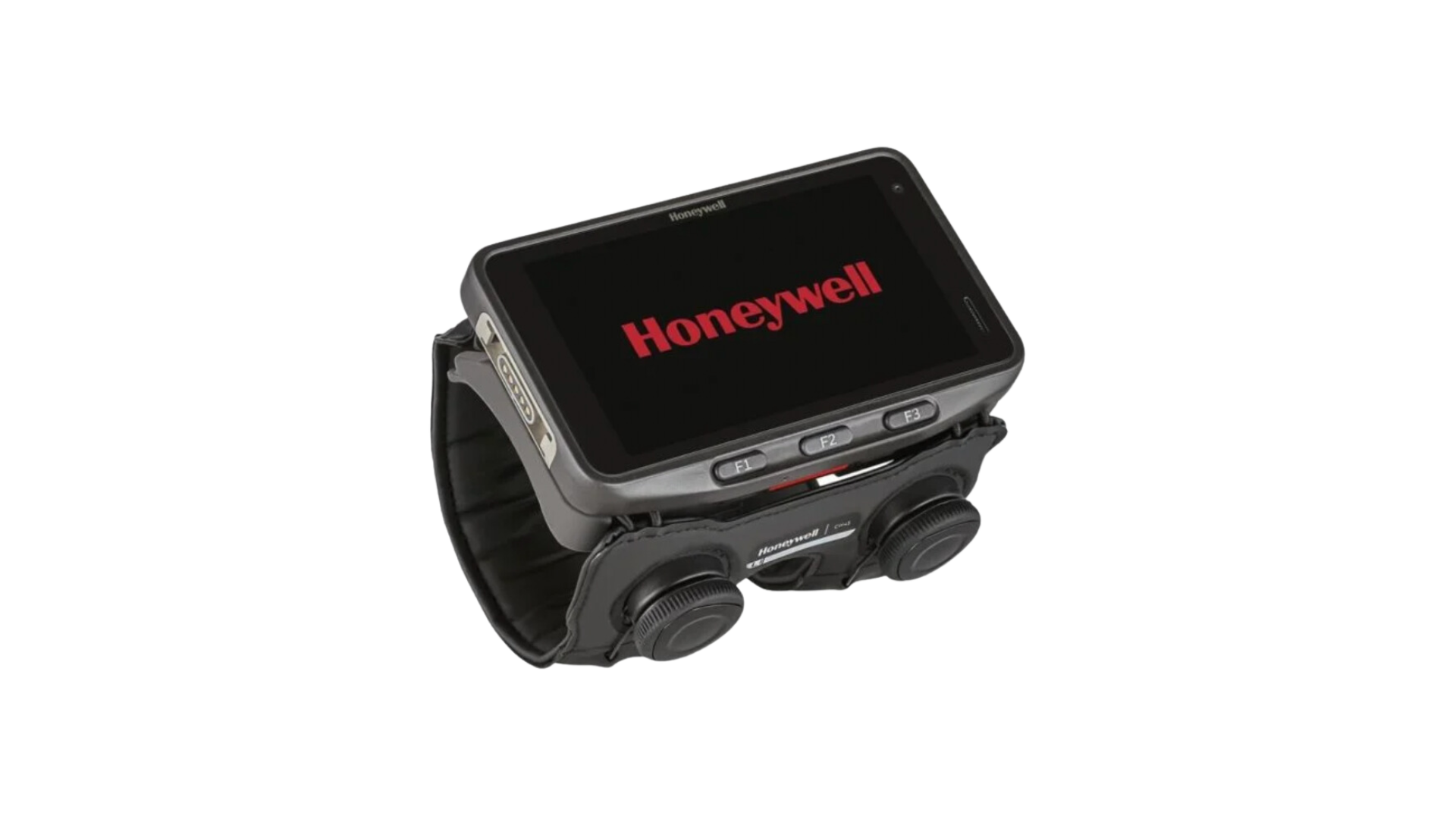
The Honeywell CW45 is a wearable barcode scanner that prioritises hands-free operation, significantly boosting efficiency in fast-paced environments.
Perfectly suited for retail stockrooms, warehouses, e-commerce fulfilment centres, and distribution centres (DCs), this scanner emphasises speed and worker comfort.
Honeywell CW45 specs
- Built-in 1D/2D barcode scanner
- Compatible with Honeywell Bluetooth ring scanners
- Android 12 Operating System
- Memory of up to 6GB RAM / 64GB Flash & supports microSD
- Wi-Fi 6, Bluetooth 5.1 & NFC connectivity options
- Qualcomm QCS4290/QCM4290 octa-core processor
- 4.7” HD, Gorilla Glass display
- 3400 mAh (standard) or 6800 mAh (extended), hot-swappable battery
- IP65 & IP67-rated
Honeywell CW45 setup guide
To use Orca Scan on the Honeywell CW45:
- Open the Google Play App store
- Download the Orca Scan mobile app
- Launch the Orca Scan mobile app
- Log in or register for an Orca Scan account
You can use the CW45’s scan button to trigger scans. Scanning is now enabled!
Scan barcodes into the systems you love
You can now use the CW45 to scan barcodes into the following systems:
- Scan barcodes to your Excel spreadsheets
- Scan barcodes to your Google spreadsheets
- Scan barcodes into MySQL
- Build dashboards in Google Data Studio
- Visualise barcode data in Microsoft Power BI
Honeywell CW45 related questions?
We’re happy to help troubleshoot issues using Orca Scan with the CW45, chat with us live or drop us an email.
Honeywell CW45 related files
Request a device integration
Need help getting Orca Scan working with your hardware? Request a Device Integration