Listen to this guide
0:00 / 0:00
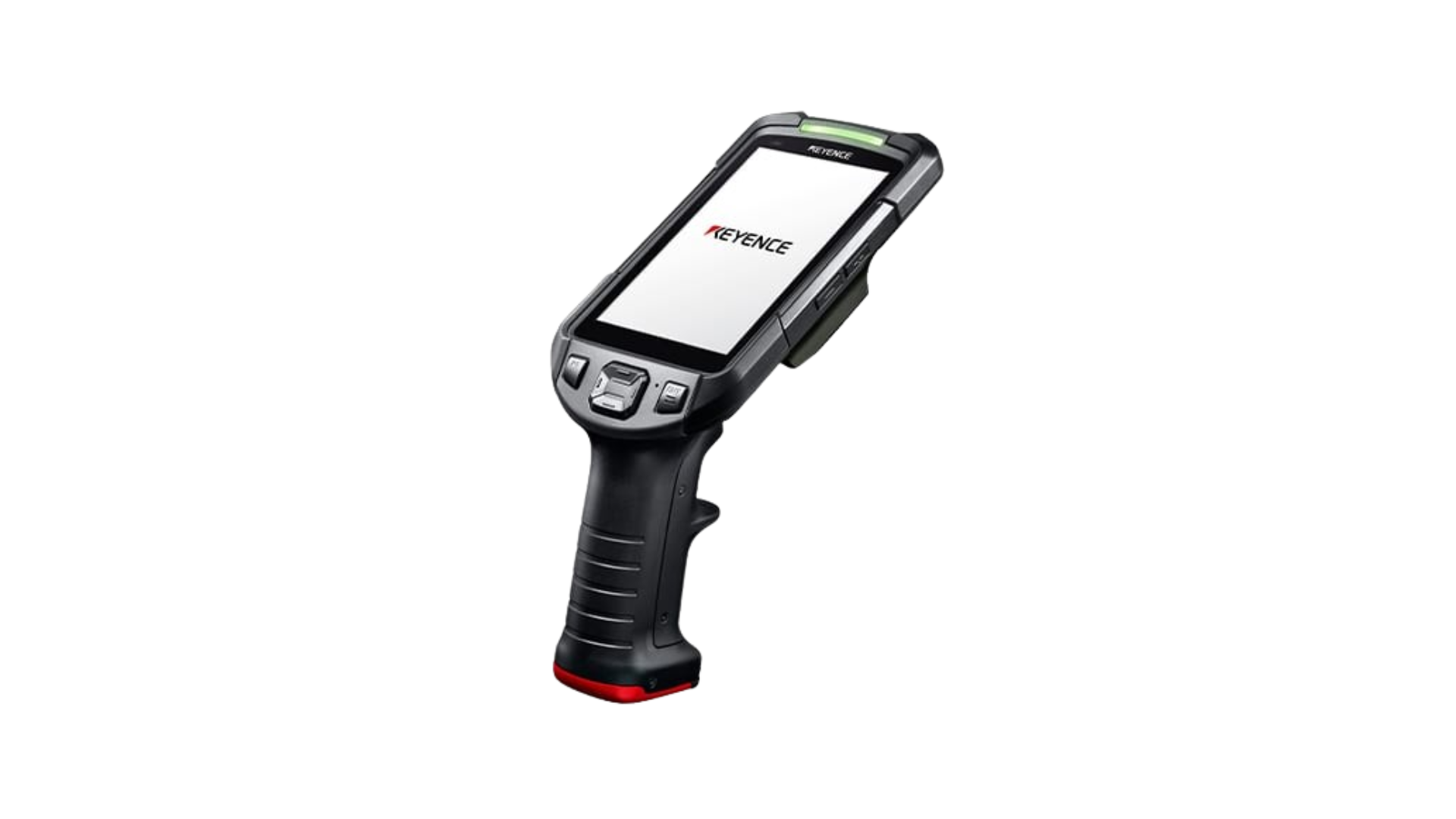
The Keyence BT-A700 is a high-performance Android 13 handheld computer featuring a 5.0” HD touchscreen, ultra-long-range 1D/2D scanning, and robust IP65/IP67-rated durability. Its long battery life and advanced connectivity make it ideal for demanding industrial and logistics environments.
Keyence BT-A700 specs
- Built in 1D/2D barcode scanner at short to ultra-long range
- Android 13 Operating System
- Memory of up to 4GB RAM / 32GB Flash & supports microSD (SD/SDHC/SDXC)
- Wi-Fi (802.11 a/b/g/n/ac), Bluetooth 5.0, LTE & GPS connectivity options
- Qualcomm Octa-core processor
- 5.0” HD Gorilla Glass display with capacitive touchscreen
- 6250 mAh, hot-swappable battery with up to 32 hours of operation
- IP65/IP67-rated, 1.8m drop-resistant, 20,000 impact cycles
Keyence BT-A700 setup guide
To use Orca Scan on the Keyence BT-A700:
- Open the Google Play App store
- Download the Orca Scan mobile app
- Go to the Settings menu
- Enter the Scanner settings
- Tap on Data Output
- Ensure Keystroke is enabled
- Set the Delivery Type to KeyEvent
- Launch the Orca Scan mobile app
You can use the BT-A700’s scan button to trigger scans. Scanning is now enabled!
Scan barcodes into the systems you love
You can now use the BT-A700 to scan barcodes into the following systems:
- Scan barcodes to your Excel spreadsheets
- Scan barcodes to your Google spreadsheets
- Scan barcodes into MySQL
- Build dashboards in Google Data Studio
- Visualise barcode data in Microsoft Power BI
Keyence BT-A700 related questions?
We’re happy to help troubleshoot issues using Orca Scan with the BT-A700, chat with us live or drop us an email.
Request a device integration
Need help getting Orca Scan working with your hardware? Request a Device Integration