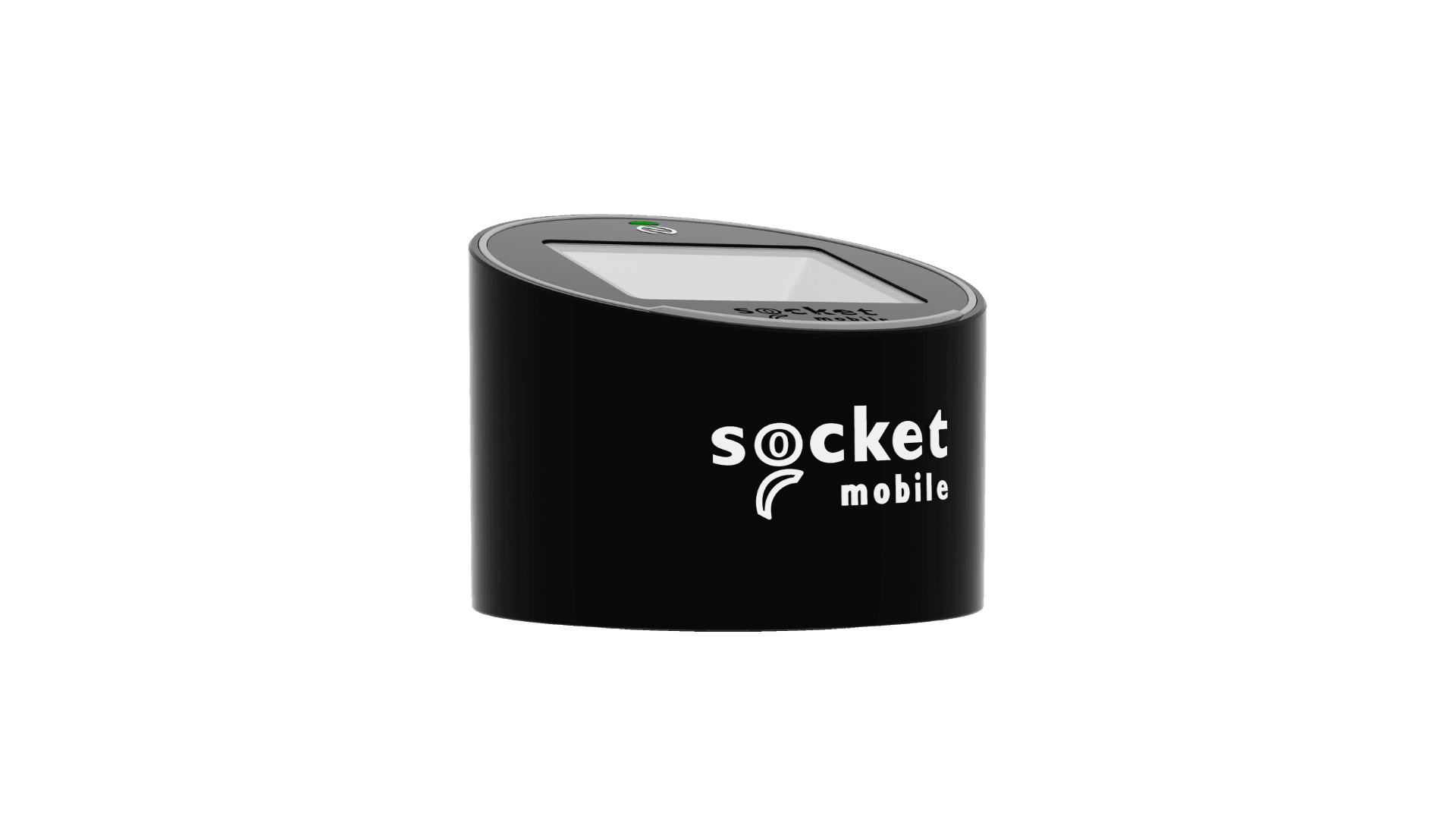
The SocketScan S370 by Socket Mobile is a compact countertop scanner designed for fast, hands-free barcode capture in retail, hospitality, and access control environments. Combining 1D/2D barcode scanning with integrated NFC functionality, it offers a versatile solution for businesses that require reliable data capture at the point of interaction.
Its space-saving design, Bluetooth Low Energy connectivity, and support for printed and on-screen barcodes make the S370 an ideal choice for point-of-sale, ID verification, event check-in, and customer service applications.
SocketScan S370 specs
- 1D/2D barcode scanning with integrated NFC reading and supported NFC write modes
- Reads printed and on-screen barcodes, including QR Codes, PDF417 and Data Matrix
- Supports Apple Wallet, Google Wallet, mobile driving licences (mDLs), digital IDs, loyalty cards and event tickets
- Bluetooth Low Energy (BLE) wireless connectivity
- Compact, hands-free countertop design
- Compatible with iOS, Android and Windows devices
- Replaceable 1,800 mAh lithium-polymer battery providing up to 10,000 scans within 11 hours, with up to 25 hours standby time*
- Approximate 4-hour battery charging time
- Operates on battery power or while connected to an external power source
*Battery life and charging times are manufacturer estimates and may vary depending on usage
SocketScan S370 setup guide
Setting up your SocketScan S370 scanner is simple. Follow these steps:
- Connect charging cable and fully charge for 4 hours before first use
- Hold the power button on the back of the scanner to turn on the device
- Double tap the power button to illuminate the scan engine, and scan the factory reset barcode below
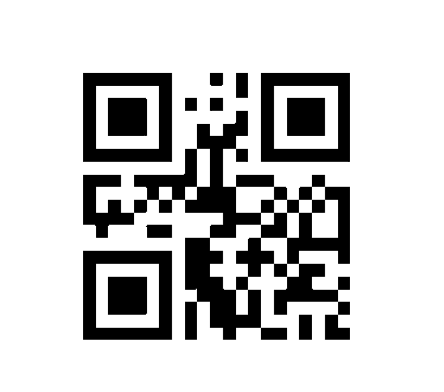
- Scan the barcode below to enter Keyboard Mode
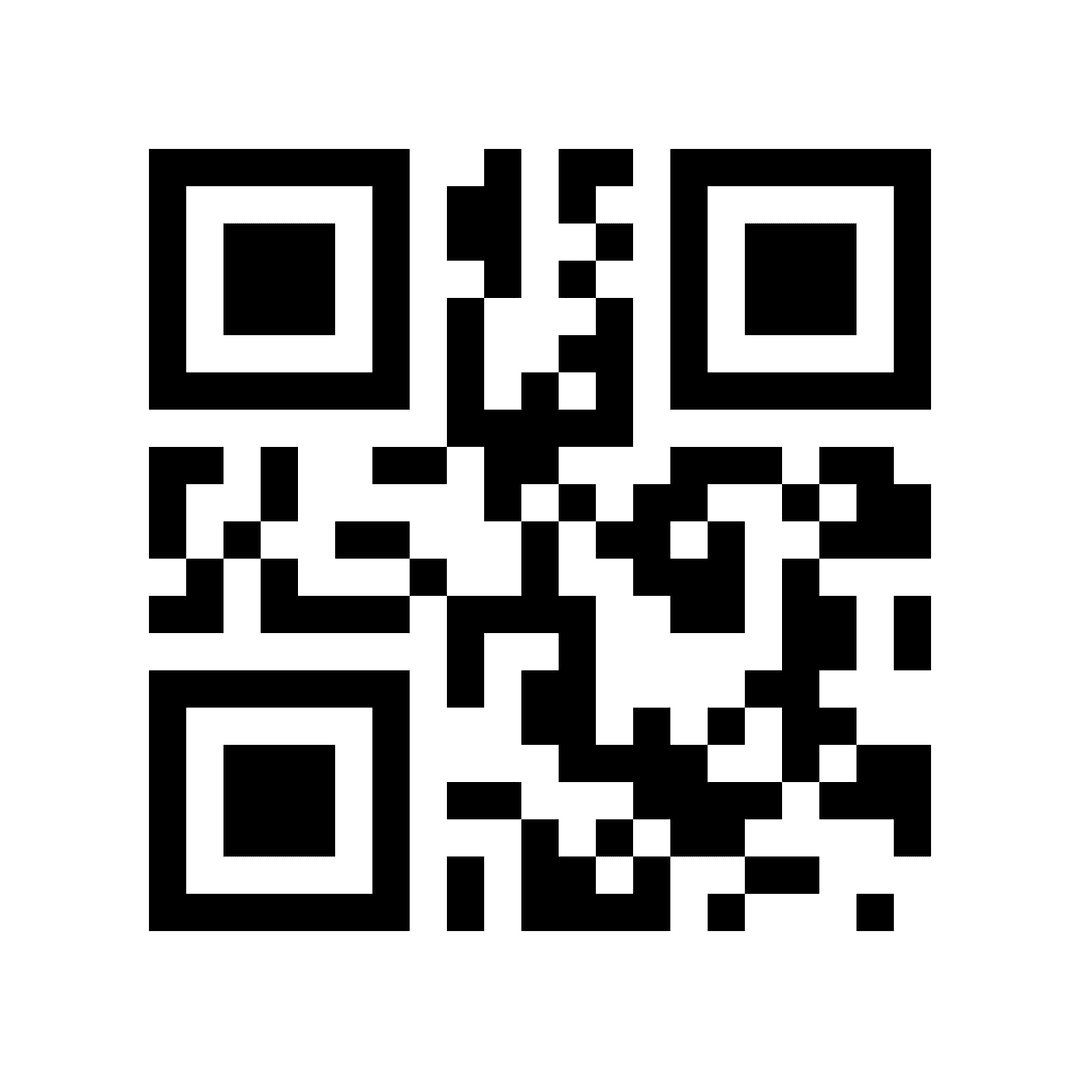
- Go to Bluetooth settings on your device and connect with the SocketScan S370
- Launch the Orca Scan mobile app on the connected device
That’s it! You can now use the SocketScan S370 to capture data with Orca Scan.
Scan barcodes into the systems you love
You can now use the SocketScan S370 to scan barcodes into the following systems:
- Scan barcodes to your Excel spreadsheets
- Scan barcodes to your Google spreadsheets
- Scan barcodes into MySQL
- Build dashboards in Google Data Studio
- Visualise barcode data in Microsoft Power BI
SocketScan S370 related questions?
We’re happy to help troubleshoot any issues using Orca Scan with the SocketScan S370. Feel free to chat with us live or drop us an email.
SocketScan S370 related files
Request a device integration
Need help getting Orca Scan working with your hardware? Request a Device Integration