Listen to this guide
0:00 / 0:00
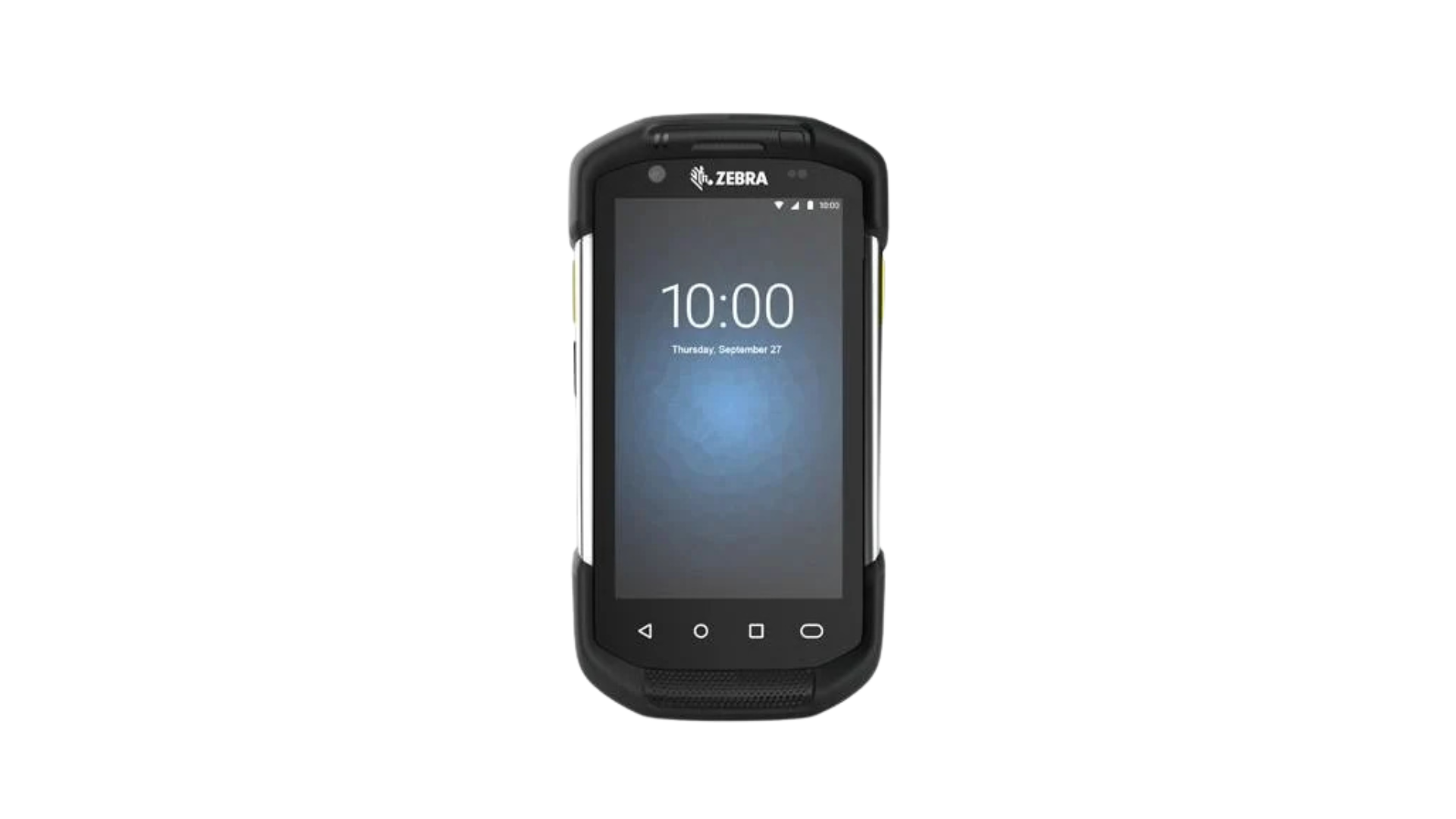
The Zebra TC77 is an Android-based enterprise scanner that combines a smartphone-like experience with enterprise-grade durability, advanced connectivity, and high-performance barcode scanning, performing reliably even in the most demanding environments.
Zebra TC77 specs
- Built-in 1D/2D barcode scanner
- Android 8.1 Operating System
- Memory of up to 4GB RAM / 32GB storage, microSD slot (up to 256GB)
- Wi-Fi 5, Bluetooth 5.0, USB 2.0, NFC, GPS & 4G LTE connectivity options
- Octa-core 2.2 GHz processor
- 4.7” HD touch screen (Gorilla Glass) display
- Removable 4620 mAh PowerPrecision+ battery
- IP65 & IP68-rated
- 1.8m drop resistance
- 13 MP rear camera & 5 MP front camera
Zebra TC77 setup guide
- Open the Google Play App store
- Download the Orca Scan mobile app
- Launch the Orca Scan mobile app
- Log in or register for an Orca Scan account
That’s it! You can now use the scan buttons on the TC77 to capture data.
Scan barcodes into the systems you love
You can now use the TC77 to scan barcodes into the following systems:
- Scan barcodes to your Excel spreadsheets
- Scan barcodes to your Google spreadsheets
- Scan barcodes into MySQL
- Build dashboards in Google Data Studio
- Visualise barcode data in Microsoft Power BI
Zebra TC77 related questions?
We’re happy to help troubleshoot any issues using Orca Scan with the Zebra TC77, feel free to chat with us live or drop us an email.
Request a device integration
Need help getting Orca Scan working with your hardware? Request a Device Integration