GS1 Digital Link QR Code Generator
Orca Scan’s GS1 Digital Link QR Code Generator creates GS1 Digital Link QR codes using your existing GS1 GTIN and product URL. Each code connects the product identifier to online product information, giving customers and systems access to up-to-date content from a single scan. Replace separate static QR code links with one standards-based workflow. Add your GTIN and product URL to Orca Scan, generate and print the QR code, then manage the information customers see without recreating the code.
 Use in mobile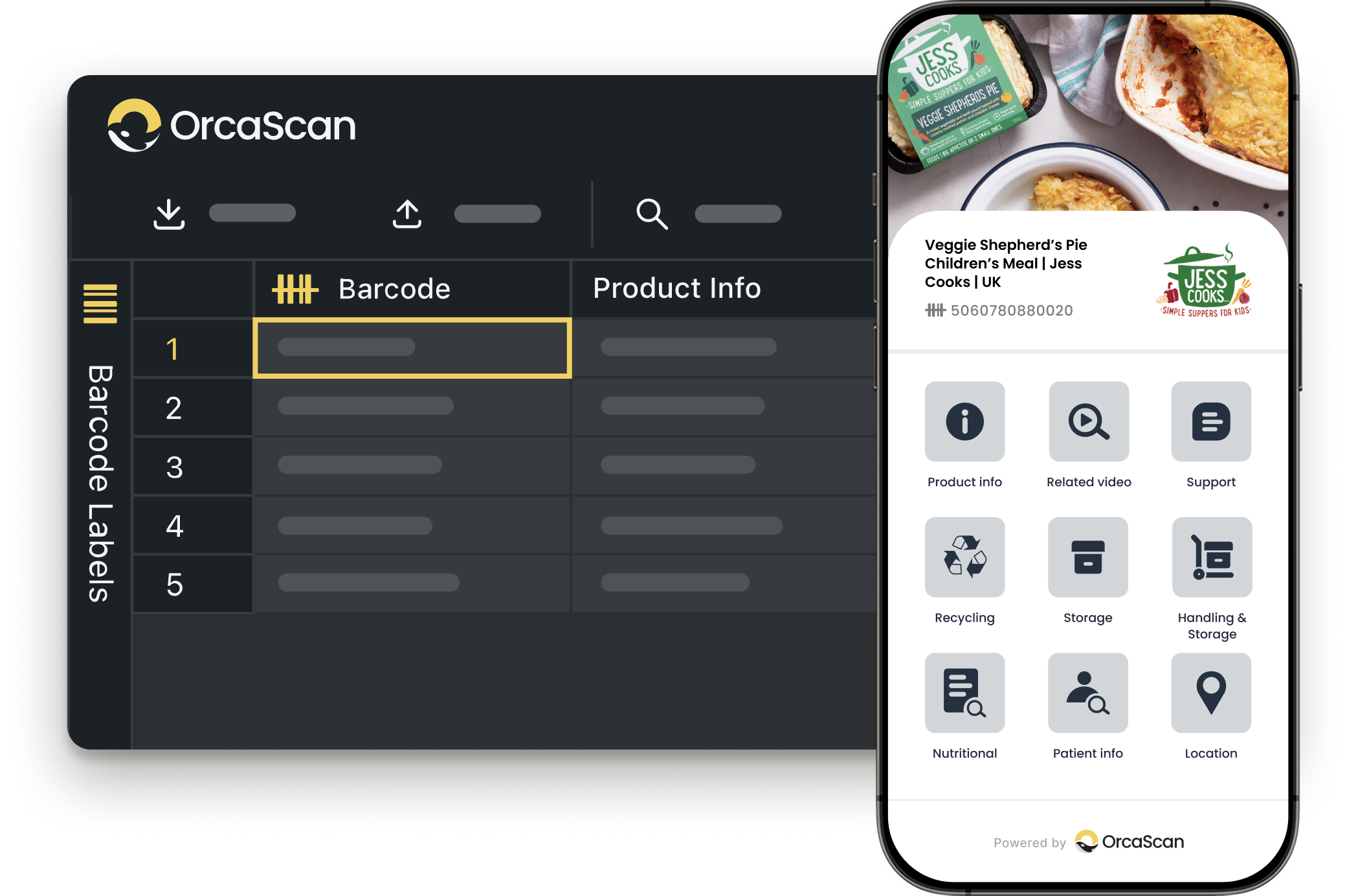
Trusted by over 50,000 organisations in over 165 countries


Engage with customers like never before
Connect customers to product information and digital content with QR codes powered by GS1
Create a Brand Experience Beyond your Shelf Space
-

Print Barcodes
Easily generate and print your GS1-compliant Digital Link QR codes
-

Custom Branding
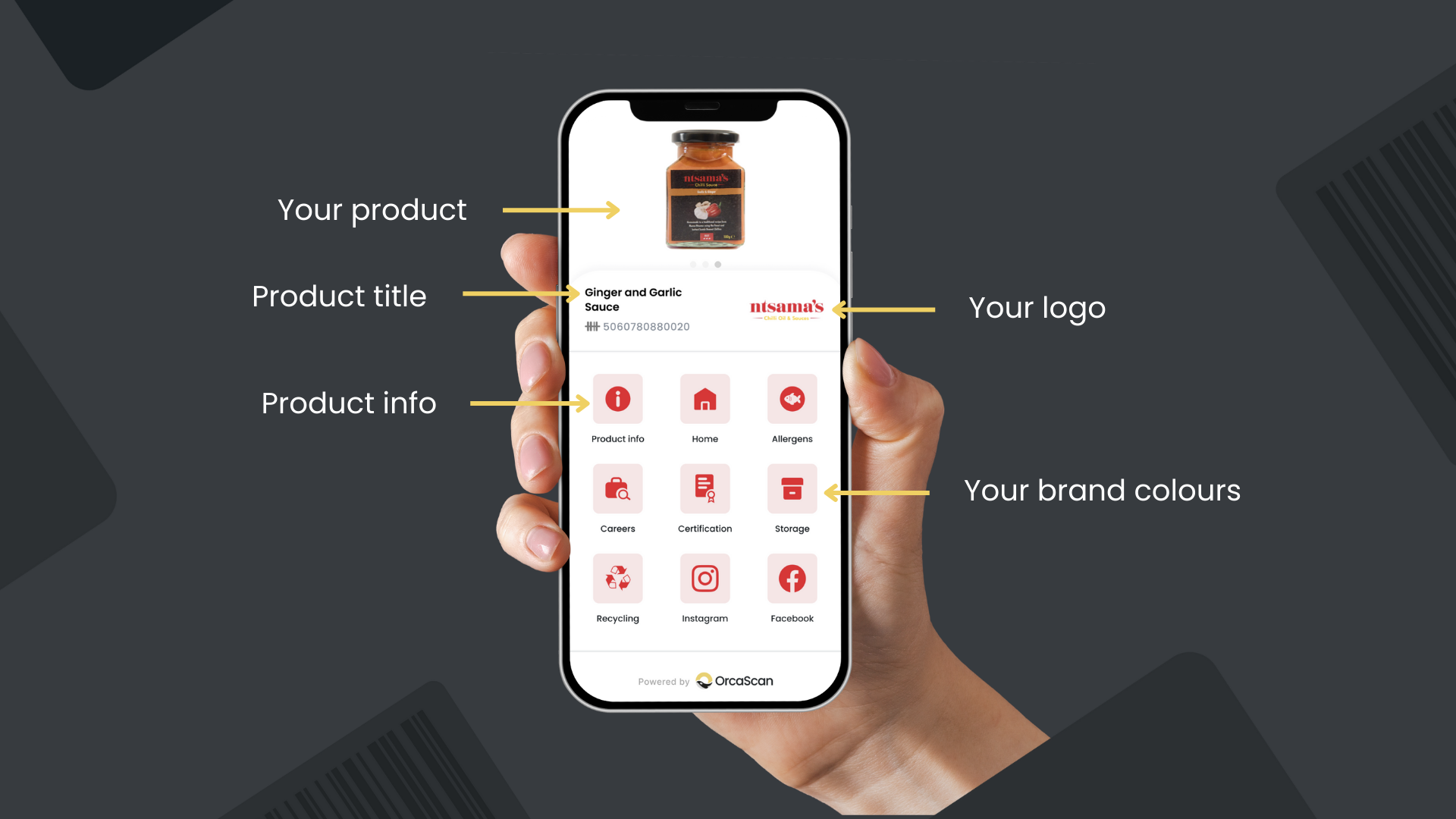
Automatically pull in your logo, images, brand colours and social links from your website for a seamless brand experience
-

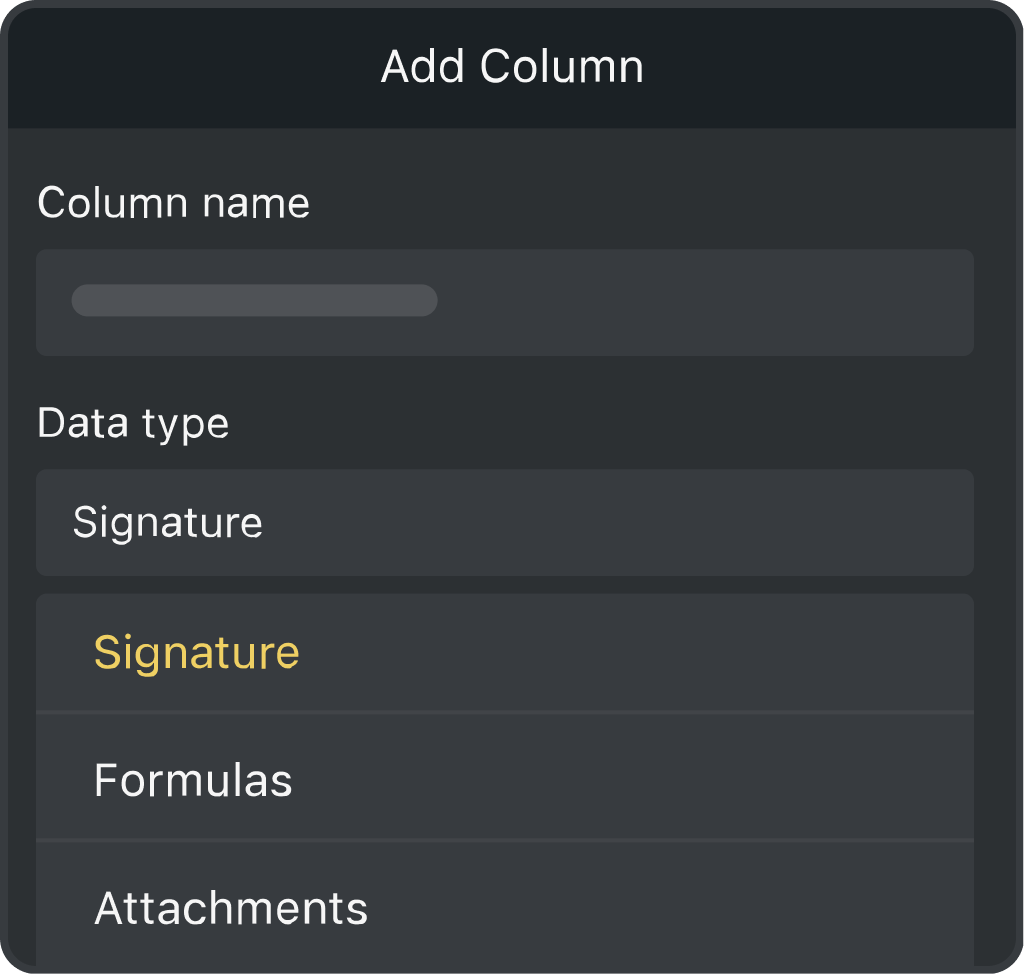
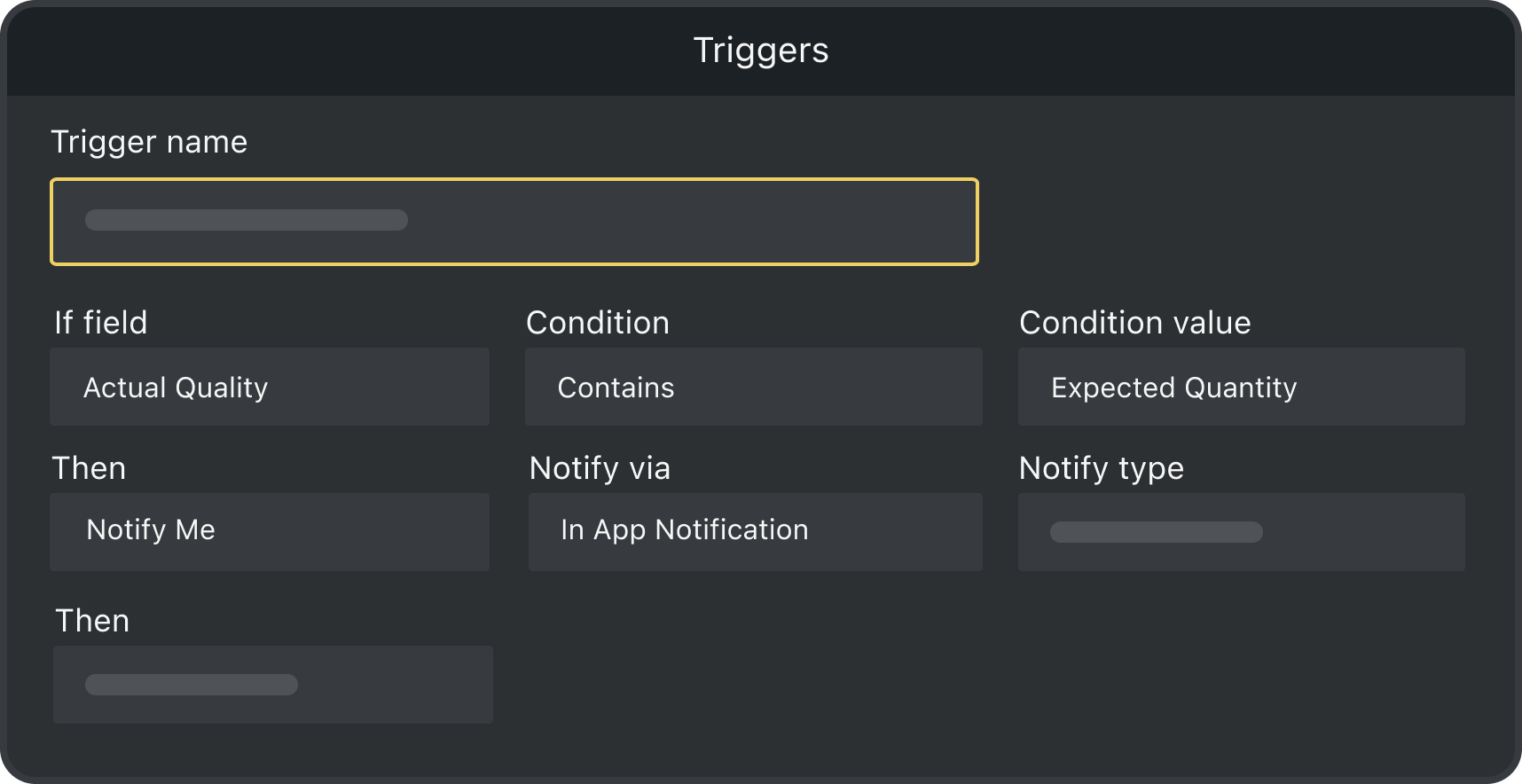
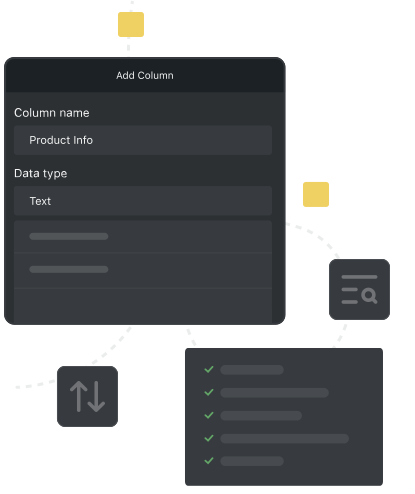
Fully Customisable
You control the information that you want your customers to see
-

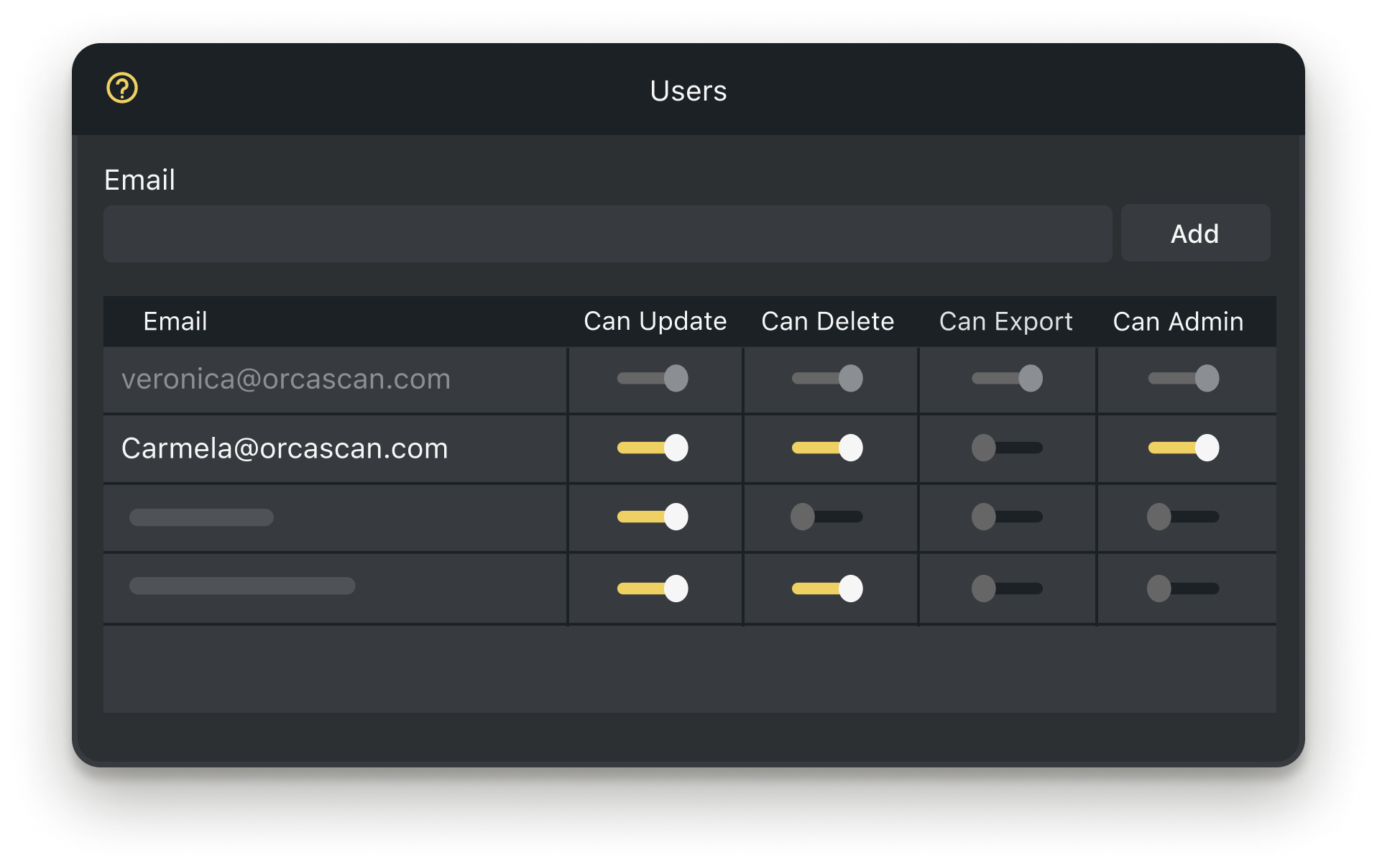
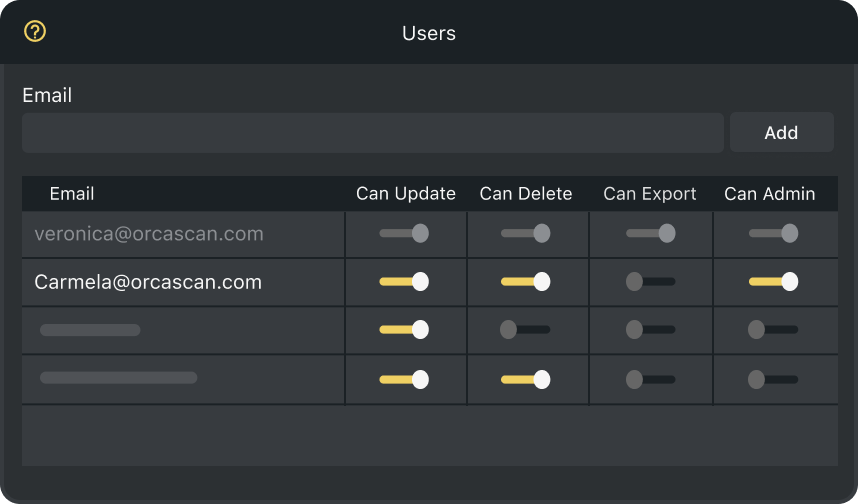
Add Users to your Sheet
Collaborate with production, marketing and sales to strengthen customer connections
Powerful features to improve your workflow
-

Future-Ready Barcodes
Prepare for the global transition towards GS1-compliant 2D barcodes at retail
-

Scan with Mobile
Customers can scan your QR code with their smartphone camera, no app needed
-

Quick and Easy Setup
Just drop in your GS1 GTINs, add your URL links, and you’re good to go
-

Unlimited SKUs
Whether you’re a small business or a global enterprise, manage all your Digital Link QR codes with Orca Scan
-

Save Time and Effort
Update the online information linked to your product without recreating or reprinting the QR code
-

Save Money
Avoid costly packaging redesigns and reprints for promotions, recycling updates or allergen information, just update your Orca sheet
GS1 Digital Link QR Code Generator FAQs
How do I generate a GS1 Digital Link QR Code with Orca Scan?
By providing a GS1 barcode and a link to the product page on your website, the Orca Scan Digital Link solution generates a unique homepage and QR code for each of your products.
- Login to your Orca Scan account
- Create a new sheet using the GS1 Digital Link template
- Select a GS1 resolver
- Enter a Custom Domain (optional)
- Enter an API key (not required if using
id.orcascan.com) - Click create
- Enter your product GS1 GTIN barcode
- Enter your Product Name
- Enter your Product Info URL (a link to product page on your website)
- Click save
That’s it. You will now see a preview of your GS1 Digital Link home page on the right.
What are GS1 QR codes and how do they work?
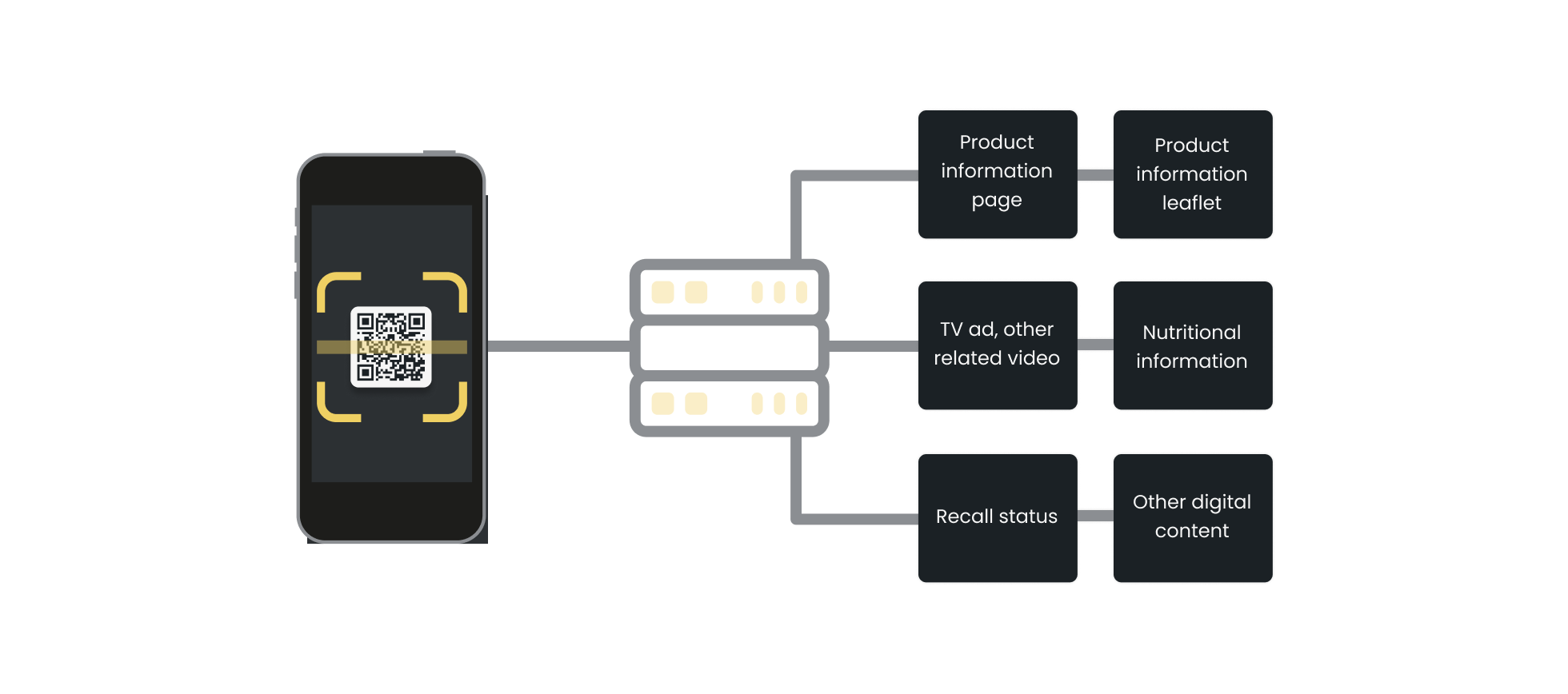
A QR Code powered by GS1 can contain a GS1 Digital Link URI that includes the product’s GTIN. When a customer points their smartphone camera at the GS1 QR code (no app needed), they’re taken to a web page containing key product information such as videos, recipes & recycling information.
Regardless of the size of your product label, consumers can scan and access your brand story, purchase directly from you and even connect with you on social media. It’s a direct connection between you and your customer and a new source of traffic for your website.
What is a GS1 GTIN?
A Global Trade Item Number (GTIN) is a unique GS1 identifier used to identify a trade item, such as a product. When encoded in a barcode, it allows checkout and other systems to identify the product. GTINs are used worldwide across retail and supply chains. You’ll need a valid GS1 GTIN to use Orca Scan’s GS1 Digital Link QR Code Generator.

What is a GS1 Digital Link QR code?
GS1 Digital Link is a GS1 standard that enables identifiers such as GTINs to be expressed within web addresses, linking products to online information and services. A GS1 QR code generator can encode this GS1 Digital Link URI in a QR code. Each product gets its own unique web address and page, and this information can be updated at any time, even after the product has left the factory.

What is a GS1 Resolver?
A GS1 Resolver is a service that connects a GS1 identifier to one or more relevant online resources. When someone scans a GS1 Digital Link QR code, the resolver can direct them to the appropriate content, such as product information, instructions, marketing content or APIs. The online destination can be updated without changing the printed QR code.
The Orca Scan Digital Link solution supports the following GS1 compliant resolvers:
| Owner | Domain | API Key | Action required |
|---|---|---|---|
| Orca Scan | id.orcascan.com |
No | None |
| GS1 UK | id.gs1uk.org |
Yes | You must request an API key from GS1 UK |
| GS1 US | id.gs1.org |
Yes | You must request an API key from GS1 US |
If you would like to use an alternative GS1 compliant resolver, please chat with us live.
Why generate a GS1 QR code for your brand?
It’s simple! GS1 Digital Link helps you build relationships with your customers by driving high-intent traffic from the person holding your product, to your website, social media and related content.
How do I download a generated GS1 QR code?
To get your GS1 Digital Link QR code from the GS1 QR code generator:
- Login to your Orca Scan account
- Select your GS1 Digital Link sheet
- Select the product you wish to use
- Open the Barcode Generator on the left-hand side
- Click download
That’s it. You now have the GS1 Digital Link QR code to add to your product.
Note: GS1’s Ambition 2027 aims for retail point-of-sale systems globally to be capable of reading and processing GS1-compliant 2D barcodes by the end of 2027, alongside existing linear barcodes. The transition will happen at different rates, so 1D barcodes will continue to coexist with 2D barcodes during the migration.
How will the Digital Link homepage look to my customers?
Orca Scan automatically generates a unique homepage using your logo and brand colours extracted from your website. Use our free GS1 Digital Link Preview tool to test your product, or point your smartphone at the QR code below to visit one of our customers, JUX Food.
Why should retailers generate GS1 QR Codes?
At present when a retailer wants to sell a product in a store, they must first request the product information from the manufacturer and import it into their system. This allows WMS/POS systems to recognise the product on scan. Using GS1 Digital Link from Orca Scan, retailers can:
- Automatically import a product into their system on first scan
- Check if a product has been recalled at the checkout
- Check if a product has expired at a checkout
Why should developers generate GS1 QR codes?
When a system scans a GS1 Digital Link QR code (created using a GS1 QR code generator like Orca Scan), it can get the data in a machine-readable format called Simplified Product Data. This helps developers:
- Quickly get product details upon scanning
- Avoid having to write code for barcode interpretation
- Eliminate the need to buy product data
- Skip pre-loading product information into databases
- Easily update their database by requesting the data again
A developer can test this without writing any code using the curl command below:
curl -H "Accept: application/json" https://id.juxfood.com/01/05065016432004
{
  "product": {
    "url": "https://www.juxfood.com/products/beetroot-80g",
    "language": "en",
    "title": "Beetroot 80g Pot",
    "description": "9 small fresh beetroots in every pot! Unlock cardiovascular benefits with beets",
    "images": [
      {
        "url": "http://www.juxfood.com/cdn/shop/files/11_a223a8ca-d342-44ff-baf4-fbd48246e188.png?v=1706723201",
        "type": "image/png"
      }
    ],
    "barcode": {
      "isValid": true,
      "gtin": "05065016432004",
      "gtin8": "",
      "gtin12": "",
      "gtin13": "5065016432004",
      "gtin14": "05065016432004",
      "machineReadable": "\u001d0105065016432004",
      "humanReadable": "(01)05065016432004",
      "digitalLink": "https://orca.link/01/05065016432004",
      "imageUrl": "https://orca.link/01/05065016432004.svg",
      "values": [
        {
          "ai": "01",
          "name": "GTIN",
          "description": "Global Trade Item Number",
          "raw": "05065016432004",
          "value": "05065016432004"
        }
      ]
    },
    "price": "",
    "currency": "",
    "availability": ""
  },
  "org": {
    "url": "https://www.juxfood.com/",
    "name": "JUXfood",
    "faviconUrl": "https://www.juxfood.com/cdn/shop/files/JUX_LOGO_BLACK_square.png?crop=center&height=32&v=1693931039&width=32",
    "logoUrl": "https://www.juxfood.com/cdn/shop/files/jux-logo.png?v=1686223843&width=500",
    "logoColors": {
      "lightest": "#313131",
      "darkest": "#040404",
      "dominant": "#040404",
      "background": "#00000000",
      "palette": [
        "#313131",
        "#040404",
        "#1c1c1c",
        "#141414",
        "#0c0c0c",
        "#041008"
      ]
    }
  },
  "links": [
    {
      "href": "https://www.juxfood.com/products/beetroot-80g",
      "rel": "gs1:pip",
      "method": "GET",
      "title": "Info"
    },
    {
      "href": "https://www.juxfood.com/collections/all",
      "rel": "gs1:promotion",
      "method": "GET",
      "title": "Promotion"
    },
    {
      "href": "https://www.juxfood.com/blogs/recipes",
      "rel": "gs1:recipeInfo",
      "method": "GET",
      "title": "Recipe"
    },
    {
      "href": "https://www.facebook.com/JUXfood",
      "title": "Facebook",
      "rel": "facebook",
      "method": "GET"
    },
    {
      "href": "https://www.instagram.com/juxfood/",
      "title": "Instagram",
      "rel": "instagram",
      "method": "GET"
    },
    {
      "href": "https://www.linkedin.com/company/juxfood/",
      "title": "Linked In",
      "rel": "linkedin",
      "method": "GET"
    },
    {
      "href": "https://www.tiktok.com/@juxfood",
      "title": "TikTok",
      "rel": "tiktok",
      "method": "GET"
    },
    {
      "href": "https://id.gs1.org/01/05065016432004",
      "rel": "resolver",
      "method": "GET"
    },
    {
      "href": "https://orca.link/01/05065016432004.json",
      "rel": "self",
      "method": "GET"
    },
    {
      "href": "https://raw.githubusercontent.com/orca-scan/simplified-product-data/v1.0.0/schema.json",
      "rel": "describedby",
      "method": "GET"
    }
  ]
}
What are the advantages of switching to GS1 QR codes?
GS1’s Ambition 2027 aims for retail point-of-sale systems globally to be capable of processing GS1-compliant 2D barcodes alongside existing linear barcodes by the end of 2027.
- Connect directly with customers.
- Drive more, high-quality traffic to your website.
- Boost traffic to your social media.
- Improve packaging by reducing clutter.
- Stay ahead of changing regulations.
How do I update my product images?
The Digital Link home page created by Orca Scan automatically extracts product images from your websites product detail page. To update the images on your Digital Link home page, simply update the images on your website.
My logo isn't showing: troubleshooting GS1 QR codes
Our GS1 Digital Link solution uses Open Graph tags on your website to gather information about your company, brand and logo. To ensure we can detect your logo, please add the correct Open Graph tags. You can use our free Open Graph Validator to check you have your tags setup correctly.
Why use a custom domain with your GS1 QR code?
When customers scan your GS1 Digital Link QR code, they’ll see the website address. For better brand recognition, you can use a custom domain, so your brand name appears prominently. To set this up, follow the steps in our How to set up a GS1 Digital Link subdomain guide.
Do I need to be a GS1 member to use the Digital Link solution?
To use the GS1 Digital Link solution, you need a valid GS1 GTIN (Global Trade Item Number) issued through GS1. For most brands, this is the barcode value printed on their products. Orca Scan works with GTIN-8, GTIN-12, GTIN-13 and GTIN-14.
Does GS1 Digital Link replace 1D barcodes in 2027?
No. GS1’s Ambition 2027 is a target for retail point-of-sale systems globally to be capable of reading and processing GS1-compliant 2D barcodes by the end of 2027. Linear 1D barcodes and 2D barcodes will continue to coexist during the transition, and businesses should follow the requirements of their retailers and markets before removing existing 1D barcodes.
Here's why thousands of teams count on Orca Scan
Trusted by businesses worldwide
- Founder of Ntsama


It’s so easy to go onto the Orca platform and make any changes I need; I can add or take away, highlight promotions… it works well with my website and what I’m trying to achieve for the brand
- Head of Product at GS1 UK

Our focus was to make the implementation and adoption of QR codes powered by GS1 easy for our SME members. The success of the pilot with Orca Scan shows how effective the solution has been in meeting that goal
- Office Manager at Hillfarm Oils

The GS1 Digital Link solution with Orca Scan’s bespoke landing page gives Hillfarm’s story the space it deserves
-

Very good
Easy to use, simple, convenient and fast
- Founder of WheyBetter

I can’t see any negatives to it; you’re only gaining from utilising QR codes powered by GS1 and the Orca Scan solution
- Associate Manager of Non Production Spend at Enfamil

I chose Orca Scan because of its ease of use and instant implementation
Certified and Trusted: Quality You Can Rely On
Backed by Industry-Leading Certifications


GS1 Digital Link QR Code Generator related questions?
If you need help brainstorming how best to track your inventory, get in touch; we’d be happy to help.