Listen to this guide
0:00 / 0:00
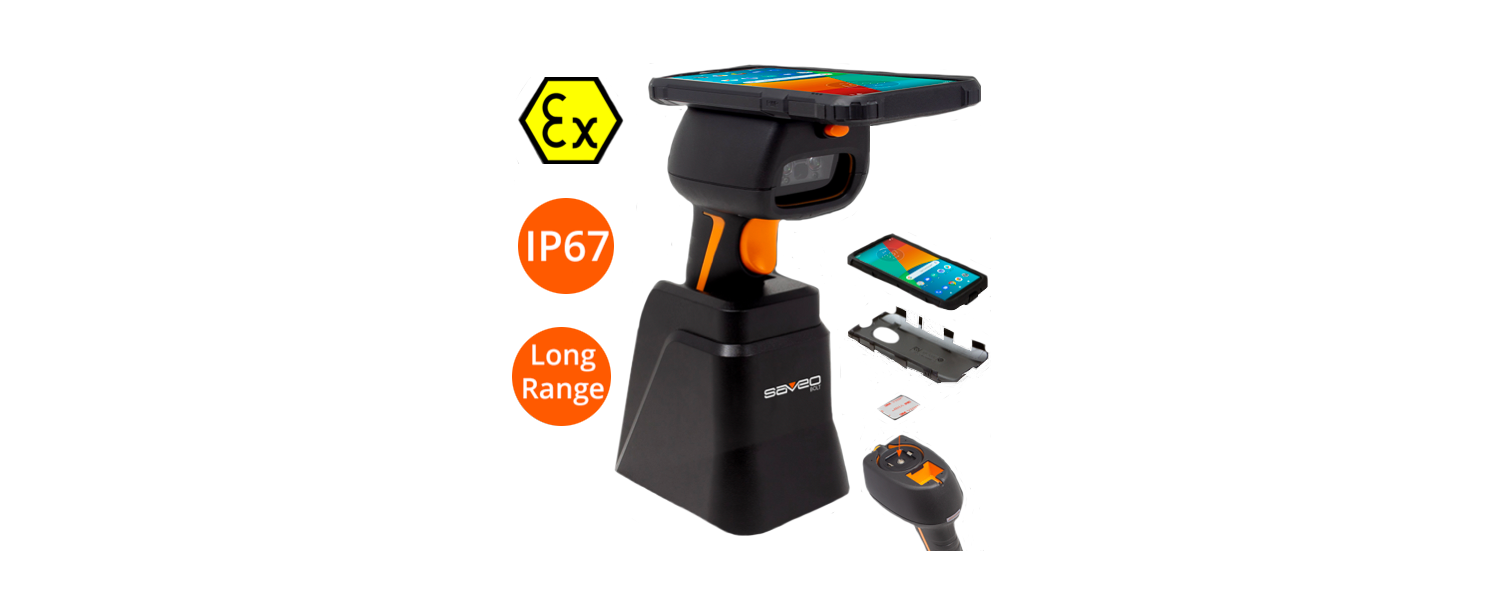
Saveo BOLT™ is a rugged handheld barcode scanner that turns your smartphone into an enterprise-ready 1D/2D scanning device, combining smartphone intelligence with industrial-grade durability.
Saveo BOLT Specs
- Built-in 1D/2D barcode scanner
- Compatible with Android®, iOS®, and Windows® devices
- USB HID, USB COM, Bluetooth® HID, and SPP connectivity options
- Universal quick-release device mount system
- Docking station for dual fast charge included
- IP67-rated rugged, waterproof, and dustproof design
- Drop-resistant up to 2 m
- Ex (Atex) and anti-microbial certified
Saveo BOLT setup guide
Connecting the Saveo BOLT to an Android phone
- Attach mount plate to phone about halfway from the base
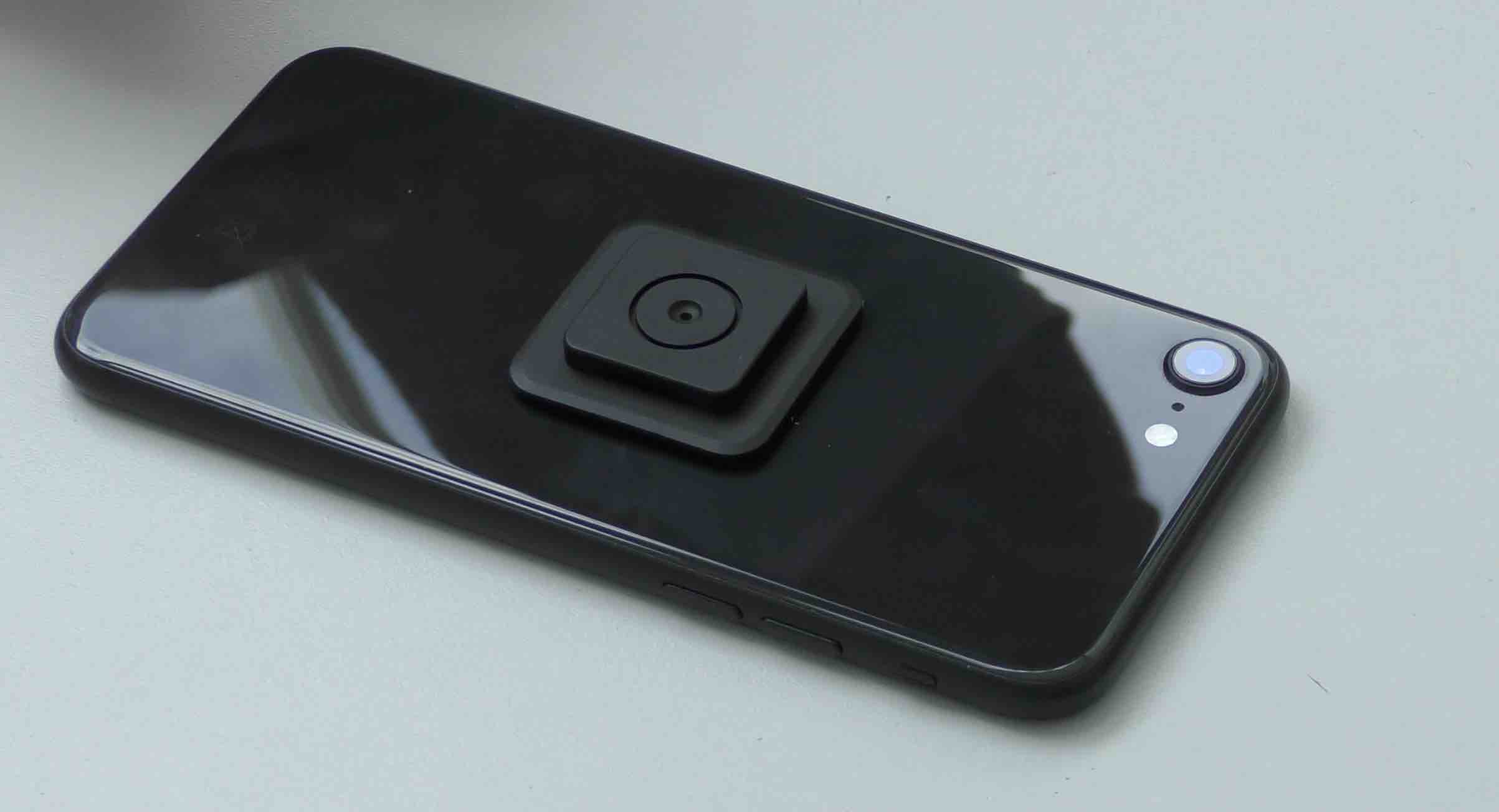
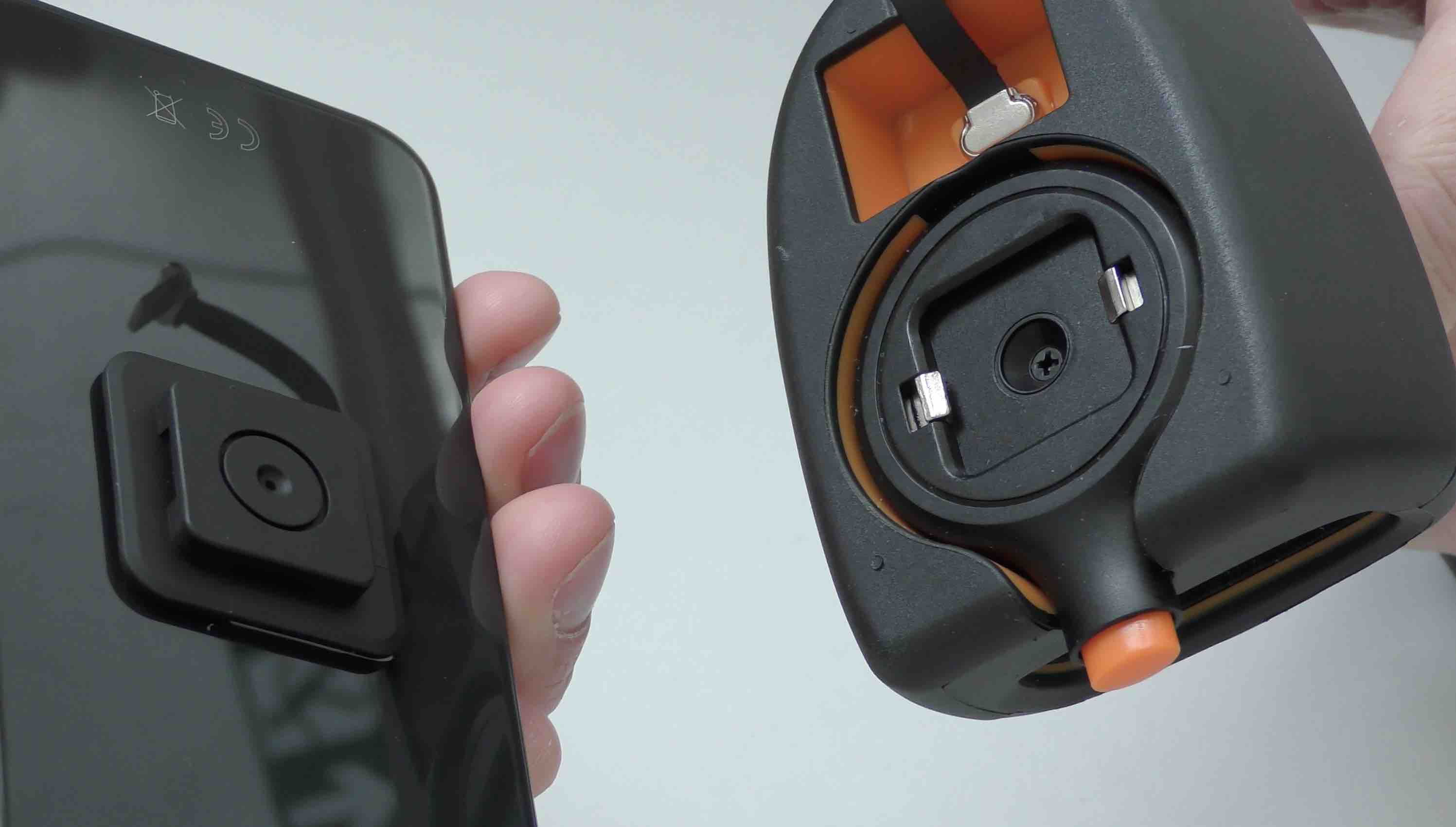
- Clip the phone to the scanner
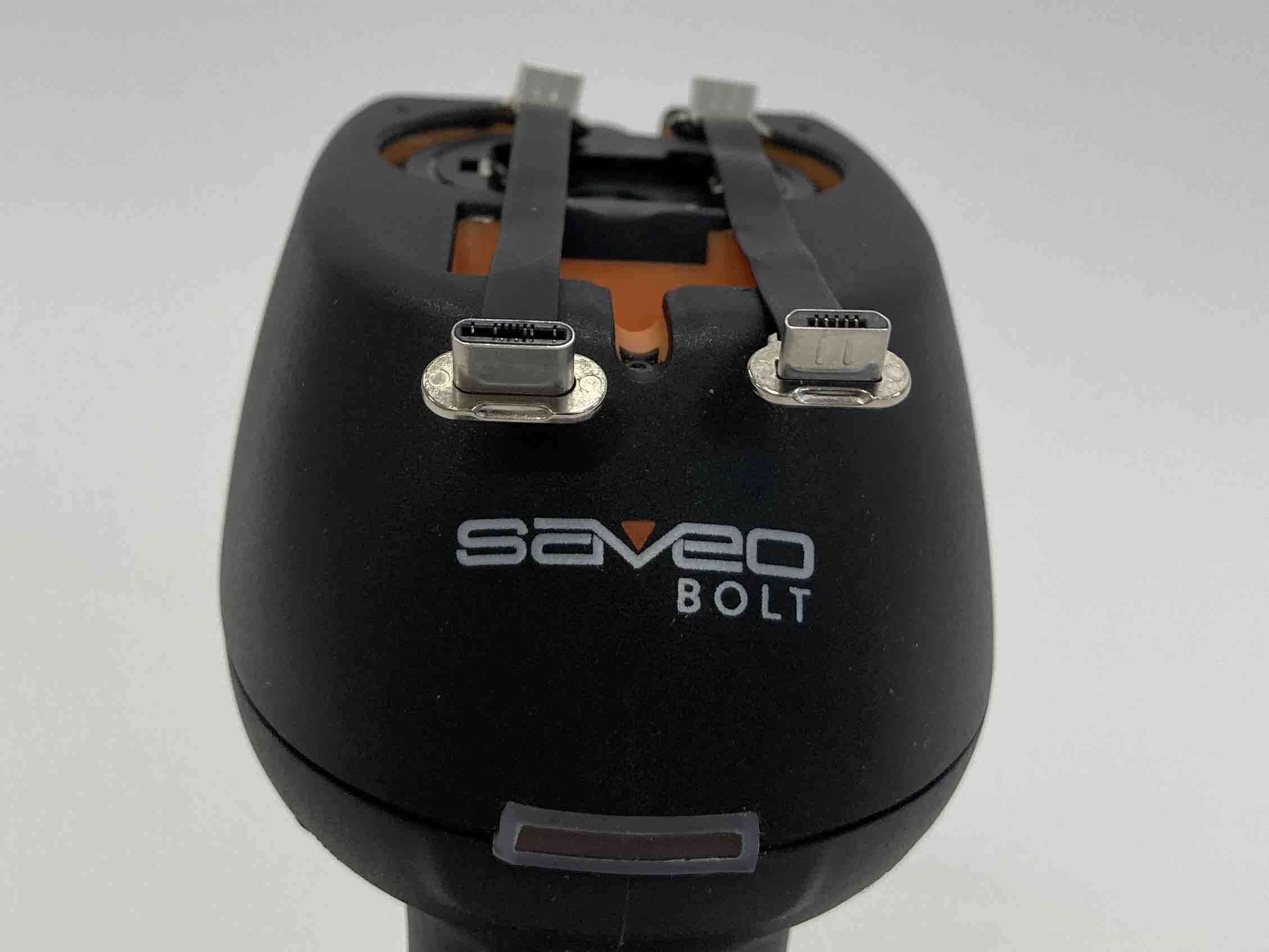
- Join phone to grip using the provided Micro USB to Micro USB (or USB-C) cable
- Go to Bluetooth Settings on your device
- Tap on BLT 12345 (numbers may vary)
The scanner will beep as it connects, you’re set up and ready to go!
Connecting the Saveo BOLT to your iPhone
- Attach mount plate to phone about halfway from the base
- Clip the phone to the scanner
- Join phone to grip using the provided Lightning cable
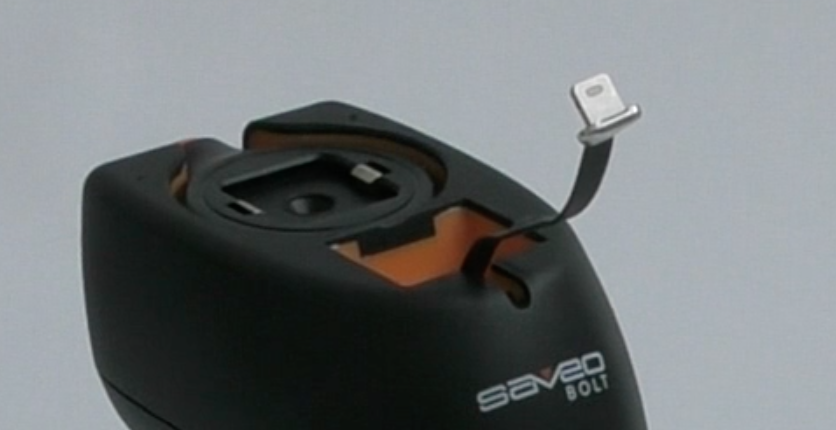
- Go to Bluetooth Settings on your device
- Tap on BLT 12345 (numbers may vary)
- The scanner will beep once connected and a blue outline will appear around the Orca Scan App for 3-5 seconds
That’s it! You’re connected and ready to go.
Saveo Scan BOLT Troubleshooting:
Can I set up the scanner to scan multiple items quickly?
Yes, tap the gear icon in the Orca Scan App and:
- Toggle ‘Continuous scan’ to ON
- Toggle ‘Add detail after scan’ to OFF
What if there is not enough room to fit the connecting cable?
Remove the mounting plate from your device and attach it further from the base of the phone
Scan barcodes into the systems you love
You can now use the Scan Bolt to scan barcodes into the following systems:
- Scan barcodes to your Excel spreadsheets
- Scan barcodes to your Google spreadsheets
- Scan barcodes into MySQL
- Build dashboards in Google Data Studio
- Visualise barcode data in Microsoft Power BI
Saveo BOLT related questions?
We’re happy to help troubleshoot any issues using Orca Scan with the Saveo BOLT, chat with us live or drop us an email.
Request a device integration
Need help getting Orca Scan working with your hardware? Request a Device Integration