Listen to this guide
0:00 / 0:00
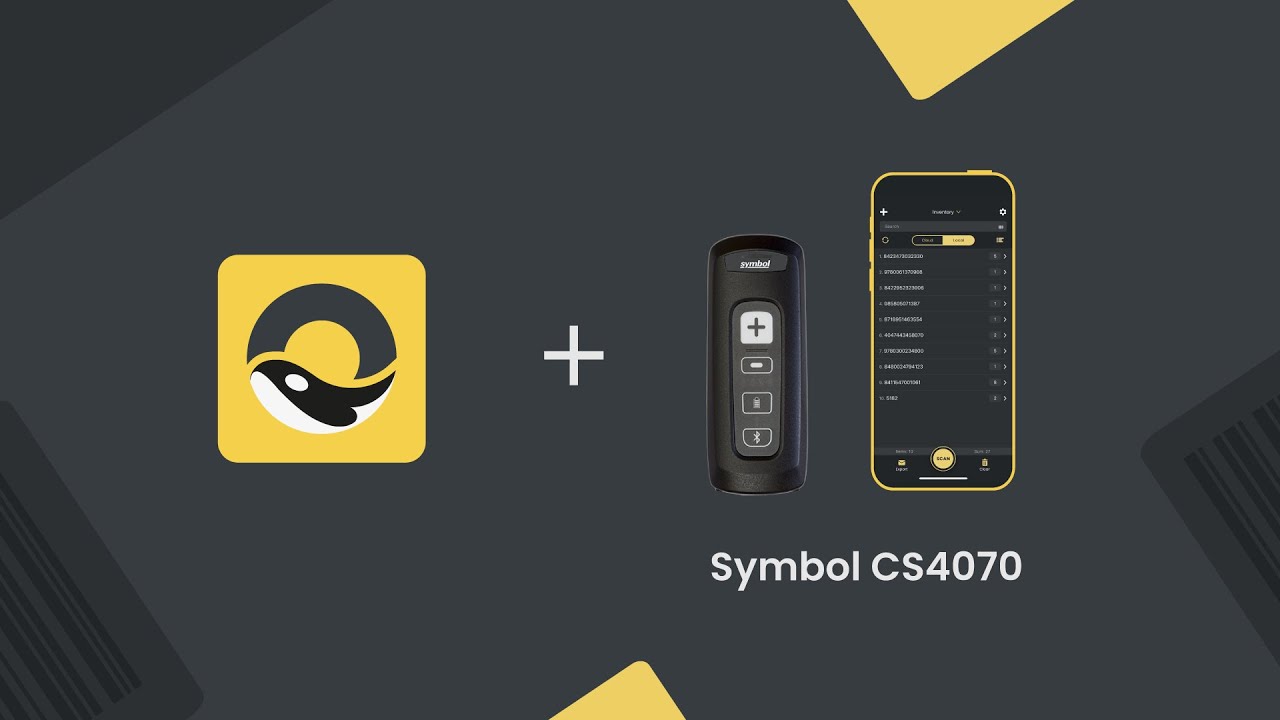
The Symbol CS4070 barcode scanner (also known as Zebra CS4070) is a pocket-sized Bluetooth barcode scanner that adds enterprise-grade barcode scanning capability to any iOS or Android device.
Symbol CS4070 specs
- Built-in 1D/2D barcode scanning
- Pocket-sized Bluetooth barcode scanner
- Bluetooth connectivity for iOS and Android devices
- Up to 12 hours of battery life or 4,250 scans per charge
- Approx. 3 hours 40 minutes charging time
Symbol CS4070 setup guide
- Open Bluetooth Settings on your device
- Hold the Bluetooth button on the CS4070 for 3 seconds (it should beep)
- Now tap the CS4070 on your smartphone to connect
- Launch Orca Scan mobile app
That’s it! You can now use the scan button on the CS4070 to capture data.
Scan barcodes into the systems you love
You can now use the CS4070 to scan barcodes into the following systems:
- Scan barcodes to your Excel spreadsheets
- Scan barcodes to your Google spreadsheets
- Scan barcodes into MySQL
- Build dashboards in Google Data Studio
- Visualise barcode data in Microsoft Power BI
Symbol CS4070 related questions?
As always, we’re happy to help troubleshoot any issues connecting Orca Scan to the Symbol CS4070, feel free to chat with us live or drop us an email.
Symbol CS4070 related files
Request a device integration
Need help getting Orca Scan working with your hardware? Request a Device Integration