Listen to this guide
0:00 / 0:00
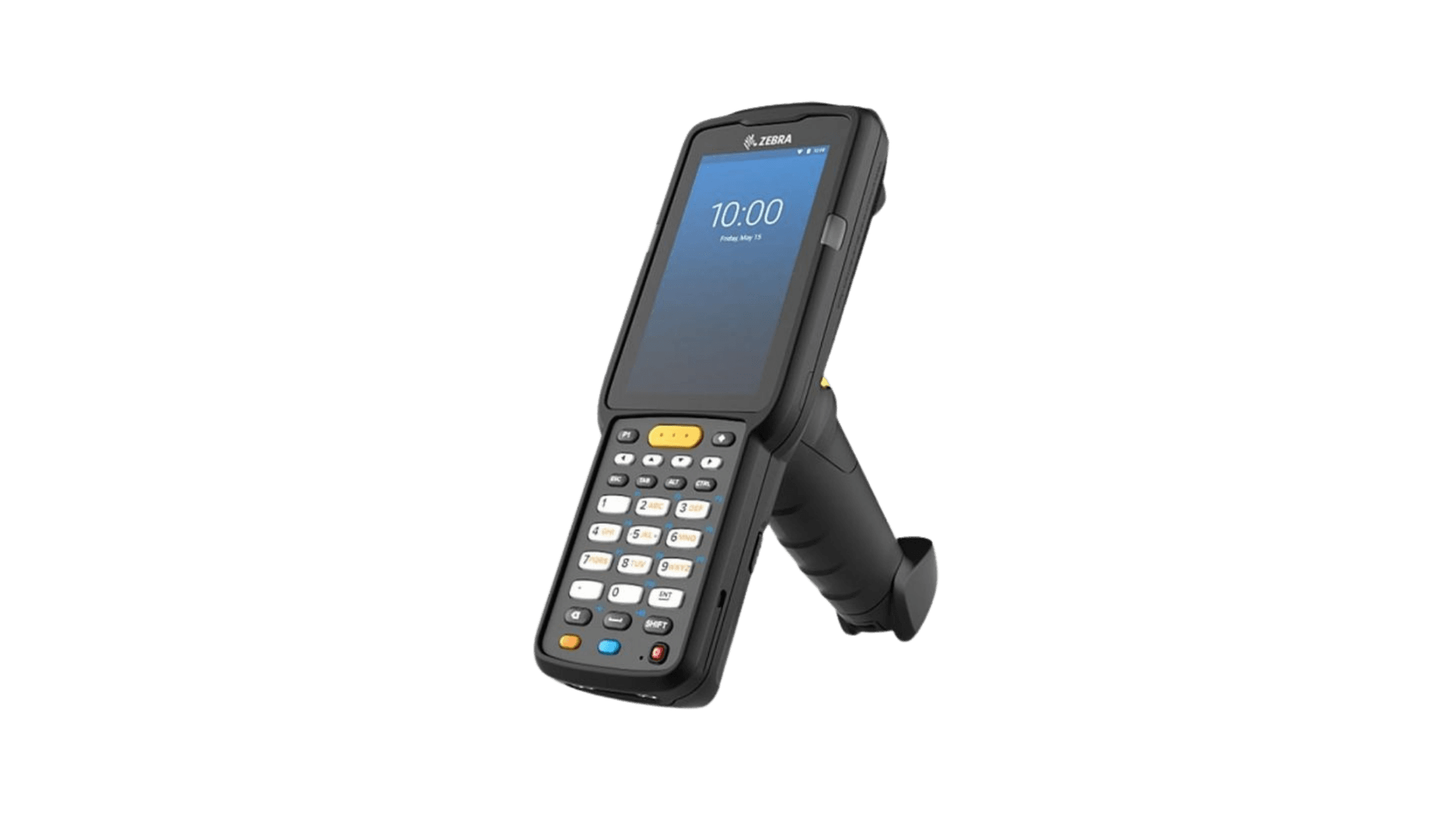
The Zebra MC3300x is an Android enterprise scanner designed for demanding e-commerce workflows. It combines a smartphone-like experience with rugged drop-and-seal durability and high-performance processing.
Zebra MC3300x specs
- Android 11 Operating System
- Wi‑Fi (802.11 a/b/g/n/ac/d/h/i/k/r/w) and Bluetooth connectivity
- 4” Gorilla Glass touchscreen colour display
- Configurable keypads: 29‑key, 38‑key, or 47‑key
- Supports multiple RFID standards
- Frequency range: 865–928 MHz
- SE4750SR scan engine with LED aimer
- 4 GB RAM, 32 GB Flash storage
- IP54-rated durability
Zebra MC3300x setup guide
You can configure the Zebra MC3300x RFID scanner to work with Orca Scan using the following steps:
- Open the Google Play App store
- Download the Orca Scan mobile app
- Open Orca Scan and login or register
- Open the Settings application
- Open Key Programmer
- Set GUN_TRIGGER to SYMBOL_TRIGGER_6
- Close the settings
- To include barcode scanning (optional)
- From within the Key Programming menu
- Select the key that has the description “SCAN”
- Select “SCAN”
- This will use the wide yellow button just below the MC3300R’s screen.
- Open the 123RFID application
- Open Settings > Regulatory
- Select your region
- Close 123RFID
- Open the DataWedge Application (version 11.2.28)
- Create a new profile (top right menu)
- Name it Orca Scan
- Set Associated apps to com.orcascan.bulkbarcodescanner
- Select Profile enabled
- Scroll down to RFID Input
- Select Enabled
- Enable Hardware Trigger
- Confirm the Reader selection sees an MC3300 device
- Open Configure reader settings
- Enable Filter duplicate tags
- Set Antenna transmit power to 27 dBm
- Scroll down to Keystroke Output
- Select Enabled
- Set Inter character delay to 10 ms
- Open Basic data formatting
- Enable Send data
- Enable Send ENTER key
- Close the Data Wedge app
That’s it; you can now scan RFID tags using Orca Scan by pulling the trigger.
Scan barcodes into the systems you love
You can use the Zebra MC3300x with Orca Scan to scan barcodes into the following systems:
- Scan barcodes to your Excel spreadsheets
- Scan barcodes to your Google spreadsheets
- Scan barcodes into MySQL
- Build dashboards in Google Data Studio
- Visualise barcode data in Microsoft Power BI
Zebra MC3300x related questions?
We’re happy to help troubleshoot using Orca Scan with the Zebra MC3300x, chat with us live or drop us an email.
Zebra MC3300x related files
Request a device integration
Need help getting Orca Scan working with your hardware? Request a Device Integration