AED Management Software for Inspections
AED management software helps organisations keep Automated External Defibrillators (AEDs) ready for use by digitising routine inspections, maintenance and expiry tracking. With Orca Scan, teams scan each AED using a smartphone, tablet or barcode scanner to open its record, complete an inspection and update its status. It replaces paper inspection logs and spreadsheets with a shared digital record for each AED. Inspection results, expiry dates and maintenance history are updated in one place, so teams can quickly see what has been checked, what is overdue and what needs attention.
 Use in mobile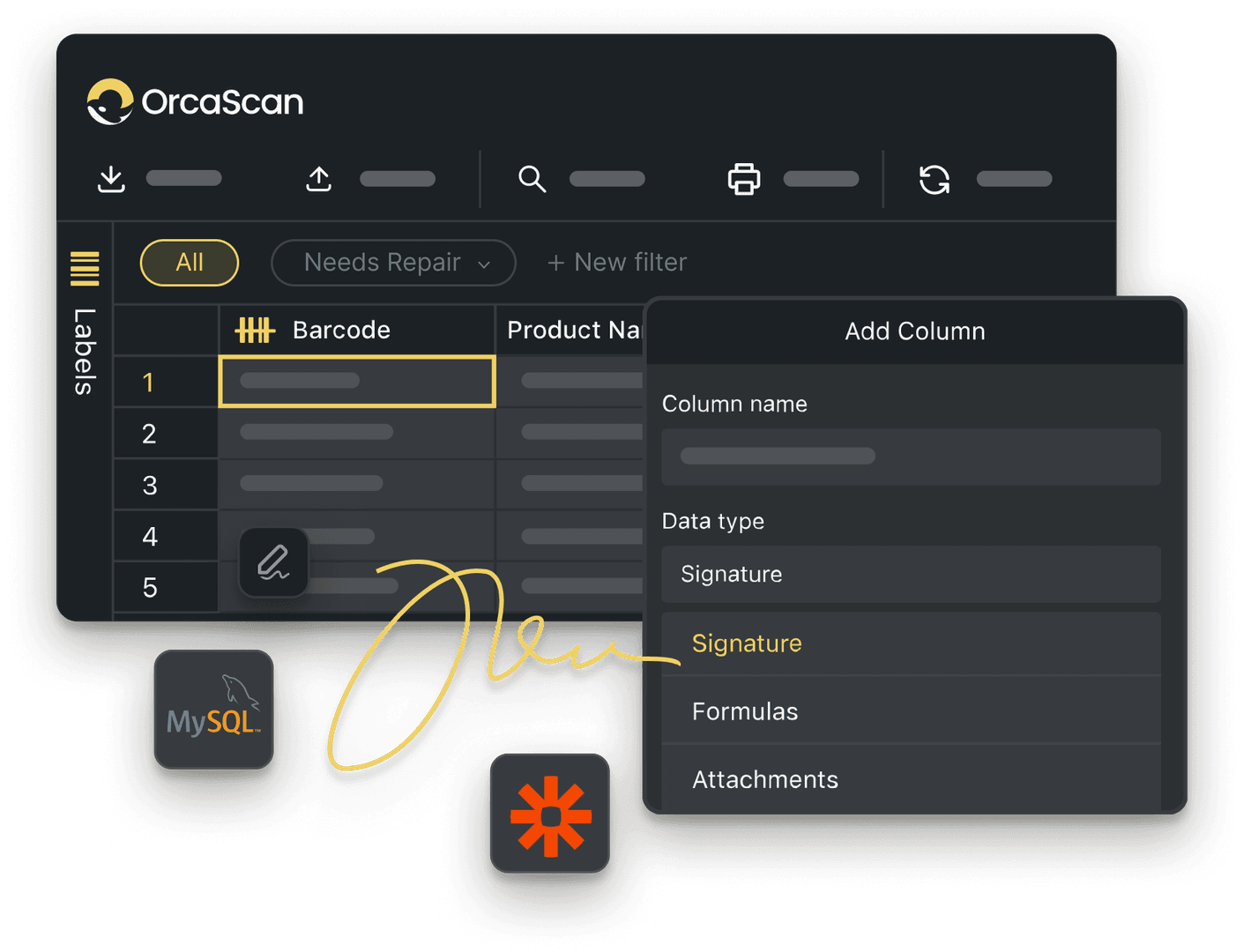
Trusted by over 50,000 organisations in over 165 countries



Keep AED checks consistent and visible
Record inspections, expiry dates, and follow-up actions in one place
Powerful features to improve your workflow
-

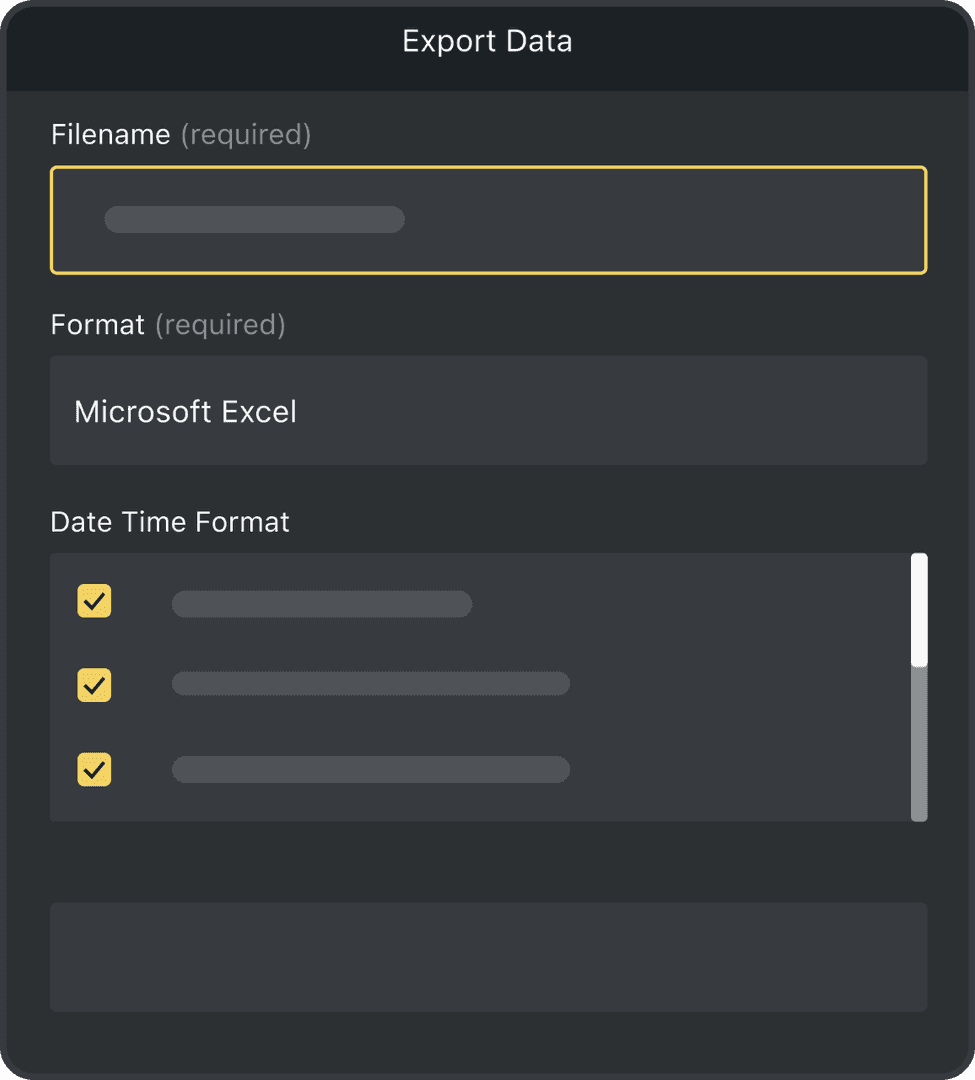
Complete Inspection History
Every inspection is recorded automatically, so you can see what changed, when and who made the update
-

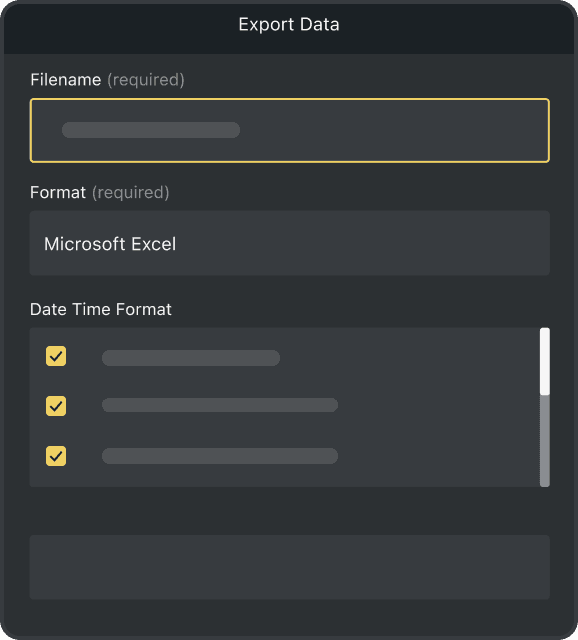
Save Time and Effort
Replace paper records and spreadsheets with a simple digital system to manage AEDs across your organisation
-

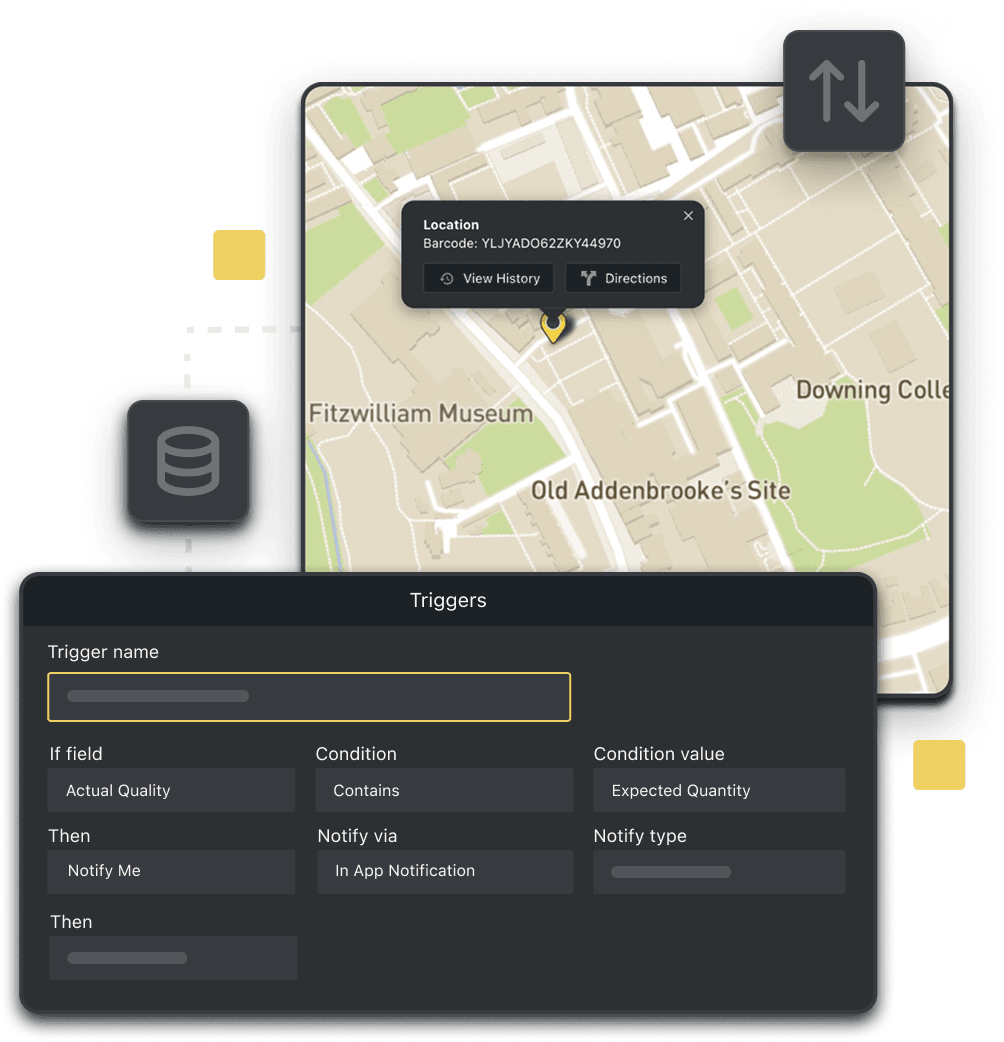
Automated Triggers
Set up triggers to take action based on inspection results, such as notifying your team when an AED is marked as damaged
Powerful features to improve your workflow
-

Scan with Mobile
Use your phone, or tablet to scan barcodes and capture inspection details instantly
-

Print Barcodes
No barcode? Design, generate and print unique barcode labels for every AED using Orca Scan
-

Location Tracking
Record the precise location of every defibrillator so devices are easy to keep track of
-

Capture Photos
Attach photos to document damage, maintenance or changes in the condition of each AED
-

Capture signatures
Capture signatures when inspections are completed to confirm device readiness and maintain accurate maintenance records
-

Work Offline
Complete inspections without a connection. Your data syncs automatically when you’re back online
AED Management Software FAQs
What is AED inspection software?
AED inspection software helps organisations complete, record, and manage Automated External Defibrillator (AED) inspections. It stores device location, inspection dates, battery status, pad expiry, and maintenance history in one record. By scanning a QR code or barcode attached to each defibrillator, teams can quickly access device records and update inspection results.
How often should an AED be inspected?
The frequency of defibrillator inspections depends on your organisation’s policies as well as any applicable regulations or manufacturer guidance. With Orca Scan, you can schedule recurring inspections, record inspection results, and create triggers to automatically notify your team when an AED is damaged or needs further attention.
Why should I replace paper AED inspection records?
Paper inspection records can be difficult to keep up to date, share between teams, and retrieve during audits. AED inspection software provides a digital history for every defibrillator, making it easier to complete inspections, maintain accurate records, and identify overdue inspections without relying on paper forms or spreadsheets.
How does AED inspection software work with Orca Scan?
Within Orca Scan, each AED has its own digital record. Scan the QR code or barcode attached to the device to view its record, complete an inspection, record the results, and save your changes instantly. Inspection records are updated in real time, making it easy to identify completed and overdue inspections across your organisation.
Can I customise the AED inspection solution to suit my process?
Yes. Orca Scan is fully customisable, allowing you to add, remove, or rename fields to match your inspection process. Add or remove fields to record the information that matters to your organisation and adapt the solution to match your processes as they evolve. There’s no code to write, so you can make changes whenever you need to.
How do I set up AED inspections with Orca Scan?
Orca Scan works on smartphones, tablets and barcode scanners, allowing you to scan QR codes or barcodes attached to each AED. Getting started only takes a few minutes.
To get started:
- Download the Orca Scan mobile app
- Create a new sheet using the AED Inspection template
- Scan or assign a barcode to each AED
- Record key information on inspection of the device
- Add notes, photos and a signature if required
- Save your changes and repeat for each device
Here's why thousands of teams count on Orca Scan
Trusted by businesses worldwide
- Paramedic Supervisor at Leavenworth County EMS


If you work in the medical field and need to keep track of your medical equipment, and want to be able to customise it for your service, then Orca Scan is the solution

-


Great app
App is very easy to use this very customizable very user-friendly. It makes inputting data so much more efficient.
Explore related solutions


Certified and Trusted: Quality You Can Rely On
Backed by Industry-Leading Certifications

AED Management Software related questions?
If you need help brainstorming how best to track your inventory, get in touch; we’d be happy to help.