Solar Panel Maintenance Tracking & Inspection Software
Orca Scan is solar panel maintenance tracking software that helps solar operators and field technicians inspect and maintain panels across multiple sites using barcode and QR code scanning. Scan each panel to access its record and log installation details, inspection results, defects, photos, maintenance actions and GPS location. It replaces paper inspection forms, disconnected spreadsheets and separate photo records with a shared digital workflow: scan the panel, review its history, update inspection or maintenance details, attach evidence and save the record. Teams can work offline in remote locations, with changes syncing to the cloud when connectivity returns.
 Use in mobile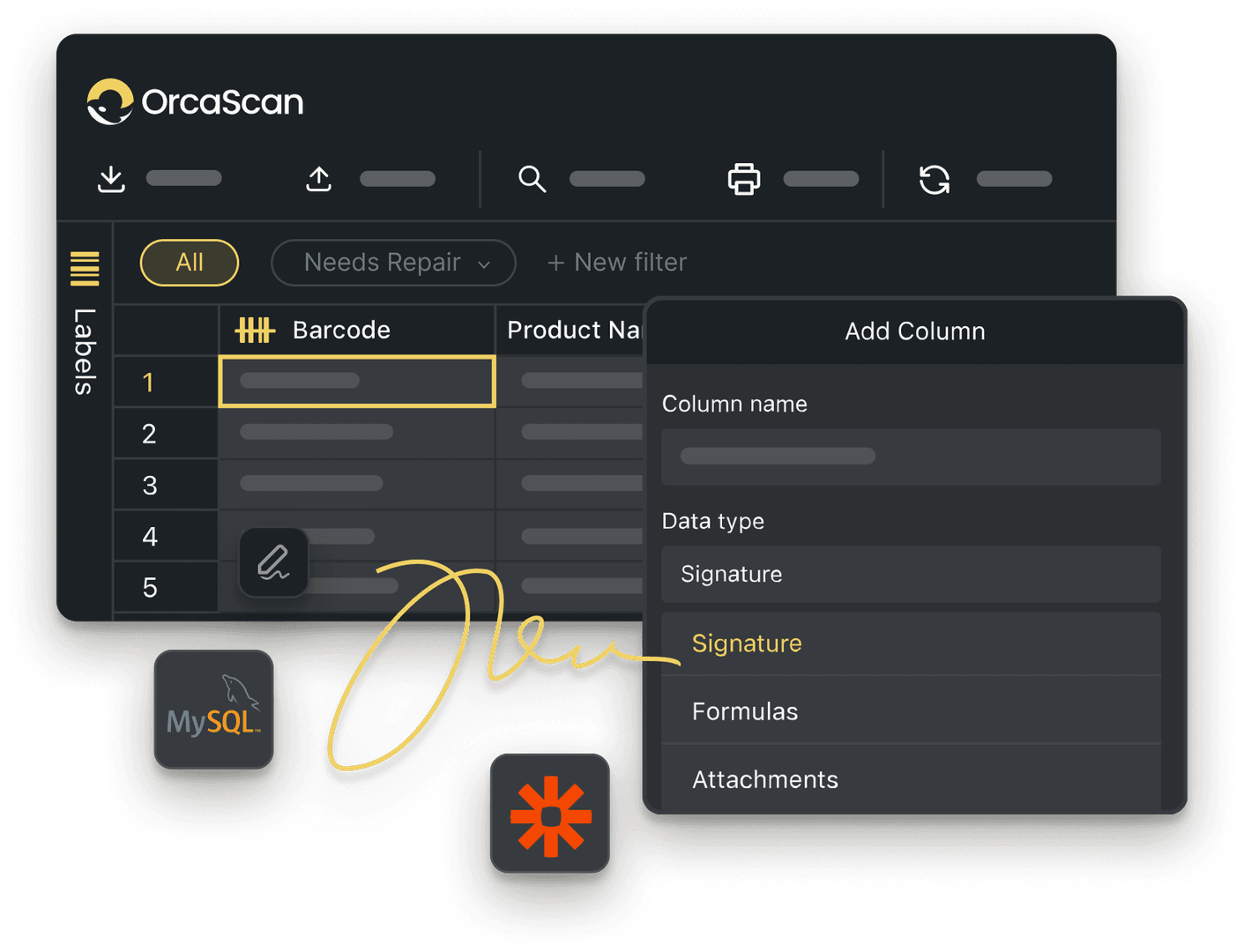
Trusted by over 50,000 organisations in over 165 countries



Stay Ahead of Solar Maintenance
Track inspections, maintenance history, defects and locations across every solar site
Install, Inspect and Scan with Ease
-

Work Offline
Conduct inspections in remote areas or low-coverage zones. Scans and updates automatically sync to the cloud once connectivity is restored
-

Capture Photos
Attach photos of panel damage, defects, or completed works for evidence-based records
-

Full Audit Trail
Every scan and update is logged automatically, showing who installed a panel, when it was last inspected and what works were carried out
Powerful features to improve your workflow
-

Manage Multiple Locations
Track solar panels across multiple sites, solar farms, or regions in one organised view
-

Alerts & Notifications
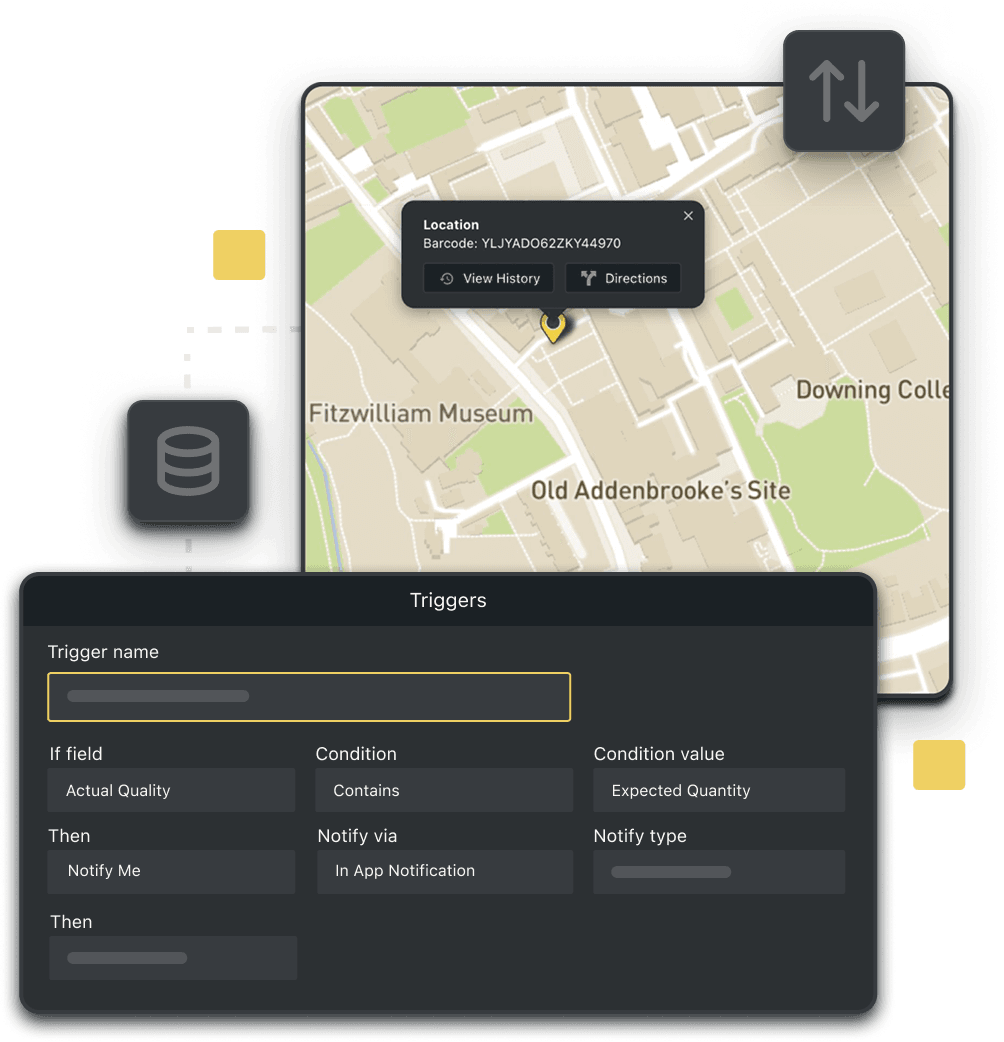
Get alerts when panels are damaged or need attention, and receive updates on installations, inspections, and maintenance
-

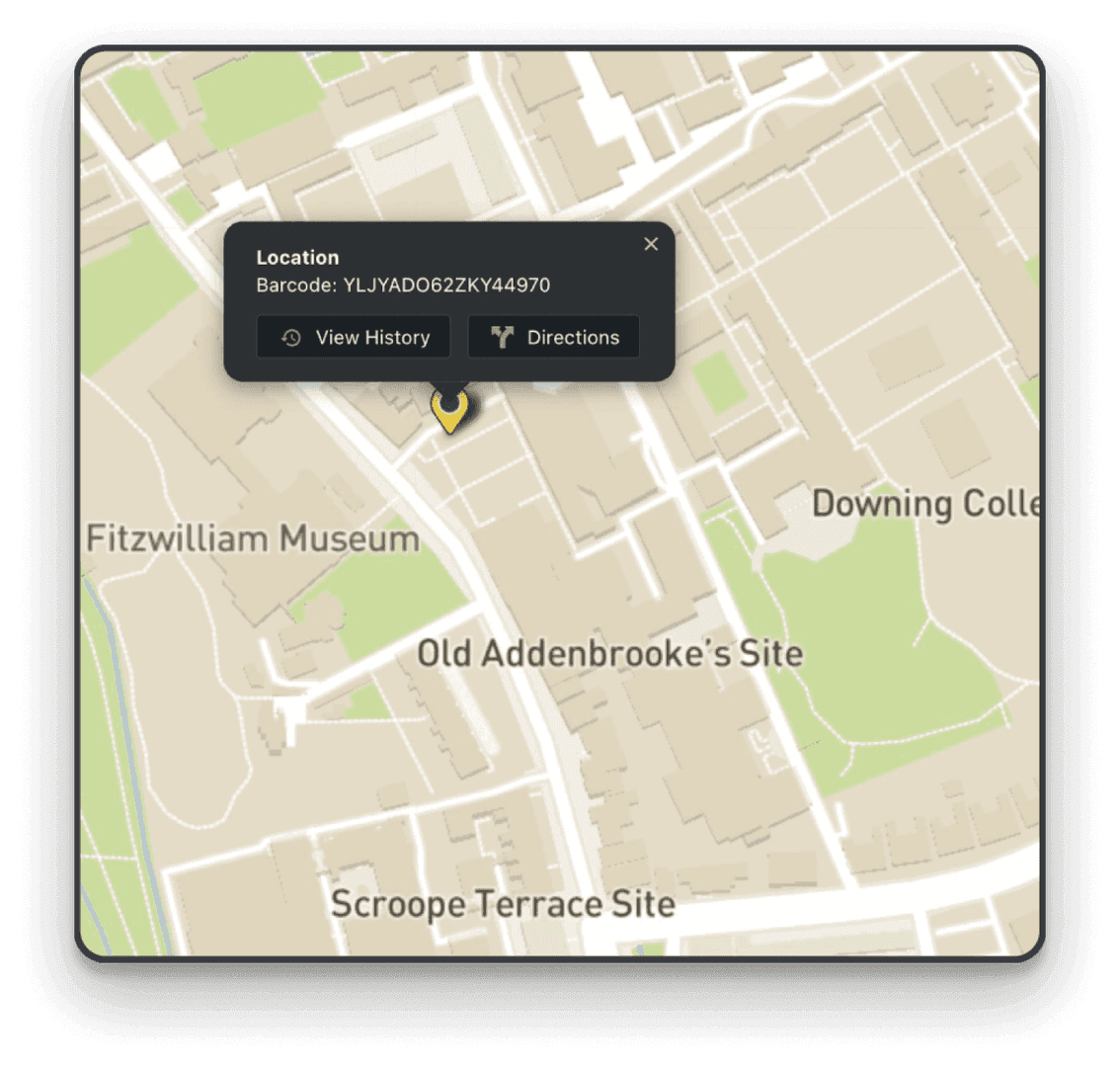
GPS location
Automatically record the GPS location of every solar panel and see them with asset maps
Solar Panel Maintenance FAQs
What is solar panel maintenance tracking software?
Solar panel maintenance tracking software is a system for managing inspections, servicing and maintenance history across one or multiple sites. Each panel is tracked as an individual asset, with inspection results, defects, maintenance records, photos and supporting data stored in one place. This replaces manual spreadsheets, paper inspection forms and separate files with a shared, traceable record for each panel.
How do I get started with solar panel maintenance and inspection tracking?
Getting started with Orca Scan for solar panel maintenance is quick and easy:
- Download the Orca Scan barcode scanning app
- Create a new sheet using the Solar Panel Inspection template
- Label each solar panel with a barcode or QR code (if not already labelled)
- Scan the panel’s barcode using the mobile app
- Enter inspection, maintenance, or damage details
- Capture photos where prompted
- Save the record
What data can the system capture during inspections?
Orca Scan can capture the following data during solar panel inspections:
- Site
- Array
- Row
- Installation date and time
- GPS location
- Inspection date and time
- Technician name and device used
- Panel condition and status
- Fault or defect type
- Maintenance actions taken
- Notes
- Photos
All data is logged against the panel’s unique barcode or QR code, creating a complete inspection history across the lifecycle of a solar panel.
How does it work in the field without WiFi?
Orca Scan works fully offline, making it ideal for remote solar farms and low-connectivity environments. The app automatically downloads the data you need in advance, allowing field technicians to:
- Scan solar panel barcodes
- Search and update existing inspection and maintenance records
- Add new inspection entries and logs
Once the device reconnects to the internet, all data syncs automatically, ensuring inspection records remain accurate and up to date.
Can I track thousands of panels across multiple solar sites?
With Orca Scan, you can organise each solar farm in its own sheet, making it easy to manage panels site by site. You can invite users to sheets so field technicians and operations teams can collaborate, whether they are assigned to one site or several. The history log shows who inspected or maintained a panel, when the work was completed, and from which device.
If you need a portfolio-wide view, combine panels from all farms into a single sheet using views. This lets you group and report across every site in one place, while keeping individual farms organised separately.
Can I generate barcodes for solar panels?
Many solar panels include a manufacturer barcode or scannable serial number. If a panel does not have a scannable identifier, you can create your own barcode with Orca Scan:
- Design and print durable barcode labels using the Barcode Label Designer in the web app
- Create and print barcode labels directly from the mobile app
- Use Orca Scan’s free Barcode Image API to generate barcodes instantly via a browser link
Can I be notified when solar panels are damaged?
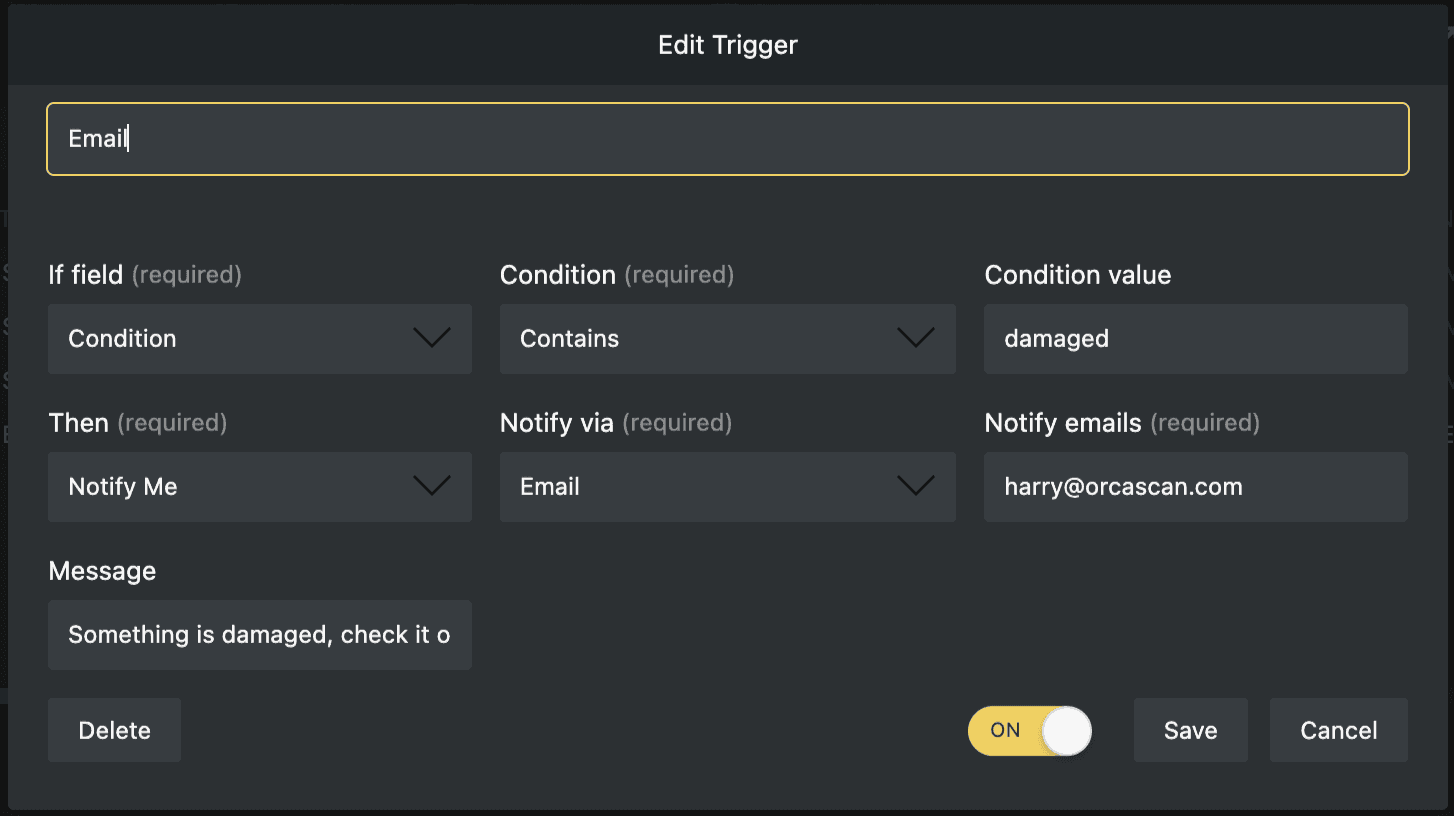
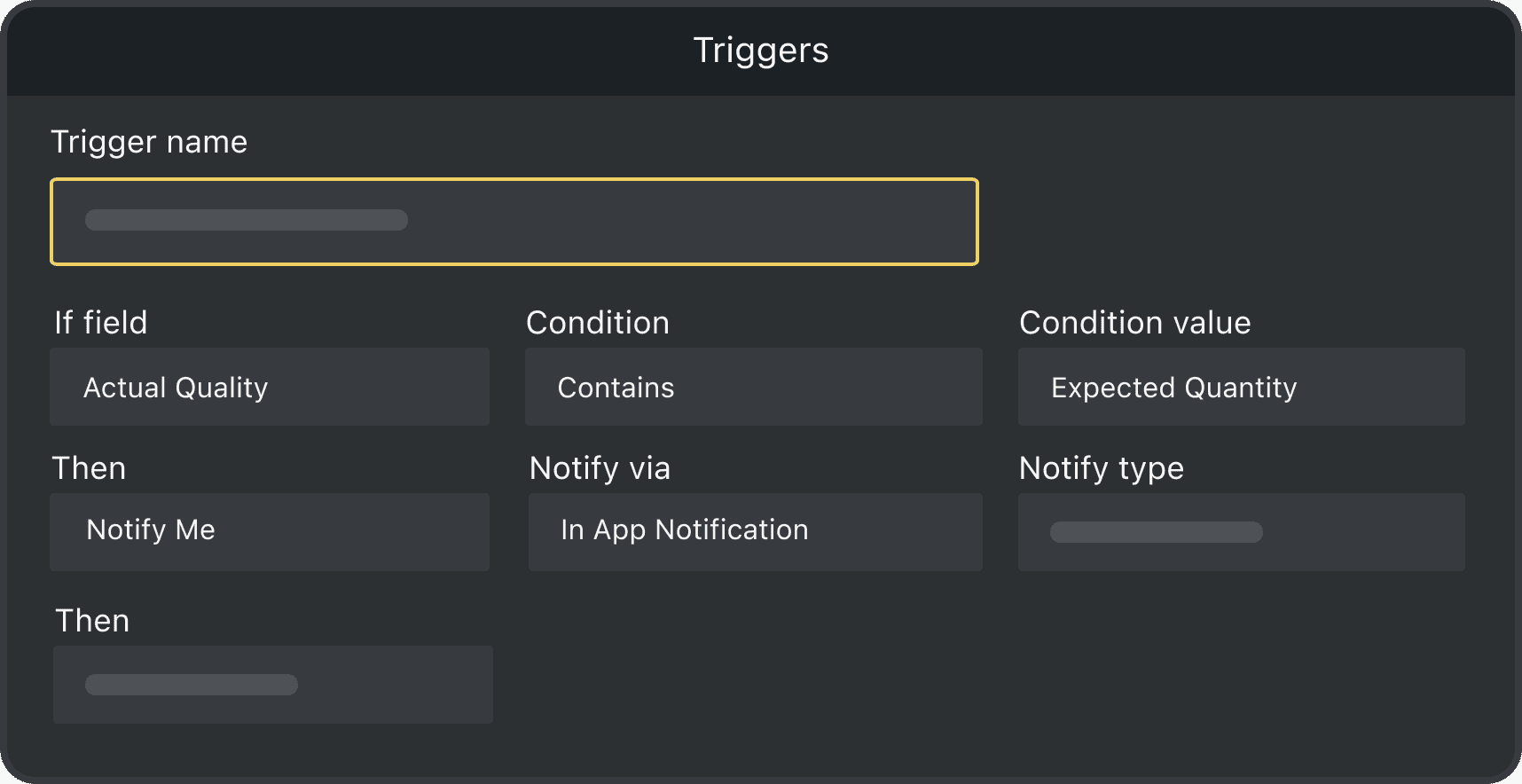
Yes. Using Triggers, Orca Scan can automatically notify teams when a panel is marked as damaged or requires attention so teams can prioritise repairs and minimise downtime. Alerts can be sent via email, in-app notifications or on-screen alerts.
Here's why thousands of teams count on Orca Scan
Trusted by businesses worldwide
- GSE MGR at Signature Aviation


What a phenomenal find Orca Scan was
-

Sometimes you think “I wish there was an app that could………” and I found it. This is perfect and the scans are quick and accurate.
-

Very helpful at work. Helps me log all the needed info.
Explore related solutions


Certified and Trusted: Quality You Can Rely On
Backed by Industry-Leading Certifications

Solar Panel Maintenance related questions?
If you need help brainstorming how best to track your inventory, get in touch; we’d be happy to help.