Dental Implant Tracking Software
Orca Scan is dental implant tracking software that lets dental clinics scan implant barcodes, capture details such as manufacturer, lot number and expiry date, and link each implant to a patient and procedure record in real time. It replaces paper logs and spreadsheets with a shared dental inventory tracking system, giving clinics a searchable audit trail from implant receipt to placement while improving traceability, reducing errors and simplifying recall and compliance workflows.
 Use in mobile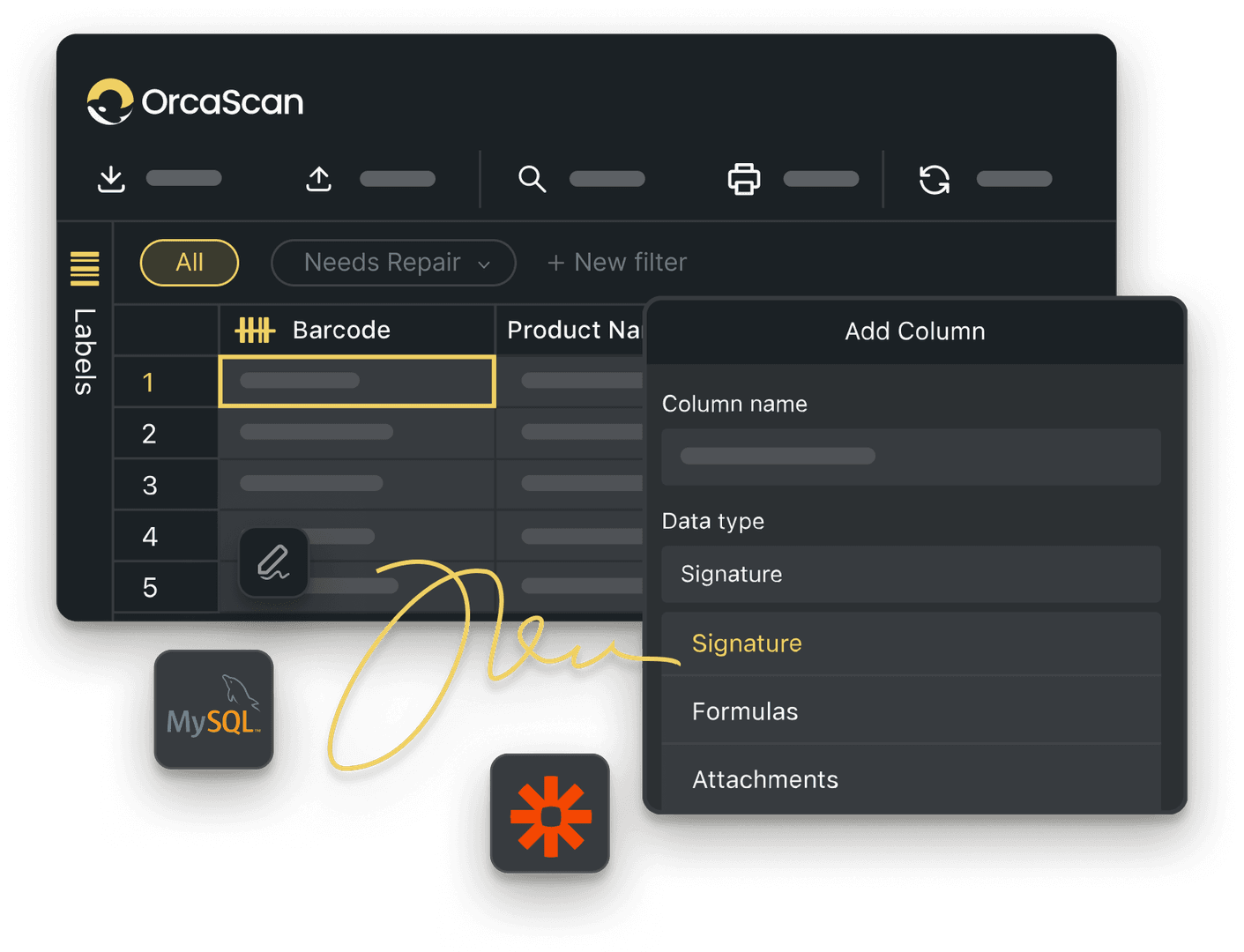
Trusted by over 50,000 organisations in over 165 countries



Dental implant tracking, simplified
Track every dental implant from receipt to placement with a complete digital audit trail
Smarter Implant Tracking, Safer Procedures
-

Save Time and Effort
Track every implant across your clinics in one place. See what’s in stock, what’s been used, and what’s nearing expiry to avoid delays, waste, and last-minute surprises
-

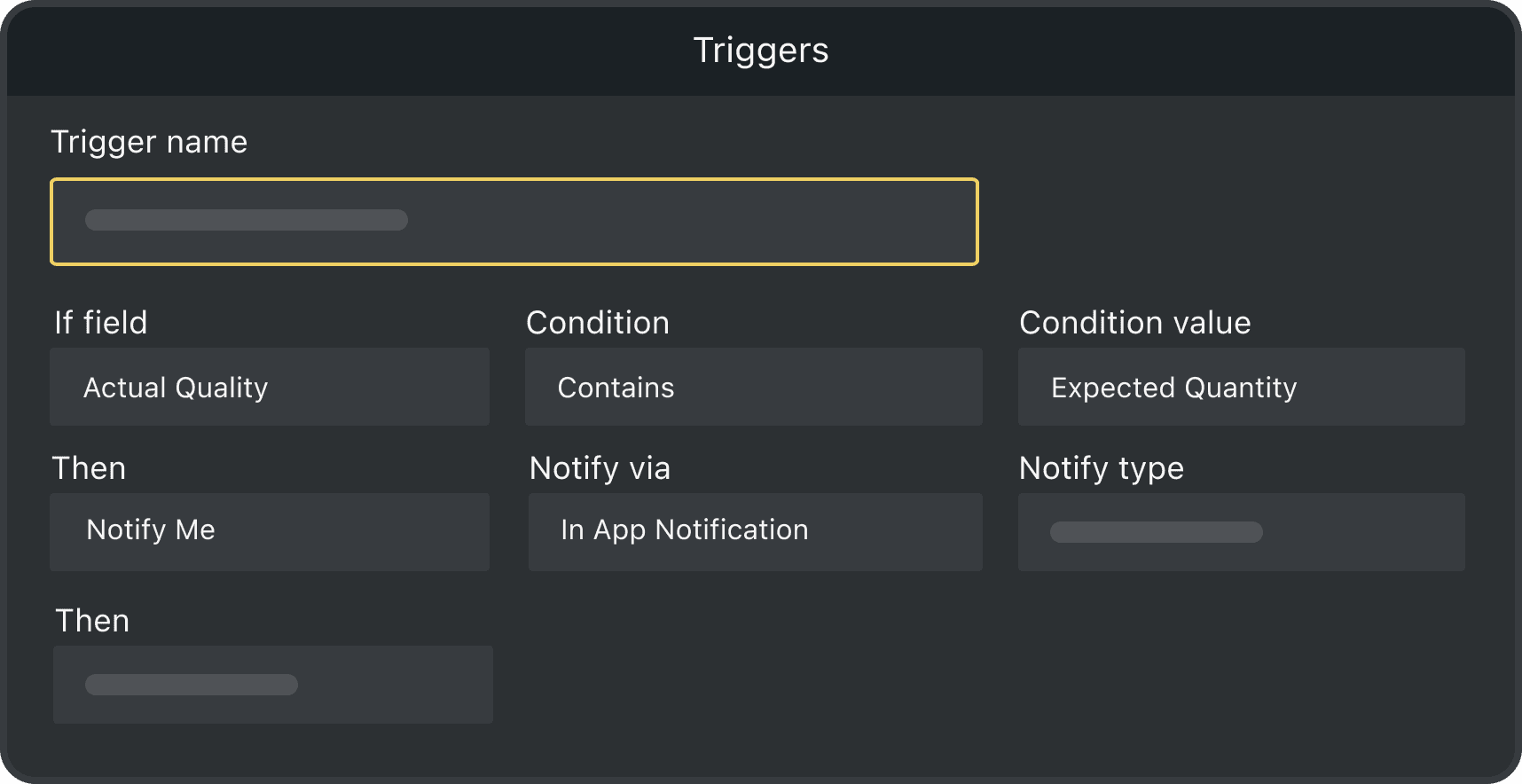
Automated Triggers
Set up triggers to flag low stock, expired implants, or missing information so nothing gets missed
-

Complete Audit Trail
Every scan is recorded automatically, so you can always see what happened, when, where and by whom, helping you stay compliant and respond quickly to recalls
Powerful features to improve your workflow
-

Scan with Mobile
Designed for use chair-side, Orca Scan works on your phone or tablet so you can capture implant details instantly during procedures
-

Fully Customisable
Adapt the system to match your workflow. Capture exactly the information you need, from patient ID and clinician name to procedure notes and attachments
-

Work Offline
Capture implant data even without an internet connection. All scans are saved and synced when you’re back online, so nothing is ever lost
Dental Implant Tracking FAQs
What is dental implant tracking software?
Dental implant tracking software is used to record implants from the moment they arrive at a clinic until they are placed in a patient.
Many implants have a Unique Device Identifier (UDI), which allows them to be identified and traced throughout their lifecycle. Capturing this data helps clinics create a clear and traceable record linking each implant to a specific patient and clinician.
How does dental implant tracking software work in a dental clinic?
Dental implant tracking software works by scanning the barcode on implant packaging to capture key device information such as the UDI lot number and expiry date.
Clinic staff can then add procedure details such as patient reference, clinician, and procedure date. Each record is stored in a central system, making it easy to search and retrieve information in real time.
Can I track dental implants using barcodes?
Yes. Most dental implants include a barcode, or DataMatrix code, that contains important information such as the device identifier (UDI), lot number, and expiry date.
By scanning this barcode with Orca Scan, clinics can automatically capture implant data without manual entry, which improves accuracy and reduces errors.
Can I track dental implants by lot number and expiry date?
Yes, using dental implant tracking software like Orca Scan allows clinics to search and filter implants by lot number, batch number or expiry date. As best practice, dental practices should record information about both the implant and the procedure.
Orca Scan’s Dental Implant Tracking Software captures:
Device information:
- Manufacturer
- Implant description or model
- Device identifier (UDI)
- Serial number
- Production date
- Lot or batch number
- Expiry date
Procedure information:
- Date scanned or recorded
- Patient reference ID
- Procedure date
- Clinician name
Can I track dental implant inventory across multiple clinics?
Yes. With Orca Scan, teams can manage implant inventory across multiple clinics or surgeries.
Features such as Asset Maps allow teams to view the GPS location of each asset, while Views provide a consolidated list of inventory across all your sites.
This helps prevent stock shortages, reduce expired implants, and ensure clinics always have the implants they need for procedures, reducing patient waiting times.
What happens if a dental implant is recalled?
If a dental implant is recalled, clinics must quickly identify which patients received the affected implants.
With a digital tracking system like Orca Scan, staff can search by lot number or serial number to find impacted implants. This allows clinics to respond quickly and contact affected patients without delay.
How do I set up inventory tracking for dental implants with Orca Scan?
Orca Scan works on smartphones, tablets and hardware scanners. It reads the barcodes on implant packaging and captures key device information such as lot numbers and expiry dates.
All data is stored in one shared platform, giving you full visibility to track, monitor and manage implants across patients, procedures and locations.
To get started:
- Download the Orca Scan barcode app
- Create a new sheet using the Dental Implant Tracking template
- Scan the barcode on the implant packaging
- Enter additional information such as patient ID, clinician name and procedure date
- Add any notes if needed
- Save and close
Here's why thousands of teams count on Orca Scan
Trusted by businesses worldwide
- Paramedic Supervisor at Leavenworth County EMS


If you work in the medical field and need to keep track of your medical equipment, and want to be able to customise it for your service, then Orca Scan is the solution
- General Manager at iVascular

I’m not an IT guy, but for me, it was very easy to set up this solution with Orca Scan
-

Perfect app for inventory management.
Easy user interface, very simple to add and record any information you want to add. Easy to export to any other format, and easy to share with my team. I use this every year.
Explore related solutions


Certified and Trusted: Quality You Can Rely On
Backed by Industry-Leading Certifications

Dental Implant Tracking related questions?
If you need help brainstorming how best to track your inventory, get in touch; we’d be happy to help.