Equipment Check In Check Out Software
Equipment checkout software helps teams track who has tools and equipment, where they are and whether they have been returned. With Orca Scan, users scan a barcode when equipment is checked out or checked in, creating a shared digital record of each movement. It replaces paper checkout logs and manually updated spreadsheets with a barcode-based workflow. Each scan updates the equipment status, holder and history automatically, so teams can quickly see what is available, what is still checked out and who last had each item.
 Use in mobile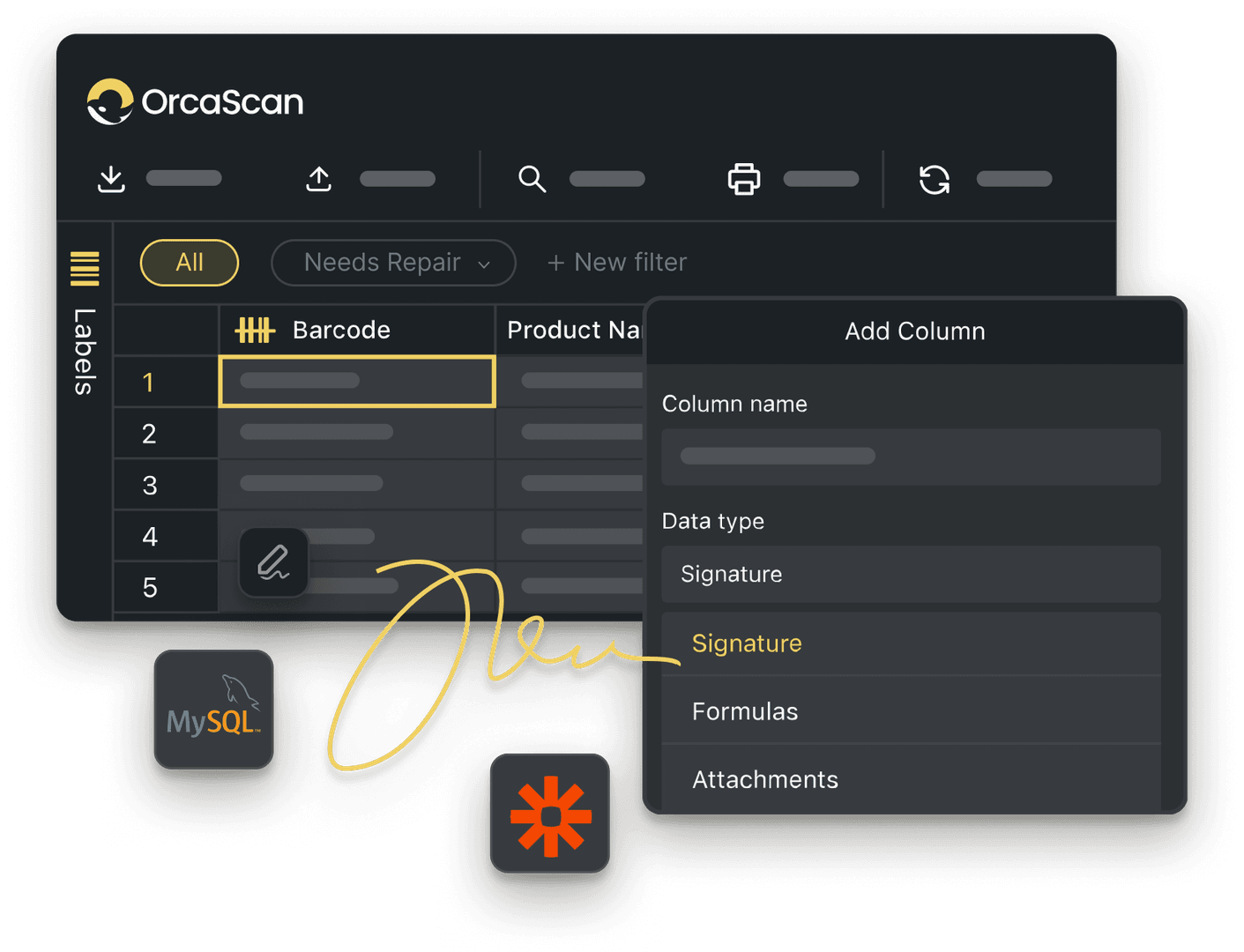
Trusted by over 50,000 organisations in over 165 countries



Keep equipment issue and return under control
Track tools, holders, maintenance records, and site locations in one live sheet.
Powerful features to improve your workflow
-

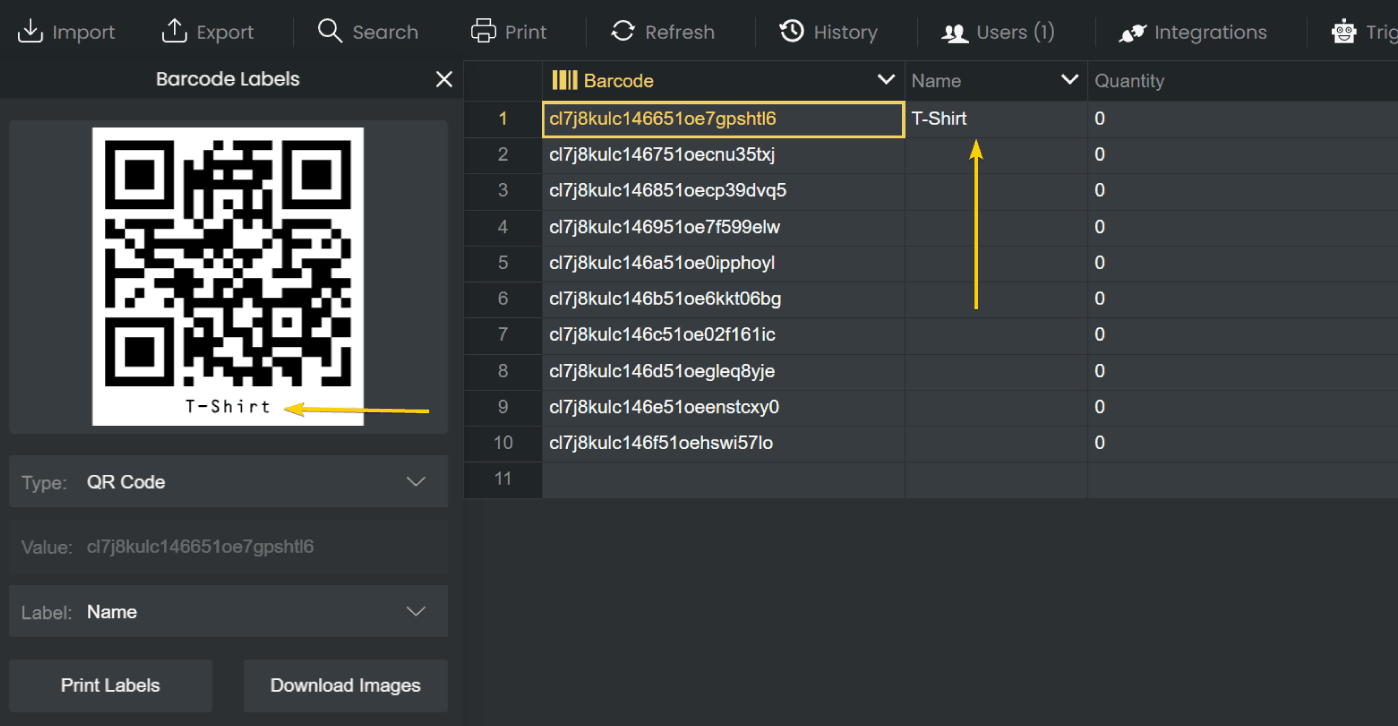
Design & Print Barcodes
Create & print unique barcode labels for your tools and equipment, ready to scan when items go out or come back
-

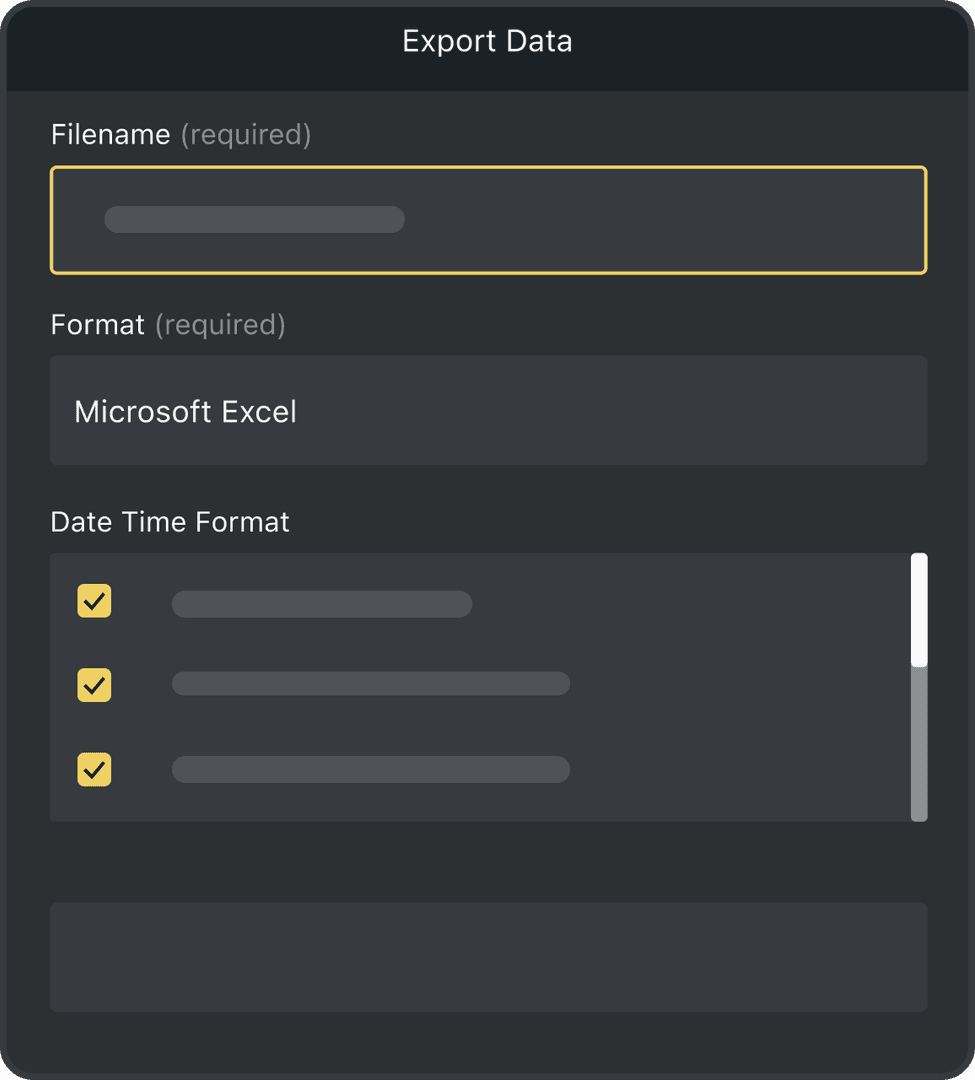
Detailed History Log
Keep a complete history of every equipment update, including who made the change, when it happened and where it was made
-

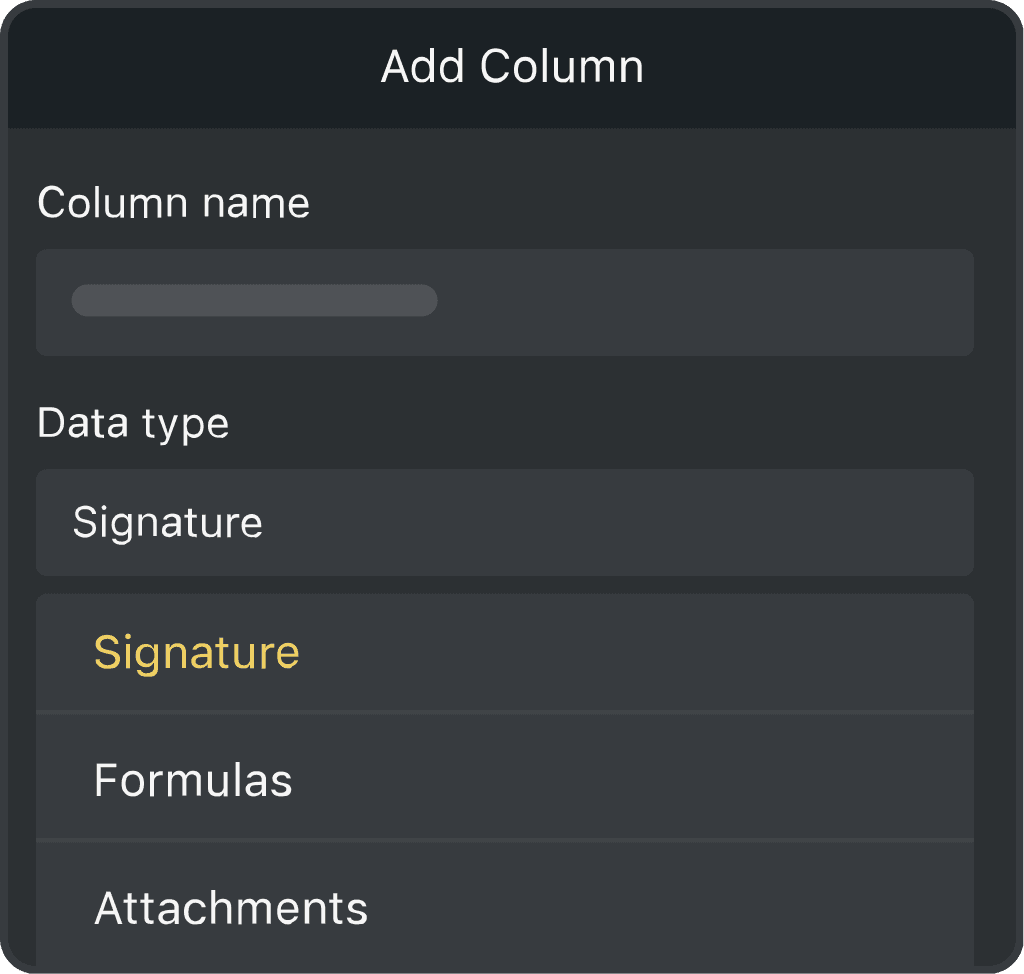
Fully Customisable
Add custom fields for details such as status, location, assigned user, condition and return date
Powerful features to improve your workflow
-

Add Users
Let your whole team check equipment in and out from the same shared sheet
-

Connect to Excel
Send your equipment records to Excel for reporting, analysis or sharing with your team
-

Connect to Google Sheets
Keep your equipment records synced with Google Sheets, so your team always has the latest data
-

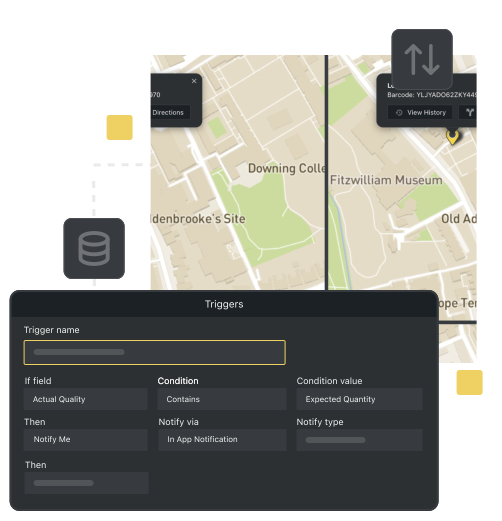
Alerts & Notifications
Get automatic alerts when equipment is overdue or hasn’t been returned
-

Real Time Tracking
See what’s available, what’s checked out and what’s been returned in real time
-

Work Offline
Check equipment in and out without an internet connection, then sync your records when you are back online
Equipment Checkout Software FAQs
What is equipment check-in/check-out software?
Equipment check-in/check-out software helps teams track who has each tool or piece of equipment, where it is, and whether it has been returned. With Orca Scan, teams scan a barcode when equipment is issued or returned, creating a digital record of each movement.
How does Orca Scan track equipment check-in and check-out?
Each scan records when equipment is issued, who it is issued to, and when it is returned. Teams can see which equipment is available, what is still checked out and who last had each item, all from one shared sheet.
Can I use barcodes already on the tools?
Yes. Scan existing equipment barcodes or create and print new barcode labels in Orca Scan.
What information should I record for each tool?
You can record details such as the equipment name, barcode, status, current holder, location, issue date, return date and condition. You can also add custom fields for anything else you need to capture.
Can I filter equipment by site, holder or status?
Yes. Filter equipment by site, current holder or status to quickly see what is checked out, returned or needs attention.
How to get started with this solution
Orca Scan works on smartphones, tablets, desktops, and enterprise barcode scanners, so you can start with the hardware your team already uses. If you need dedicated hardware, see the scanner guides.
To get started:
- Download the Orca Scan barcode app
- Create a new sheet using the Equipment Check Out template
- Add any custom fields for additional details you want to capture
- Scan existing equipment barcodes, or generate new barcodes and print labels
- Check equipment out by scanning it and recording who has it
- Scan it again when it is returned to keep its status and history up to date
Here's why thousands of teams count on Orca Scan
Trusted by businesses worldwide
-


Perfect for us
Very simple to implement and is highly configurable. After playing with the app for a couple of hours, I implemented it across our factory of 30+ workers, and everyone finds it easy to use.
-

Excellent app and makes my life easier for work. I work for a shipping company and have to often email tracking numbers to management. This app saves me so much time writing everything down, and it’s super helpful. You can send it as a Microsoft Excel document
- Principal Account Manager & Technical Expert at Transit inc

It’s not very often we come across a system that we use daily in multiple warehouses, and it’s totally reliable
Explore related solutions


Certified and Trusted: Quality You Can Rely On
Backed by Industry-Leading Certifications

Equipment Checkout Software related questions?
If you need help brainstorming how best to track your inventory, get in touch; we’d be happy to help.