QR Code Fault Reporting Software
QR code fault reporting lets visitors and staff report problems by scanning a QR code. Place an Item Link QR code on an item or in a shared space, and anyone can scan it to report a fault, add details and upload photos without an app or account. Replace paper forms, phone calls and emails with a QR code at the point of the problem. Each fault report is added to your Orca Scan sheet and linked to the item or location, so your team knows what needs attention and can track what has been done.
 Use in mobile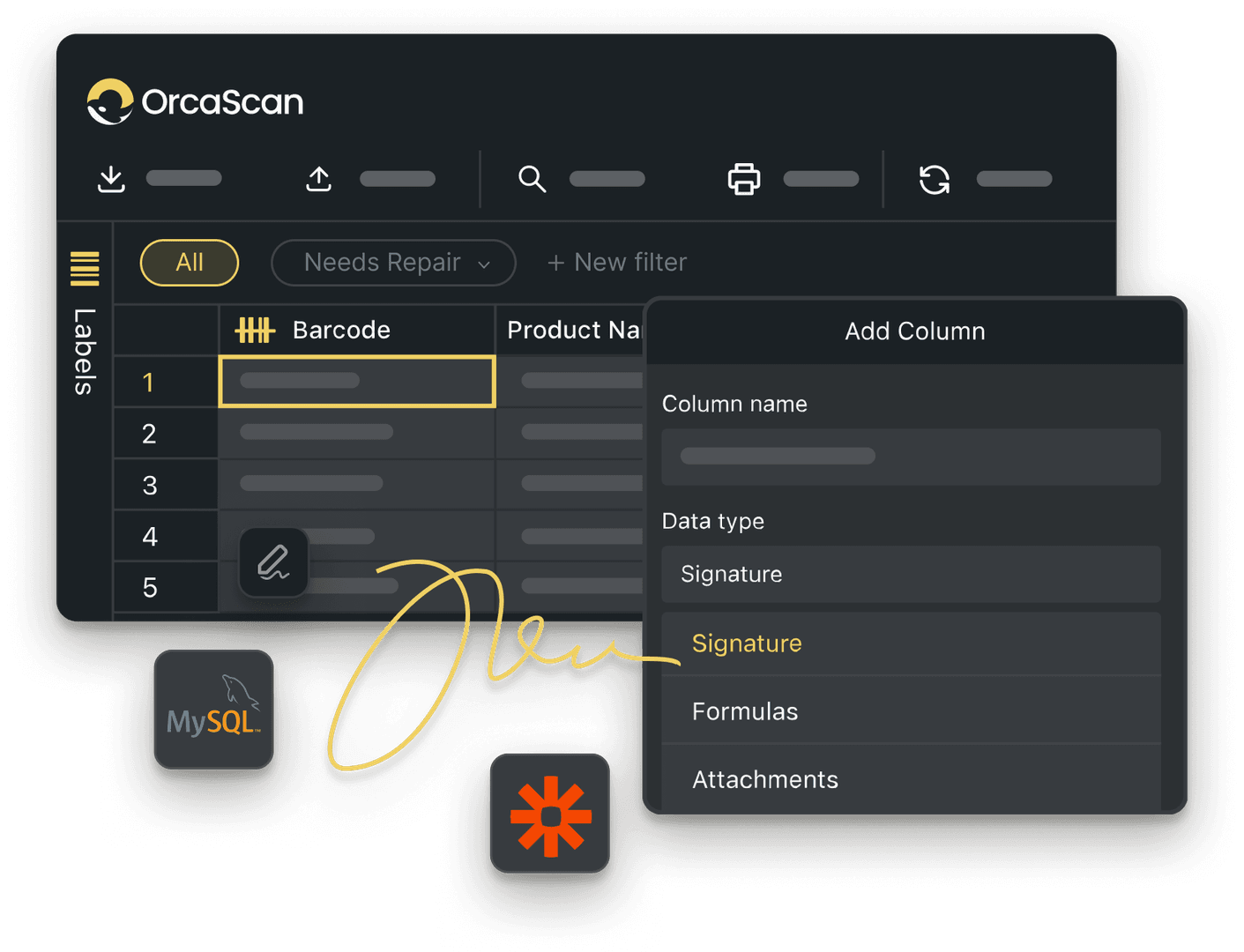
Trusted by over 50,000 organisations in over 165 countries



Report faults with a simple QR code scan
Let visitors report faults from the place they find them, so you know what the problem is and where to find it.
Make it easier to report faults and faster to act on them
-

Choose what people report
Choose what information people need to submit when reporting a fault, such as the type of issue, description, priority or any other details your team needs
-

Create and Print Labels
Create and print Item Link QR code labels for bathrooms, lobbies, entrances and other shared spaces
-

See faults across multiple sites
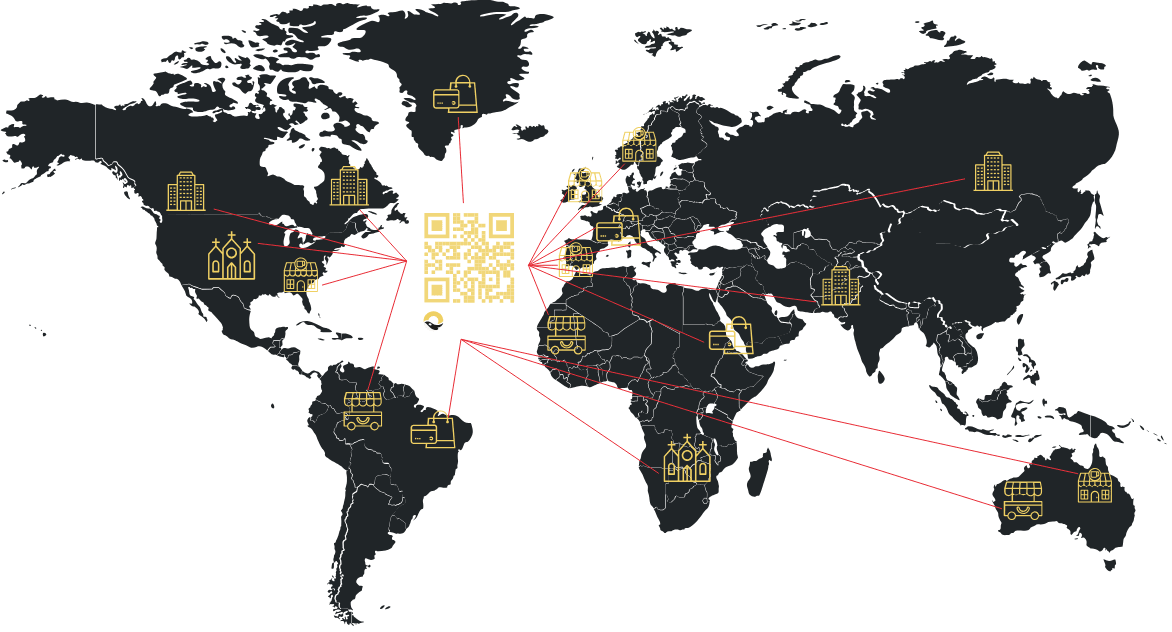
Keep fault reports from different buildings and sites in one place. Each Item Link QR code identifies exactly where the problem was reported
Powerful features to improve your workflow
-

Notify the right people
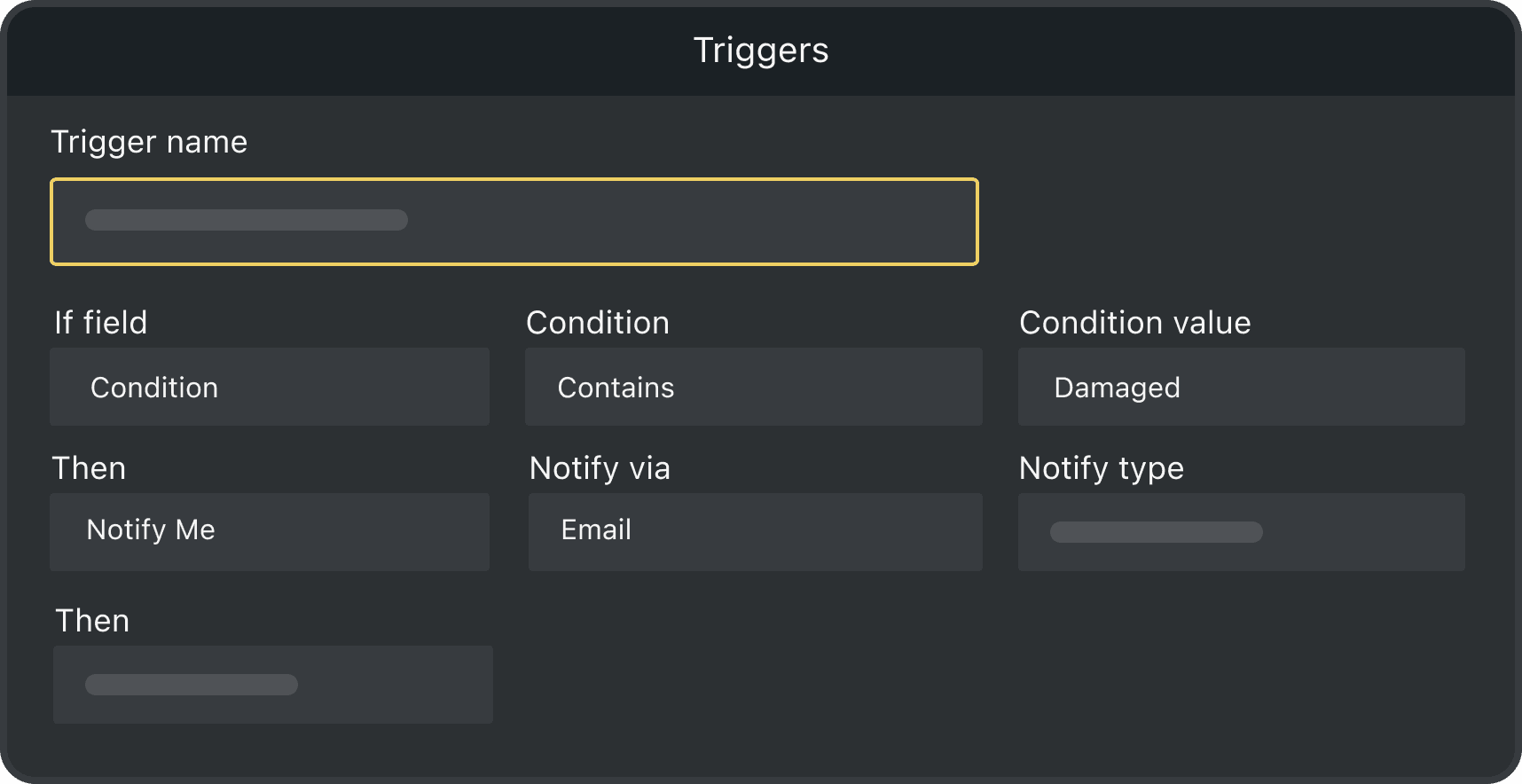
Use automatic Triggers to let the right people know when a new fault is reported
-

Quick and Easy Setup
Add your locations, enable Item Link and choose what happens when someone scans each QR code
-

Capture Photos
Let people add photos to their fault report, so your team can see what needs attention before they get there
QR Code Fault Reporting FAQs
What is QR code fault reporting?
QR code fault reporting lets visitors and staff scan an Item Link QR code where they find a problem and send the details directly to the team responsible for fixing it.
How can people report a problem by scanning a QR code?
Place an Item Link QR code where people may need to report a problem. They can scan it with their phone, enter the fault details, add a photo if needed, and tap submit. Reports are anonymous by default, so people do not need to create an account or share their details, and your team can see exactly what happened and where.
What types of faults can people report?
You choose what people can report and what information you want to collect. This could include broken fixtures, cleaning issues, damaged doors, faulty lighting, spills or other problems in bathrooms, lobbies, entrances and shared spaces.
Can each QR code identify where the fault was reported?
Yes. Each Item Link QR code can be linked to a specific location or item, such as a bathroom, lobby, entrance, office or shared space. The GPS location of an entry is captured on scan so when someone submits a fault report, your team can see exactly where the problem was found.
What happens after someone reports a fault?
The report is added to your Orca Scan sheet, along with the details and any submitted photos. You’ll also receive an email alerting you to a new fault.
Can I password-protect the form?
Yes. If you’d like only authorised people to register products or file claims, you can protect the form with a 4-digit PIN.
- Click Settings in the web app
- Select Item Link from the menu
- Enable PIN protection
- Enter the 4-digit PIN you’d like to use
- Click Save
People will then need to enter the PIN before they can access the form.
How do I set up Item Link QR Codes for fault reporting with Orca Scan?
Each location or item can have its own Item Link QR code. When someone scans it, Orca Scan knows exactly what or where they are reporting. To get started:
- Download the Orca Scan barcode app
- Create a new sheet using the Fault Reporting Template
- Add or import your assets
- Click Settings on the toolbar
- Select Item Link in the menu
- Choose what happens when an Item Link QR code is scanned and save
- Print your Item Link QR codes and place them where people may need to report a fault. You can use the Barcode Label Designer to create and print your labels.
- Scan a QR code yourself to test the workflow
Here's why thousands of teams count on Orca Scan
Trusted by businesses worldwide
- Associate Manager of Non Production Spend at Enfamil


I chose Orca Scan because of its ease of use and instant implementation
-

Very helpful at work. Helps me log all the needed info.
-

Sometimes you think “I wish there was an app that could………” and I found it. This is perfect and the scans are quick and accurate.
Explore related solutions


Certified and Trusted: Quality You Can Rely On
Backed by Industry-Leading Certifications

QR Code Fault Reporting related questions?
If you need help brainstorming how best to track your inventory, get in touch; we’d be happy to help.