Warranty Registration Software
Warranty registration software lets customers register products by scanning a QR code. Each product gets a unique QR code that opens a pre-filled warranty registration form, with no app or account required. Replace warranty cards, email support and website forms with a QR code attached to the product. Customers scan it to register their warranty in seconds. Each registration is added to your Orca Scan sheet and can trigger an email notification, ready for your team to manage.
 Use in mobile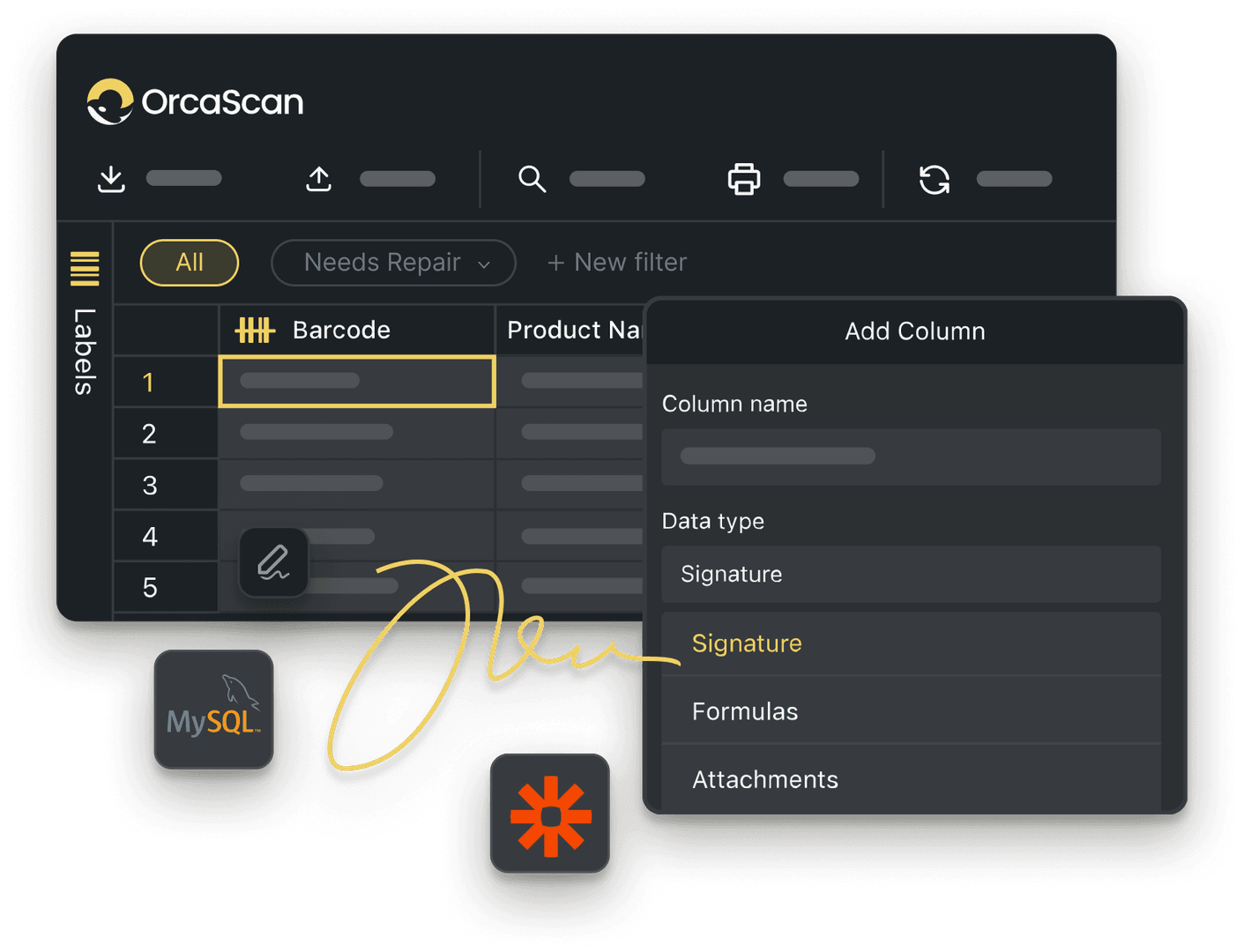
Trusted by over 50,000 organisations in over 165 countries



Register warranties without the paperwork
Give every product an Item Link QR code and collect registration details from the scan
Smarter Tools for Warranty Registration
-

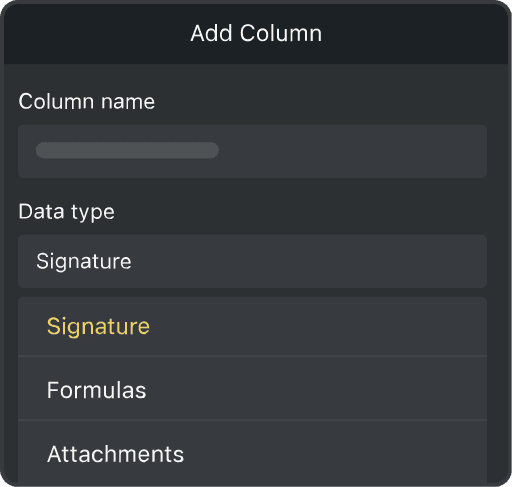
Custom Fields
Capture the product name, serial number, purchase date, customer details and warranty status for every registration
-

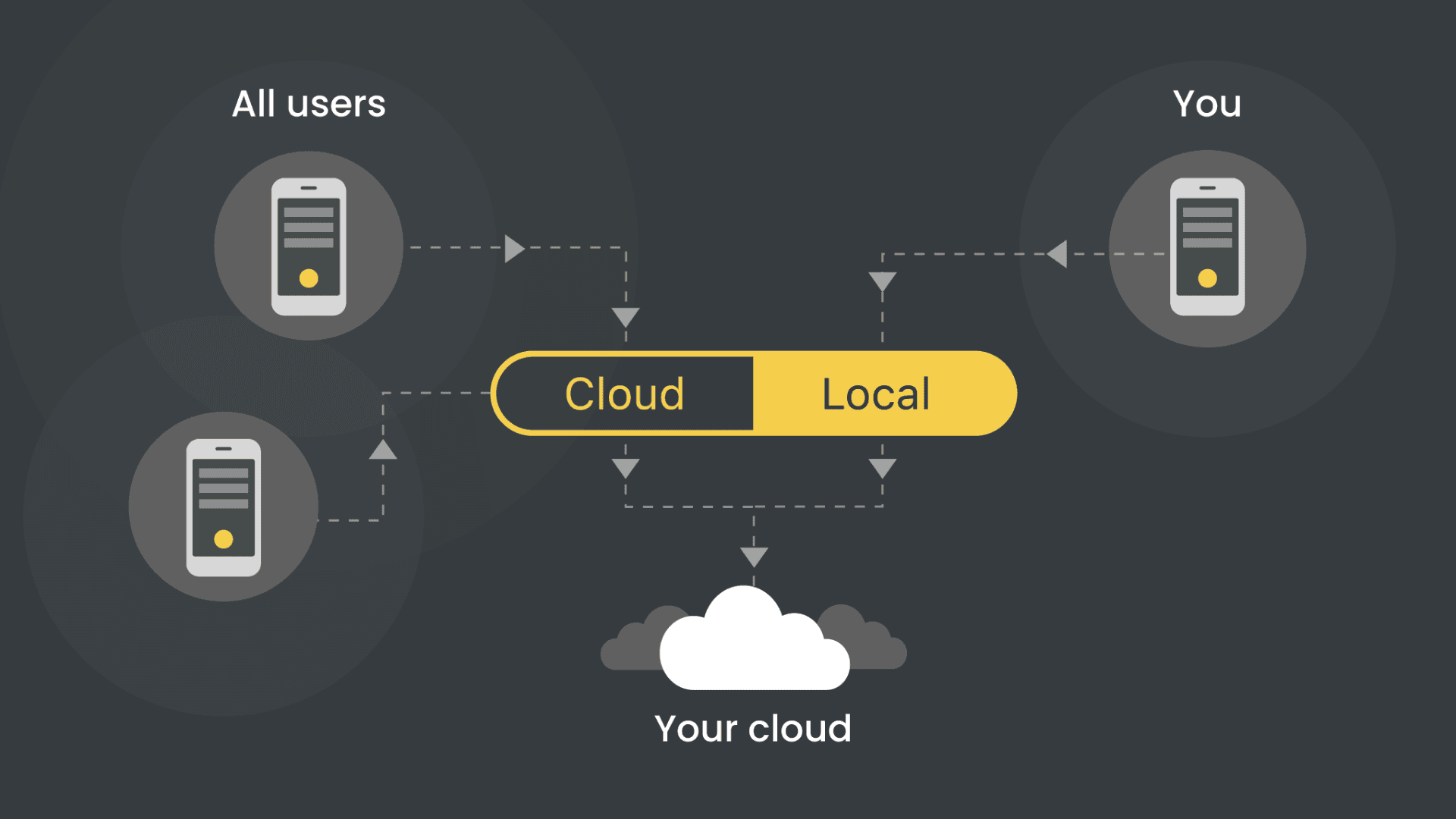
Real-Time Tracking
See every warranty registration as it happens, so your team always knows which products are covered
-

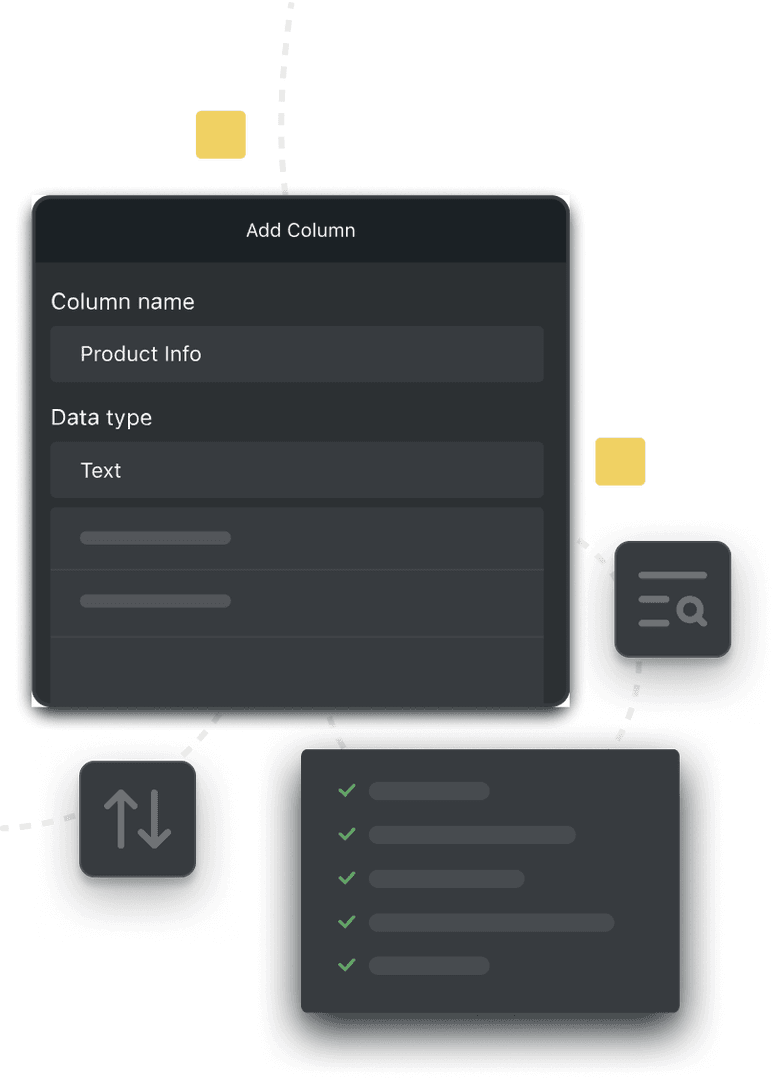
Filters
Separate registered, pending and expired warranties in one live sheet
Powerful features to improve your workflow
-

Quick and Easy Setup
Give every product its own Item Link QR code, set to open a warranty registration form when scanned
-

Print Unique QR Codes
Add an Item Link QR code to each product, so every individual item has its own warranty record
-

Scan with Mobile
Customers scan the Item Link QR code with their phone camera, no app needed
-

Alerts & Notifications
Set up automatic notifications to email the team when a warranty is registered or someone makes a claim
-

Capture Proof of Purchase
Capture a photo of the receipt or proof of purchase as part of the registration
-

Redirect to Your Website
Send customers to your own warranty or support page as soon as they scan the code
Warranty Registration Software FAQs
What is warranty registration software?
Warranty registration software lets customers register products while helping you build a direct relationship with them even when they buy through a distributor. With Orca Scan’s Item Link, warranty registration takes just one QR code scan.
How does warranty registration work with Orca Scan?
When a customer scans an Item Link QR Code, they’re taken straight to a registration form. Each Item Link gives a product a unique QR code and web address, reducing friction and connecting you directly with your customer in a single scan. Here’s how it works:
- A customer scans the code on the product or its packaging
- A pre-filled registration form opens for that exact product
- They submit their details
- You receive an email and the record lands in your sheet straight away
- Every submission is logged in the history log for later review
Can I use it across multiple products or locations?
Each product gets its own Item Link QR code, so you can run warranty registration across as many products or ranges as you need. Scanning works from any phone, so your team can register warranties from multiple locations too. Every submission lands in the same live sheet.
What data does the warranty registration form capture?
Most teams capture:
- Product name
- Serial number
- Purchase date
- Sales Receipt
- Customer name and email
You can add or remove fields to match what your warranty terms require.
Can customers file a claim?
Yes. To add warranty claims to your registration form:
- Add an Action dropdown with a File a claim option.
- Add a Claim Description text field.
- Add a Claim Evidence photo field.
- Set both claim fields to hidden on mobile by default.
- Create a trigger to show these fields when File a claim is selected.
Customers can then register a product or file a claim from the same form.
Do customers need to download an app to register a warranty?
Customers scan the Item Link QR code on the product or its packaging, using their phone camera. The registration form opens straight in their browser. No app or account is needed.
Can I use this alongside my existing barcodes or serial numbers?
Item Link QR codes do not replace your existing product barcodes. UPC, EAN and other barcodes identify a type of product, while Item Link identifies one individual item. You can keep using your existing barcodes and add warranty registration on top.
Can I password protect the form?
Yes. If you’d like only authorised people to register products or file claims, you can protect the form with a 4-digit PIN.
- Click Settings in the web app
- Select Item Link from the menu
- Enable PIN protection
- Enter the 4-digit PIN you’d like to use
- Click Save
People will then need to enter the PIN before they can access the form.
Can I customise the registration form for different products or ranges?
Yes, Orca Scan is completely customisable. Fields can be added, removed or renamed with no code needed. Set up one simple workflow for a single product, or adapt it across several ranges or brands.
How do I set up warranty registration QR codes with Orca Scan?
To get started:
- Download the Orca Scan mobile app
- Create a new sheet using the Warranty Register template
- Add or Import your product list. Top tip: If you have several of the same product, you can bulk update.
- Click Settings on the toolbar
- Select Item Link in the menu
- Choose what happens when an Item Link QR code is scanned and save
- Print an Item Link label for each row, then attach it to the product or its packaging
- Scan a label to test your registration form
Here's why thousands of teams count on Orca Scan
Trusted by businesses worldwide
- Group IT and Digital Transformation Director at Lawrence David Ltd

One of the reasons I got my promotion was the digitalisation that comes with Orca Scan
-
 Senior Operations Analyst at Randa apparels
We were searching for something that would automate the process as much as possible. It’s so universally friendly for all devices.
- General Manager at iVascular

I have already recommended Orca Scan to my colleagues in other European countries
Explore related solutions


Certified and Trusted: Quality You Can Rely On
Backed by Industry-Leading Certifications

Warranty Registration Software related questions?
If you need help brainstorming how best to track your inventory, get in touch; we’d be happy to help.