Charity Collection Box Tracking
Charity collection box tracking software lets you track collection boxes using QR codes. Each box gets a unique QR code that identifies it, so you can see where it is, when it was last collected and how much it has raised. Replace spreadsheets, paper records and manual tracking with a QR code attached to each collection box. Scan it when money is collected to record the amount, date, location and collector. Each collection is added to the box’s history in your Orca Scan sheet, giving your team a clear record of every box.
 Use in mobile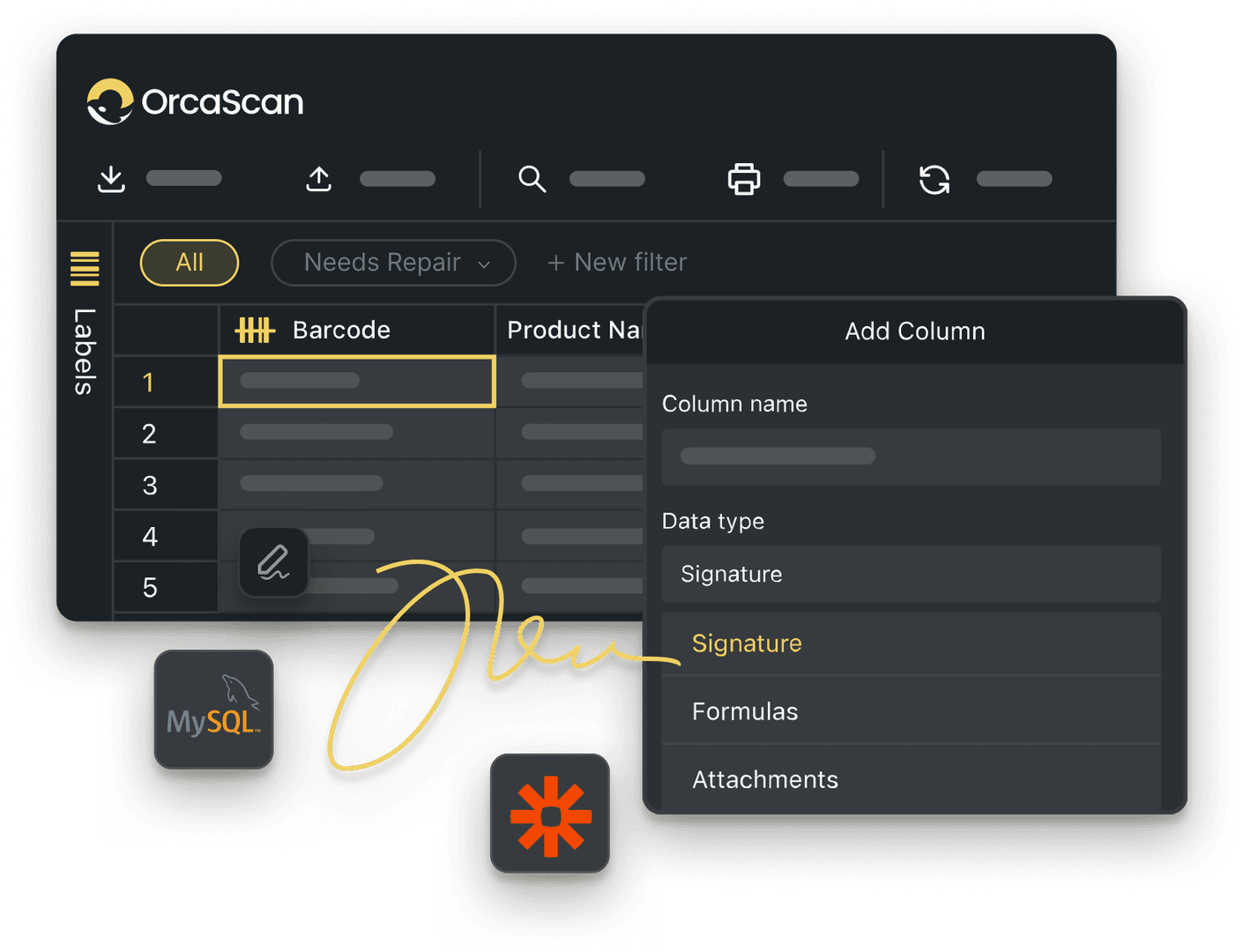
Trusted by over 50,000 organisations in over 165 countries



QR tracking for charity collection boxes
Record amounts, locations and collectors in one live box record.
Every Collection Box, One Clear Record
-

No app needed
Scan the Item Link QR code with your smartphone camera
-

Detailed History Log
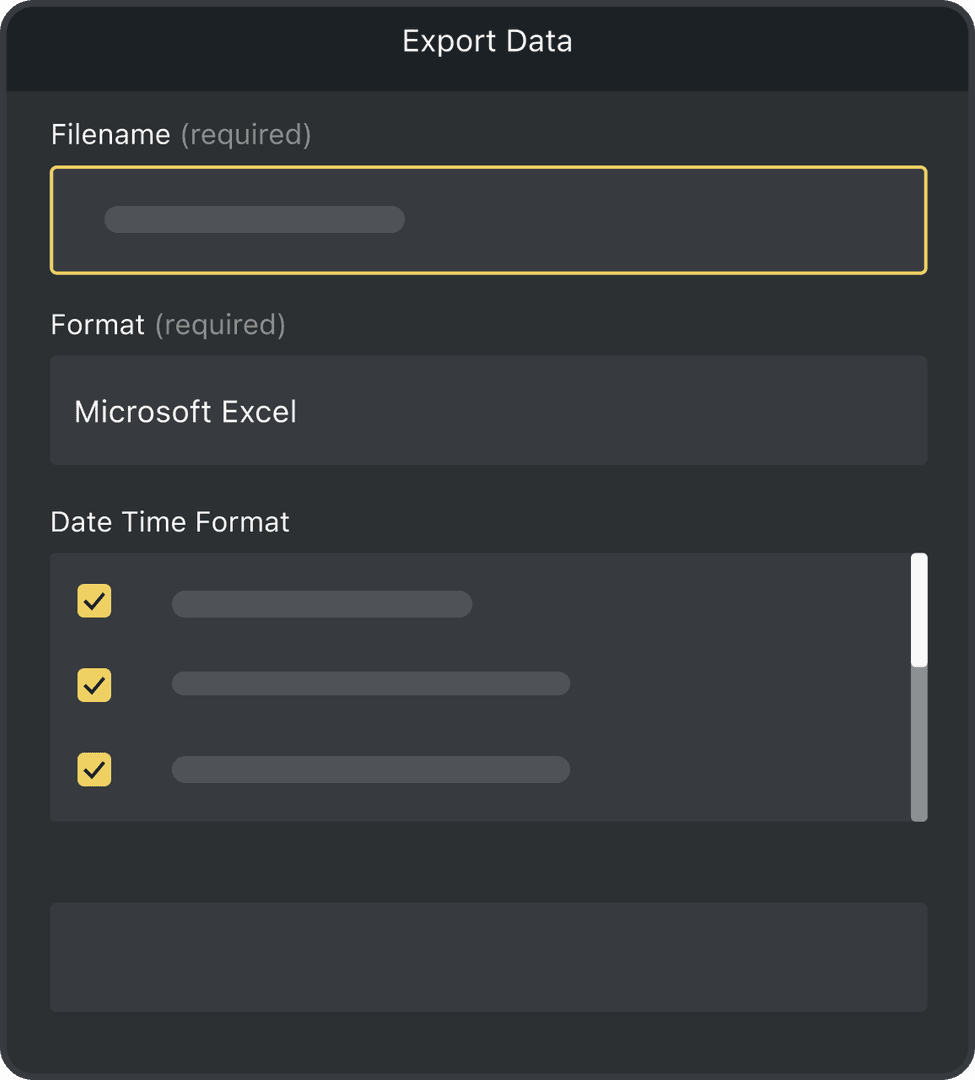
Keep a complete history of every collection box update, including who made the change, when it happened and where it was made
-

Fully Customisable
Add custom fields for details such as status, deposit location, condition and expected collection date
Powerful features to improve your workflow
-

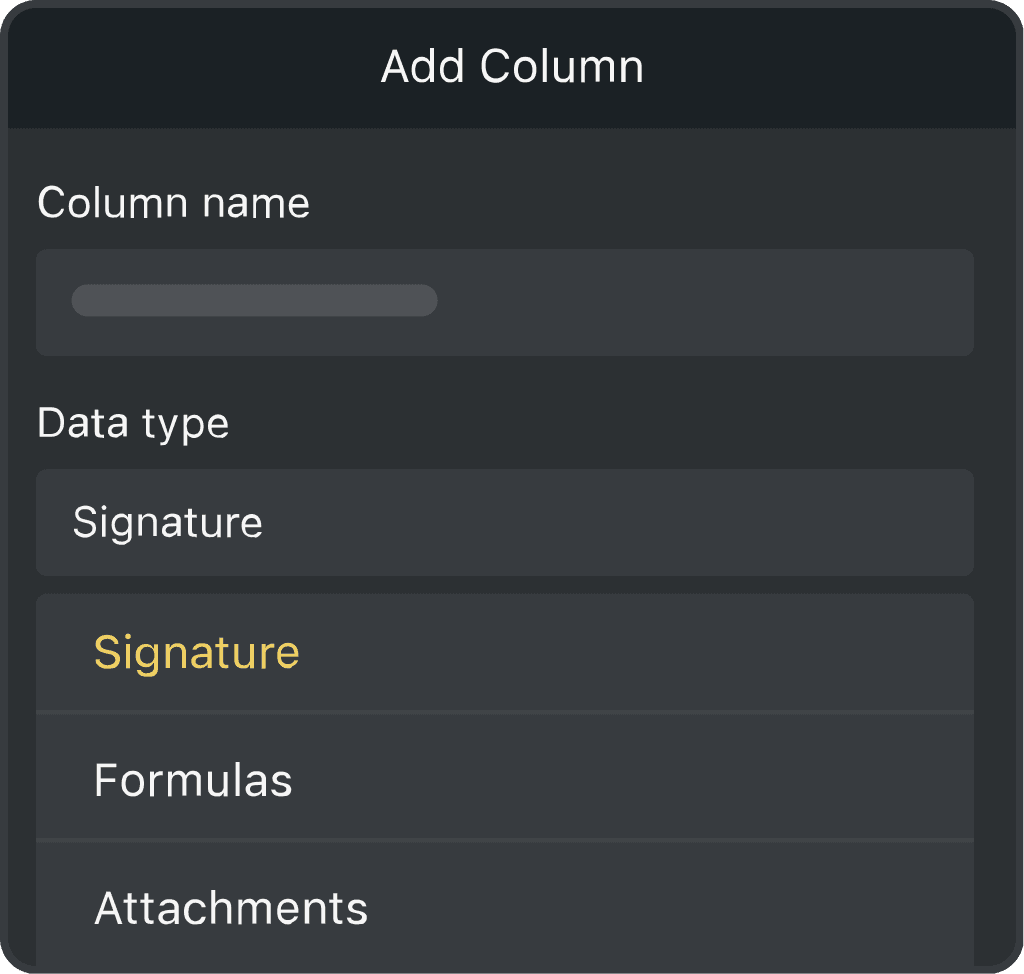
Capture signatures
Capture signatures when collection boxes change hands to keep a clear record of who has what
-

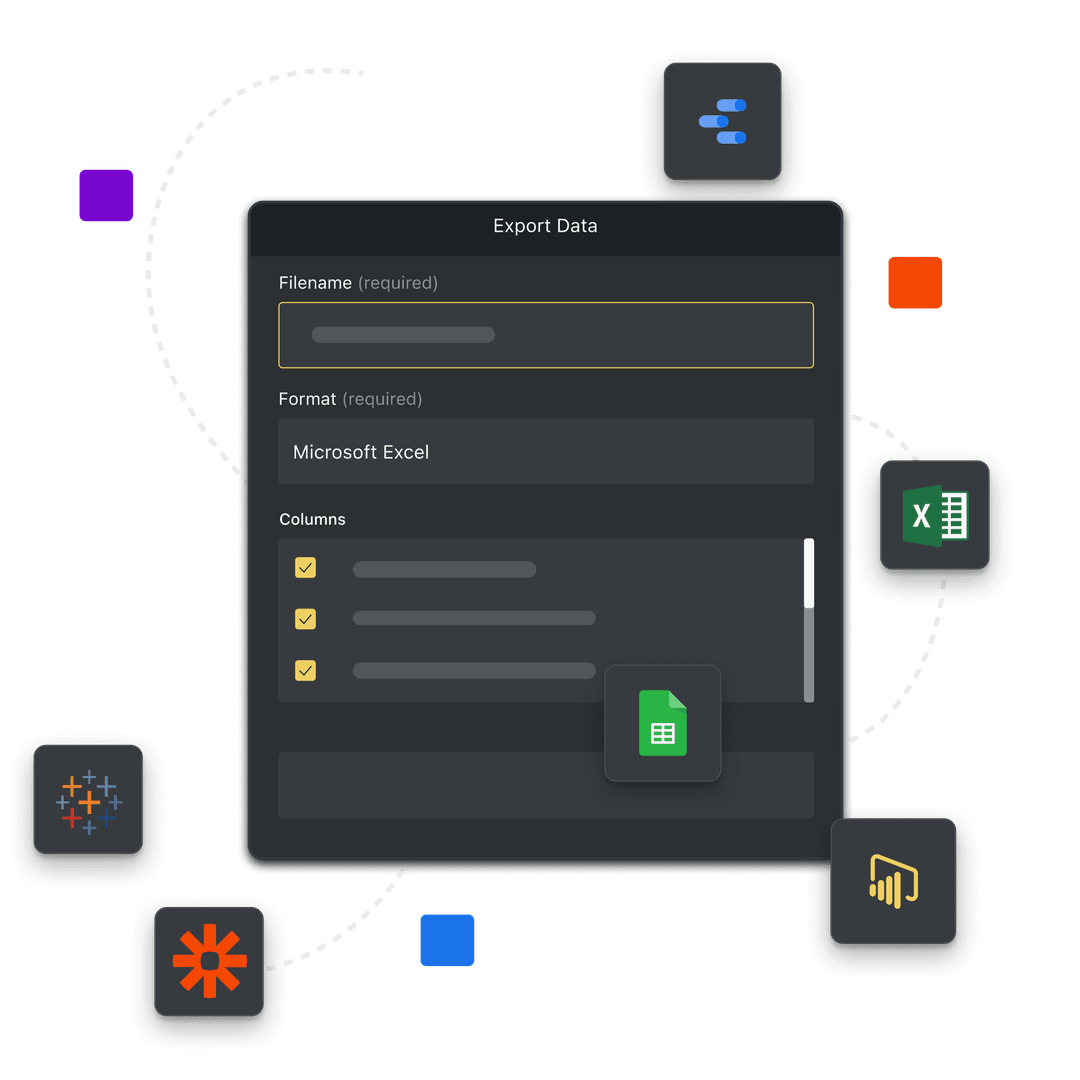
Real-time Integrations
Sync your charity collection box data with your existing systems in real time with our integrations
-

Automations
Use Triggers for if-this-then-that to get notified when collection boxes are collected
Charity Collection Box Tracking FAQs
What is charity collection box tracking?
Charity collection box tracking helps you see where your boxes are, when they were emptied and how much each one has raised. Orca Scan gives every box its own Item Link QR code and live record, so your team can keep all this information in one place.
How does Item Link work for collection boxes?
Place a unique Item Link QR code on each box. When someone empties the box, they scan the code and complete a short form. The amount collected, date, location and other details are then added to that box’s live record.
What data should I record?
You can record the box ID, amount collected, collection date, location and collector’s name. You can also add notes, photos or other information your charity needs. Choose which fields appear on the form and make important fields required.
Can I use a QR code to record each collection?
Yes. Scan the Item Link QR code on the box to open its collection form. Enter the amount collected and any other details, then submit the form. Collectors do not need to download an app or sign in to an Orca Scan account.
Can I see how much each box raises over time?
Yes. Each amount entered by a collector is saved to the box’s record. This gives your team a clear history of its collections and how much it has raised over time. Orca Scan does not count the money automatically, so the amount must be entered when the box is emptied.
Can I see who updated a box record?
Yes. Add a collector field to the form so the person emptying the box can enter their name. You can make this field required if you need a name for every collection. Collectors using the form without an Orca Scan account will not be identified automatically.
Can I password-protect the form?
Yes. If you’d like only authorised people to update the collection form, you can protect the form with a 4-digit PIN.
- Click Settings in the web app
- Select Item Link from the menu
- Enable PIN protection
- Enter the 4-digit PIN you’d like to use
- Click Save
People will then need to enter the PIN before they can access the form.
How do I set up Charity Box collection with Orca Scan?
Each box can have its own Item Link QR code. To get started:
- Download the Orca Scan barcode app
- Create a new sheet using the Charity Box Collection Template
- Add or import your assets
- Click Settings on the toolbar
- Select Item Link in the menu
- Choose what happens when an Item Link QR code is scanned and save
- Print your Item Link QR codes and place them on the charity boxes. You can use the Barcode Label Designer to create and print your labels if needed.
- Scan a QR code yourself to test the workflow
Here's why thousands of teams count on Orca Scan
Trusted by businesses worldwide
-


Super practical
Easy to use, super fast and saves up a lot of time
-

Love this product. Support awesome.
- GSE MGR at Signature Aviation

What a phenomenal find Orca Scan was
Explore related solutions


Certified and Trusted: Quality You Can Rely On
Backed by Industry-Leading Certifications

Charity Collection Box Tracking related questions?
If you need help brainstorming how best to track your inventory, get in touch; we’d be happy to help.