PAT Testing Software with Barcode Scanning
PAT testing software helps organisations create and maintain digital Portable Appliance Testing (PAT) records for electrical appliances. With Orca Scan, teams scan a barcode or QR code on each appliance to open its record, enter visual inspection results and electrical test readings, record its pass or fail status, and set the next test date. It replaces paper PAT testing logs and disconnected spreadsheets with one live digital record. Staff can scan an appliance, complete the test, update its status, attach notes or photos, and immediately see its testing history and what needs testing next.
 Use in mobile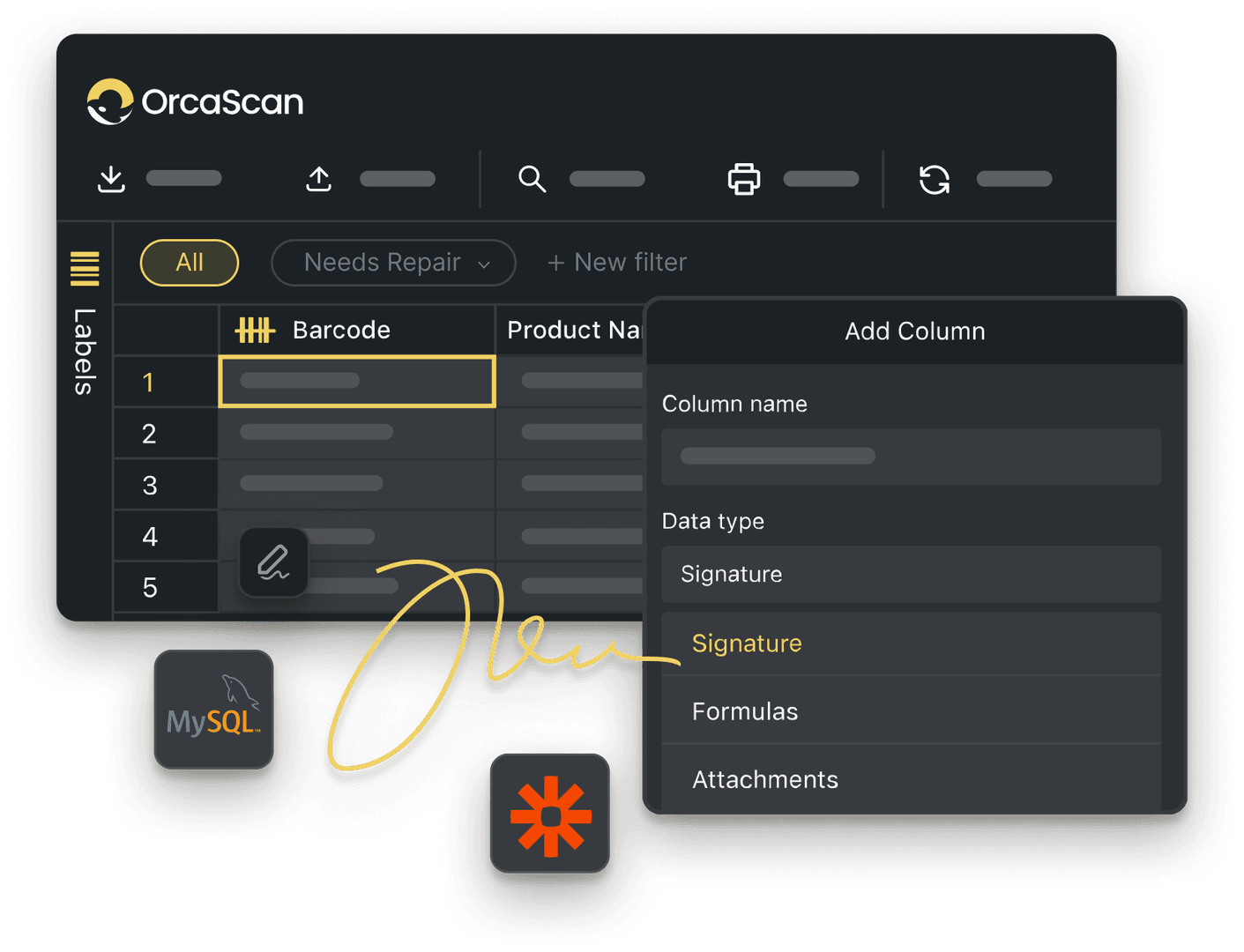
Trusted by over 50,000 organisations in over 165 countries



Scan. Test. Track every appliance.
Record PAT test results with barcode scanning while maintaining a complete testing history
Everything You Need to Manage PAT Testing
-

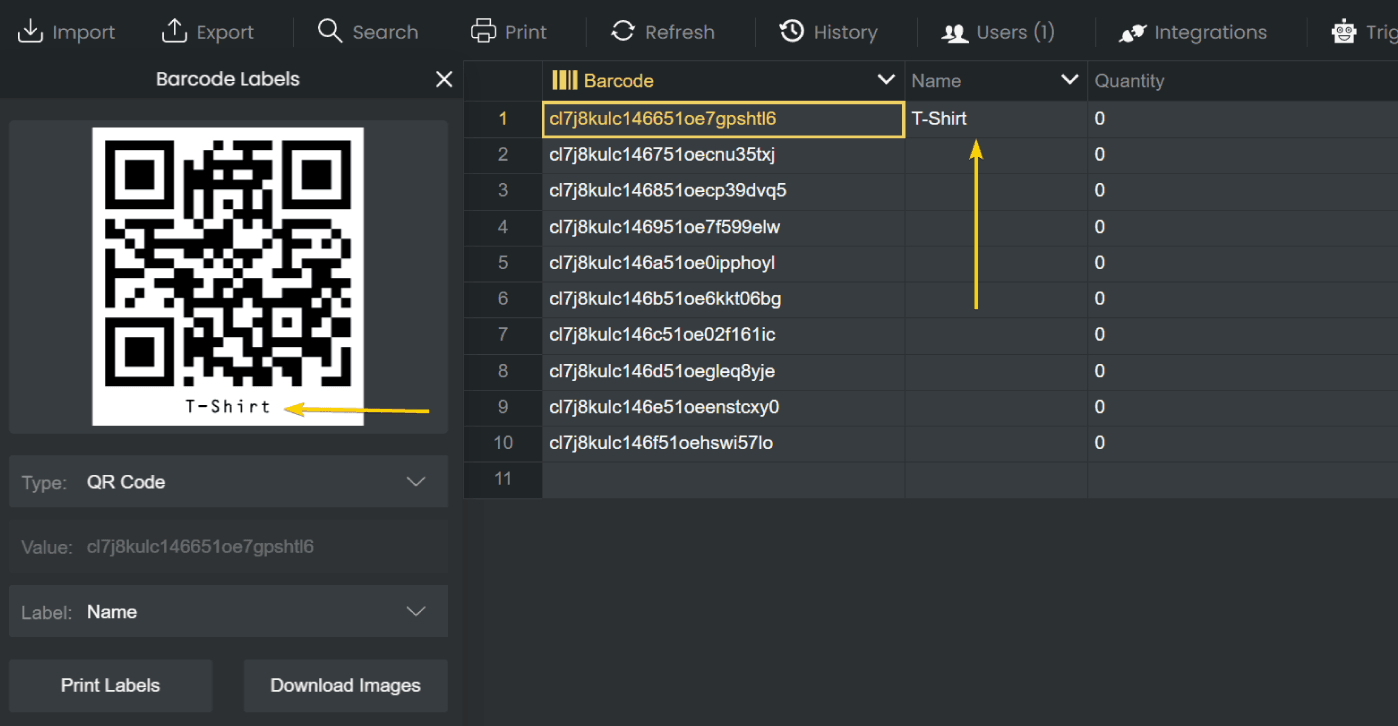
Print Barcode Labels
Design, generate and print pass/fail labels for every asset using Orca Scan
-

Complete Testing History
Maintain a complete history of PAT tests and updates for every appliance in one place, including who made it and when
-

Automated Triggers
Set up automated triggers to notify your team when an appliance is marked as failed or its status changes
Powerful features to improve your workflow
-

Import Existing Data
Import existing appliance records from spreadsheets, so you don’t have to start from scratch
-

Fully Customisable
Orca Scan is fully customisable. You can add fields to capture additional data such as signatures, photos and even GPS locations
-

Scan with Mobile
Scan appliance barcodes and update PAT test records using your phone or tablet
-

Capture Photos
Attach photos to inspection records to document damaged equipment, failed tests or appliance condition
-

Work Offline
Capture data even when offline, syncing automatically to the cloud once reconnected
-

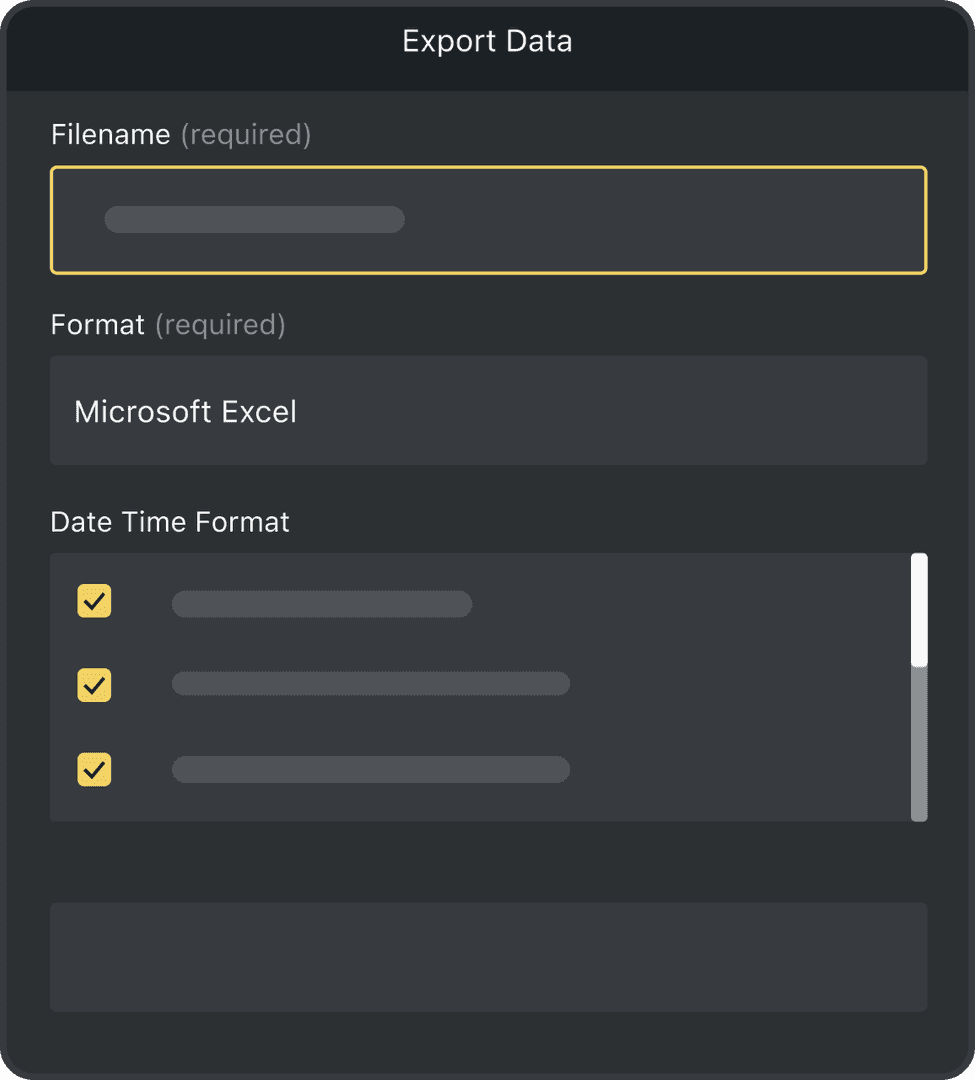
Export Your Data
Sync test data instantly to Excel, Google Sheets, and more for real-time reporting and record-keeping
PAT Testing Software FAQs
What is PAT testing software?
PAT testing software helps organisations digitally manage Portable Appliance Testing (PAT) records. It can be used to track electrical appliances, record visual inspections and test results, manage next test dates and maintain a complete testing history using QR codes or barcodes.
What data should I record during a PAT test?
PAT testing records can include the appliance name, barcode, manufacturer, model, serial number, appliance class, location, visual inspection result, applicable electrical test readings, overall test result, test date and next test due date.
Is PAT testing a legal requirement?
PAT testing requirements vary by country, industry and workplace. Organisations may have responsibilities to keep electrical equipment safe and properly maintained, with inspection and testing used as part of that process. The appropriate approach and testing frequency should be based on risk and any applicable local regulations or safety standards.
How often should electrical appliances be PAT tested?
There is no universal fixed interval for PAT testing. How often equipment should be inspected and tested depends on factors such as the type of appliance, how frequently it is used or moved, the environment it operates in and the results of previous inspections and tests. Organisations should set testing intervals based on risk and any relevant local regulations or industry guidance.
Can I use barcodes or QR codes for PAT testing?
Yes. Print a QR code or barcode label for each appliance, then scan it to instantly access the correct record. Test results, inspection dates, notes and photos can then be recorded against the appliance, helping maintain an accurate testing history.
Can I manage PAT testing across multiple sites?
Yes. Keep PAT testing records from different sites in a single shared sheet using Views, so your team can scan, update, and review appliance records from anywhere.
Can PAT testing software notify my team when an appliance fails?
Yes. Orca Scan triggers can automatically notify your team when an appliance is marked as failed, helping them quickly take action before retesting.
Can I customise the PAT testing template?
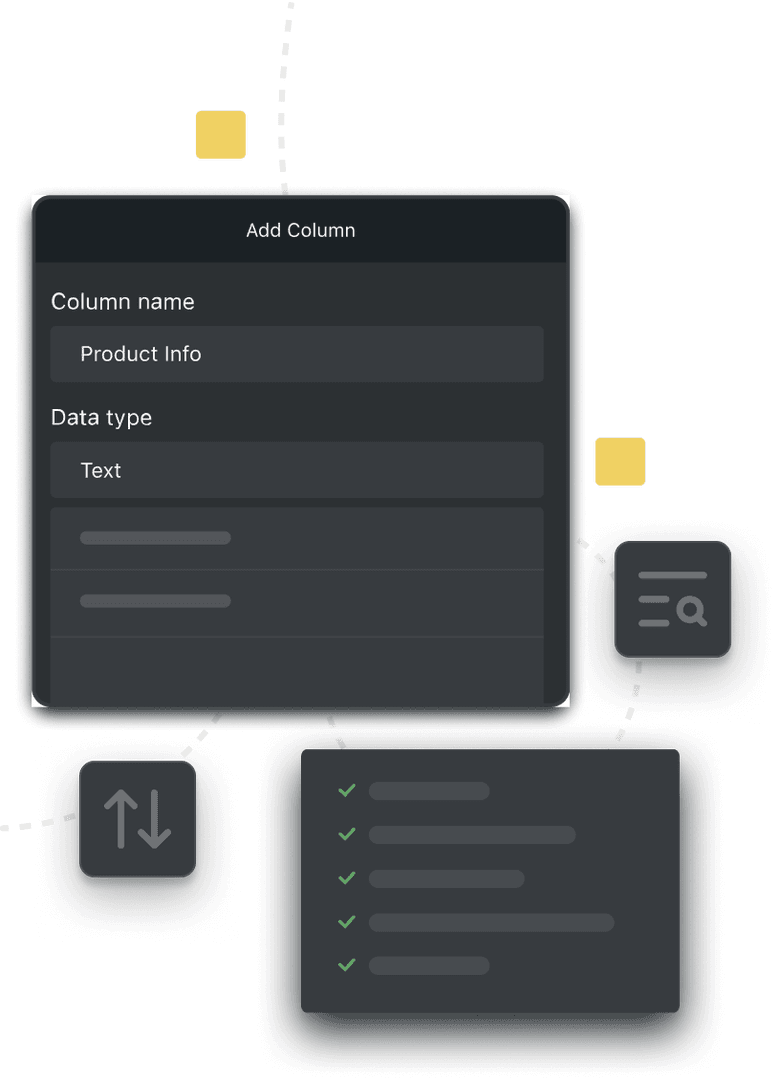
Yes. Orca Scan’s PAT testing template can be customised to match your organisation’s testing requirements. Add, remove or rename fields, configure data types and dropdown options, and capture the inspection details and test readings relevant to your equipment and procedures. You can also customise and print PAT test labels using the Orca Scan label designer.
How do I set up PAT testing with Orca Scan?
Orca Scan works on smartphones and tablets, allowing you to scan QR codes or barcodes attached to electrical appliances and update PAT testing records on-site.
To get started:
- Download the Orca Scan barcode app
- Create a new sheet using the PAT Test template
- Import existing appliance records or add your appliances
- Scan or assign a barcode to each appliance
- Record appliance details, class, applicable test results, and next test due date
- Add signature, notes or photos if needed
- Save your changes and repeat for each appliance
Here's why thousands of teams count on Orca Scan
Trusted by businesses worldwide
-


More than just a scanner
Orca Scan is very simple to use, and the support is very helpful. Been using it for 3 years now. And I am not a tech person.
-

Super practical
Easy to use, super fast and saves up a lot of time
- Group IT and Digital Transformation Director at Lawrence David Ltd
One of the reasons I got my promotion was the digitalisation that comes with Orca Scan
Explore related solutions


Certified and Trusted: Quality You Can Rely On
Backed by Industry-Leading Certifications

PAT Testing Software related questions?
If you need help brainstorming how best to track your inventory, get in touch; we’d be happy to help.